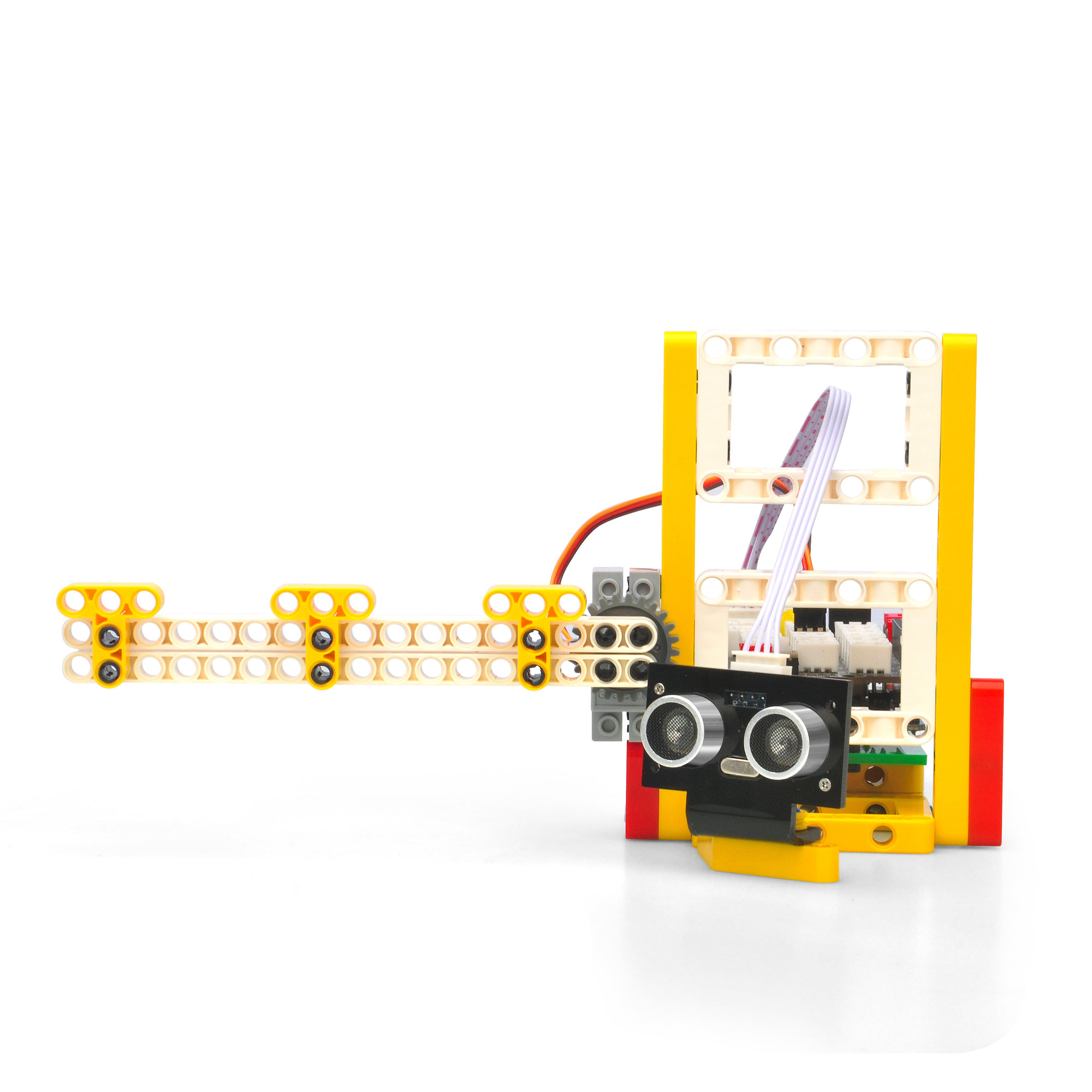
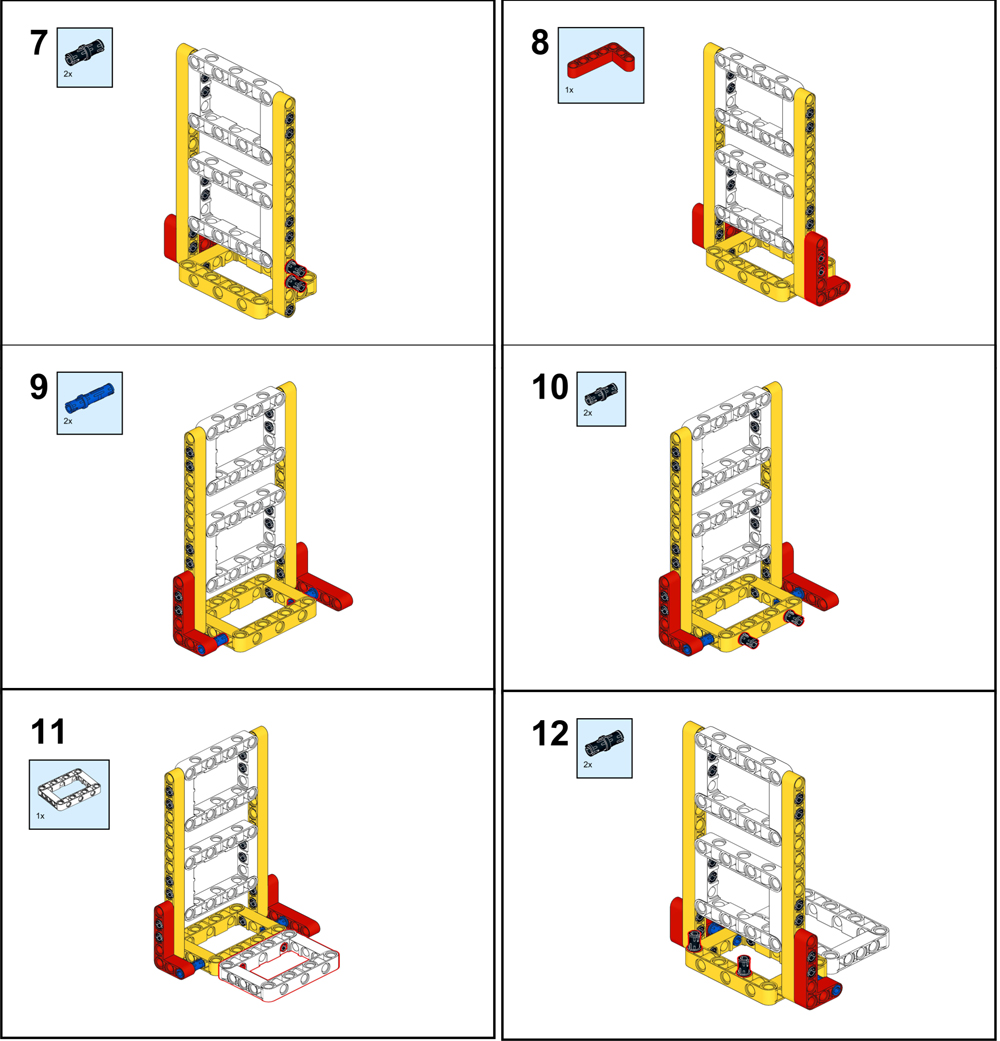
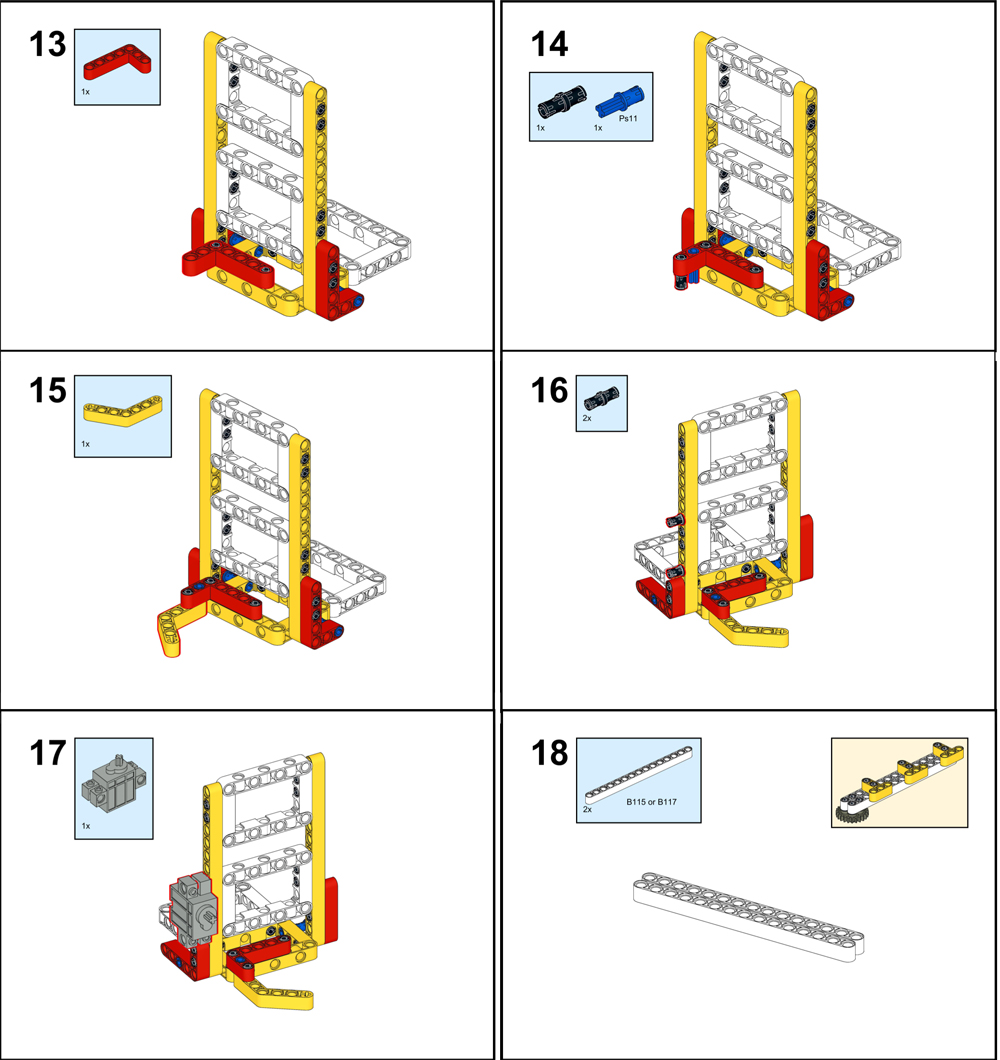
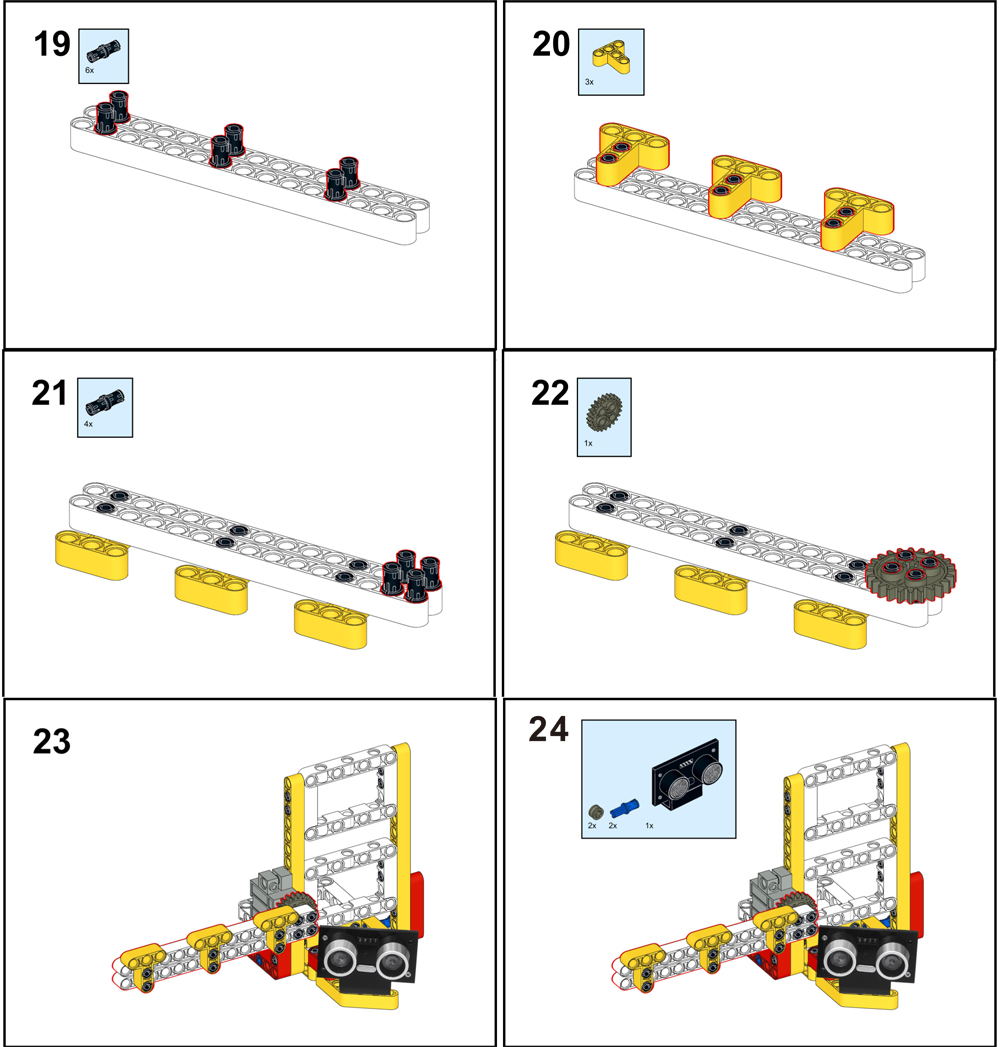
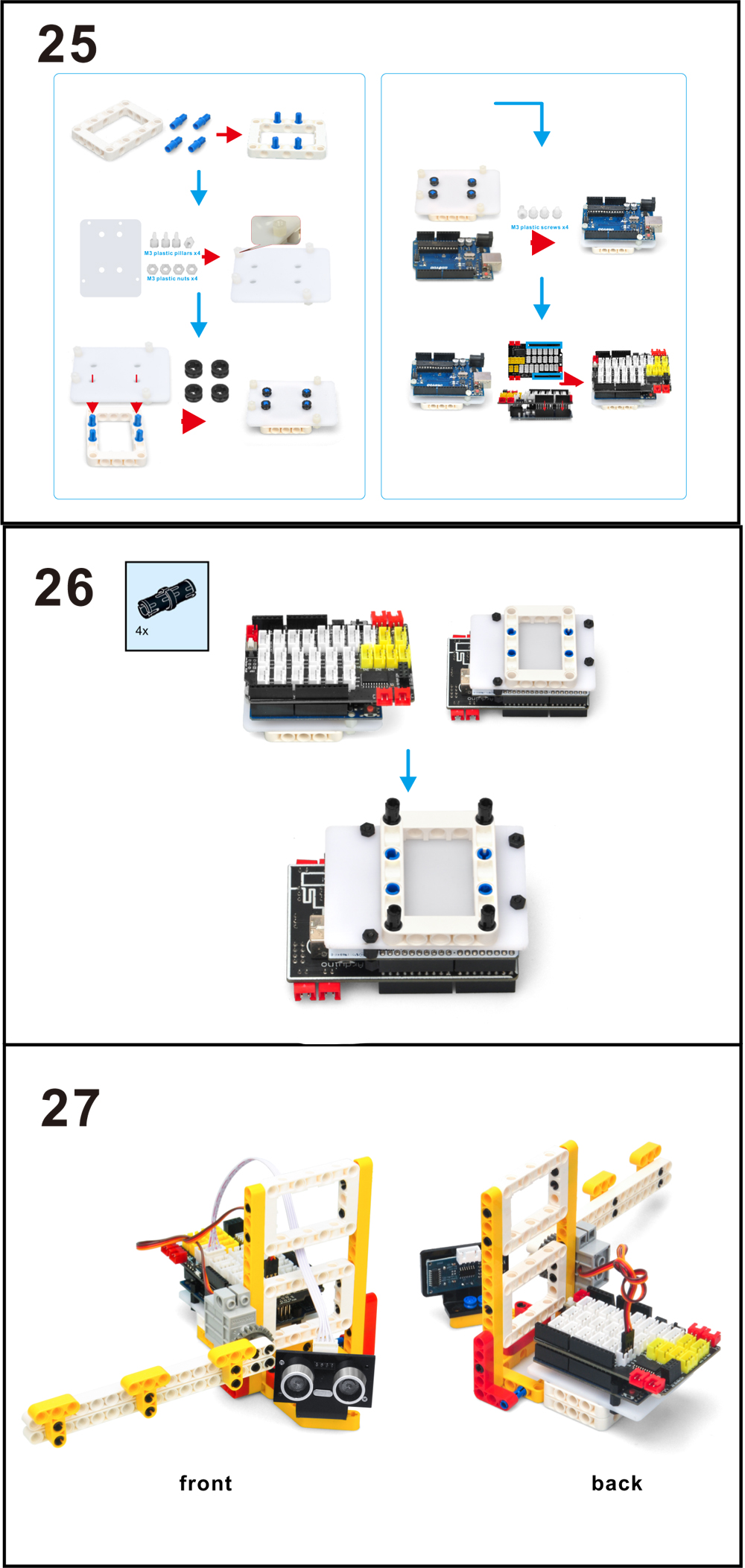
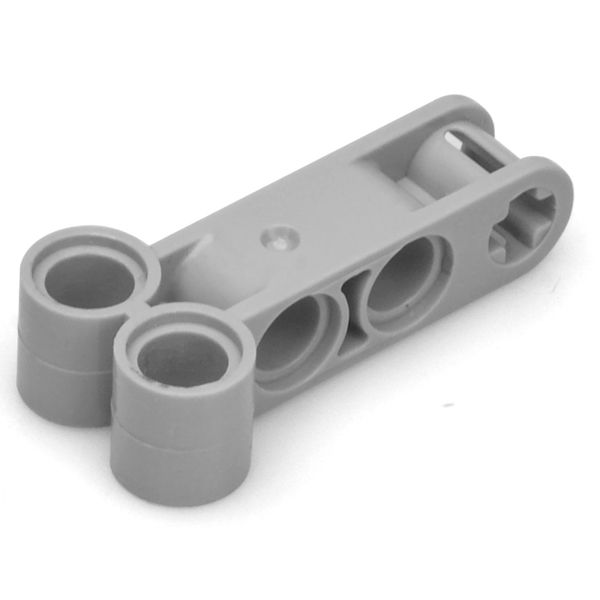
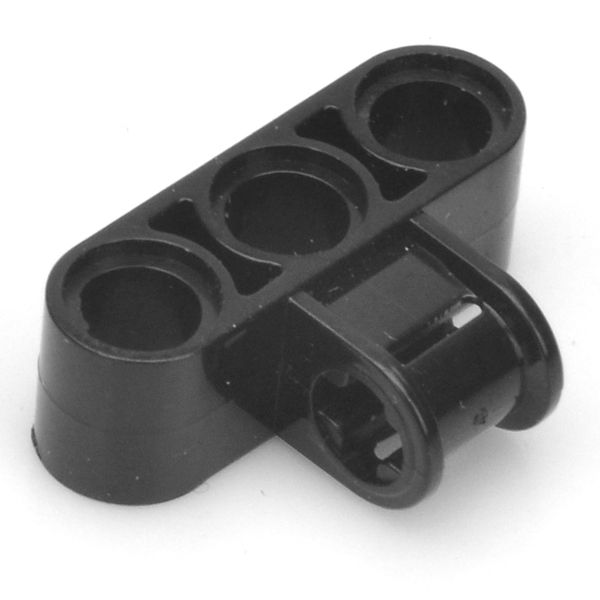
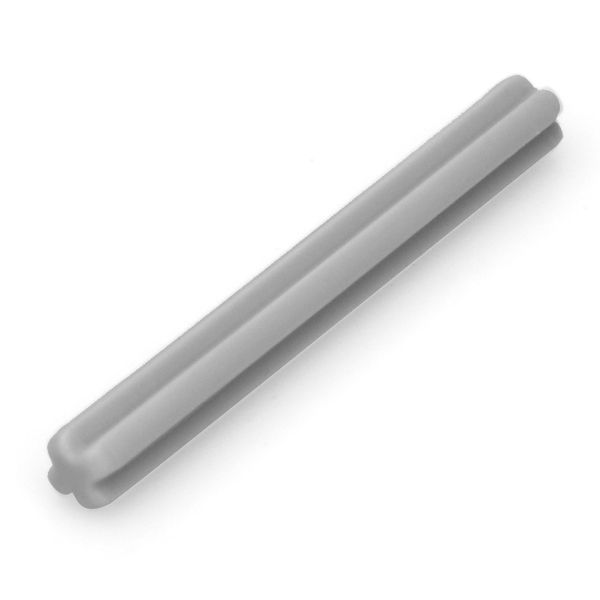
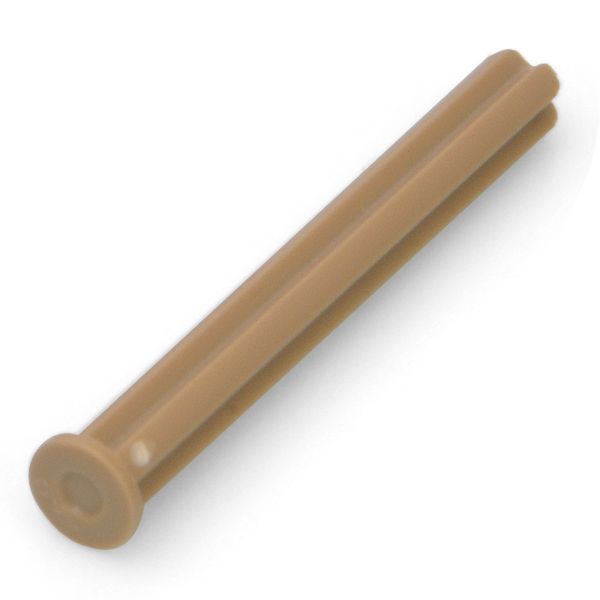
このレッスンでは、Osoyooのミニブロックを使って、スマートなガレージゲートを作ります。超音波で車を検知すると、ゲートは自動的に開きます。


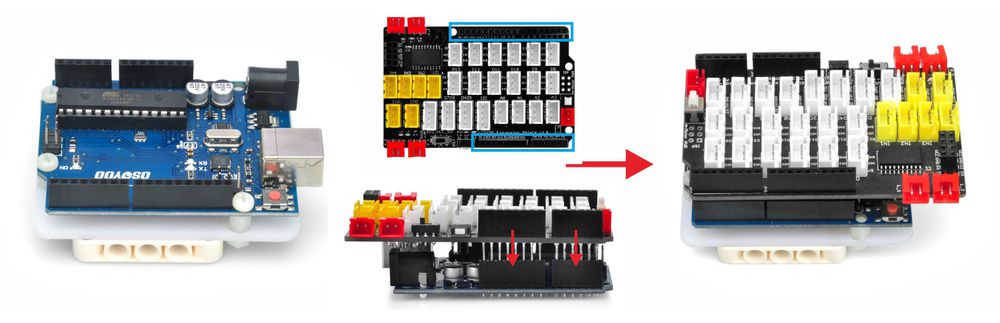
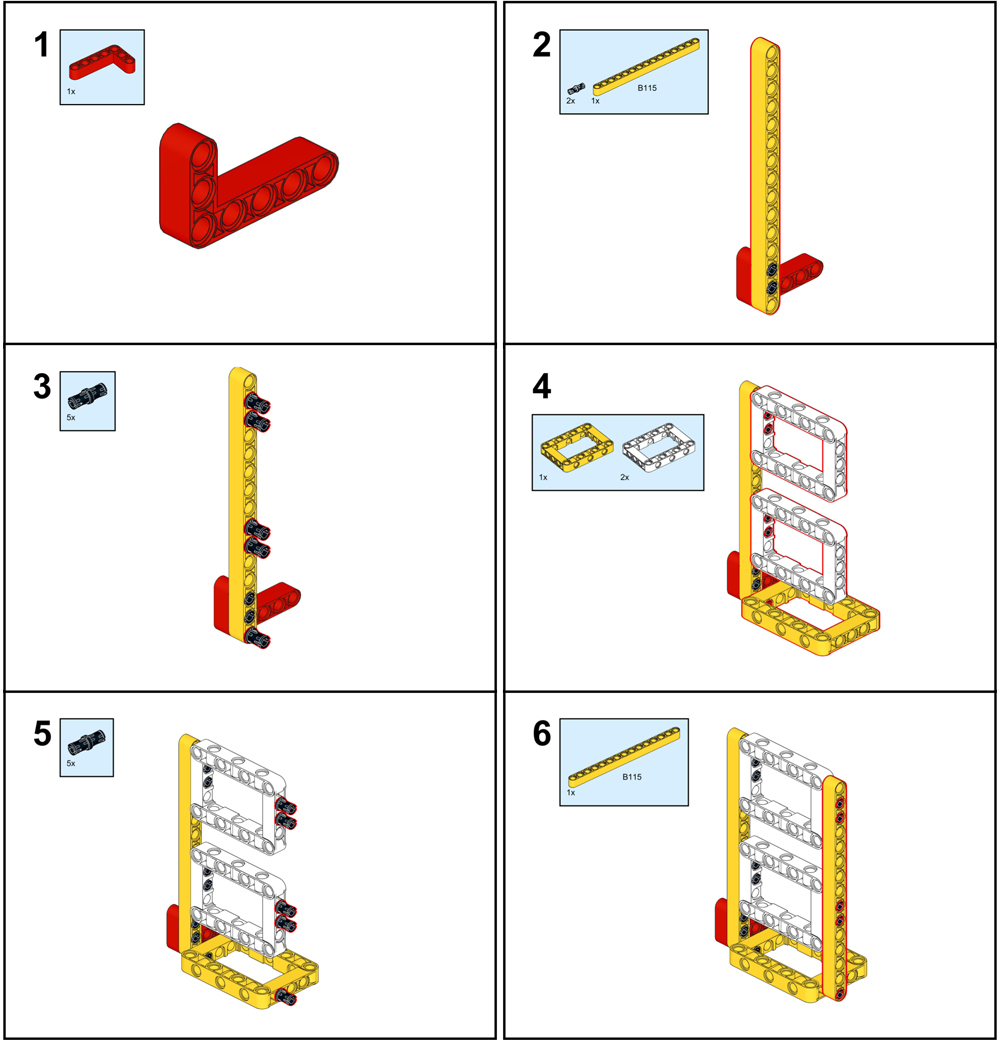
ブロックでスマートゲートを作る前に、授業前の準備 2: https://osoyoo.com/ja/2021/12/01/preparation-before-class-2に従ってください。

PDFチュートリアル: https://osoyoo.com/picture/Block_kit/lesson1/lesson1.pdf


ビデオチュートリアル以下の通りです:
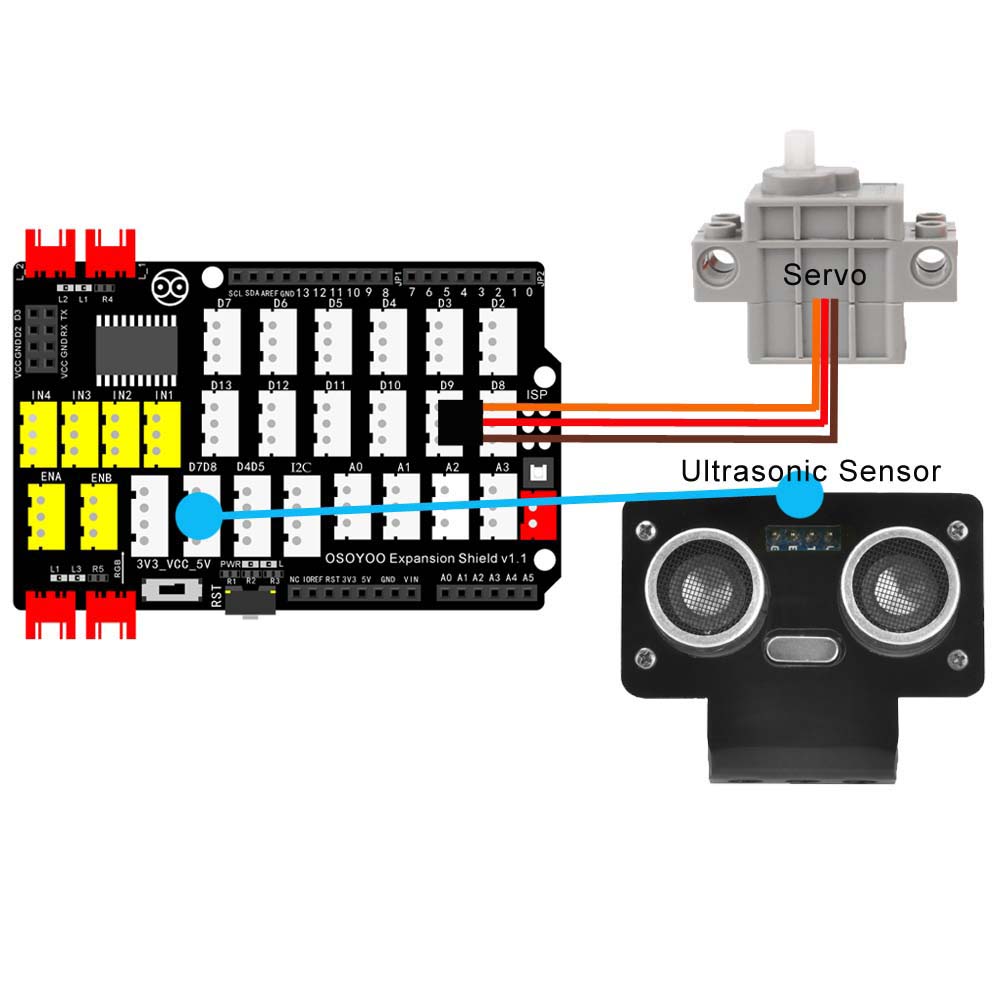
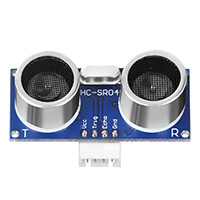
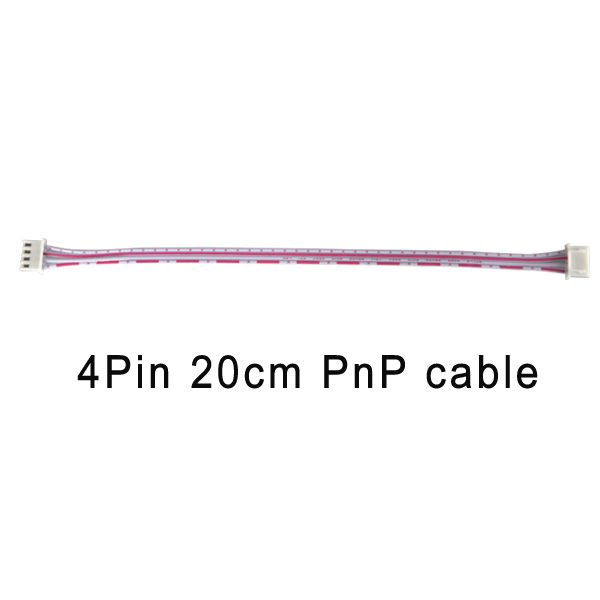
超音波センサーを4ピンPnPケーブルでD7D8スロットに接続し、サーボをD9ポートに接続します:


注:このキットでは、プログラミングツールとしてmblockを使用しています。mblockについてもっと知りたい場合は、クラス1の前の準備をご覧ください:https://osoyoo.com/ja/2021/12/01/preparation-before-class-1
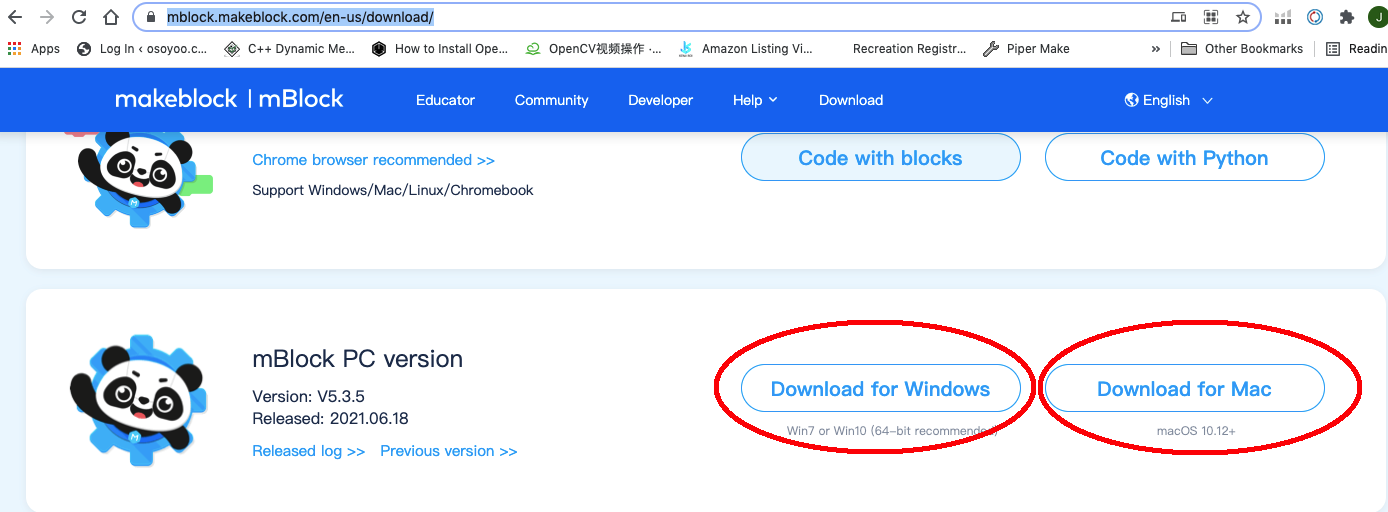
Step 1) mBlock PCソフトを https://mblock.makeblock.com/en-us/download/からダウンロードします。お使いのコンピュータのOSの種類に応じてダウンロードファイルを選択します:

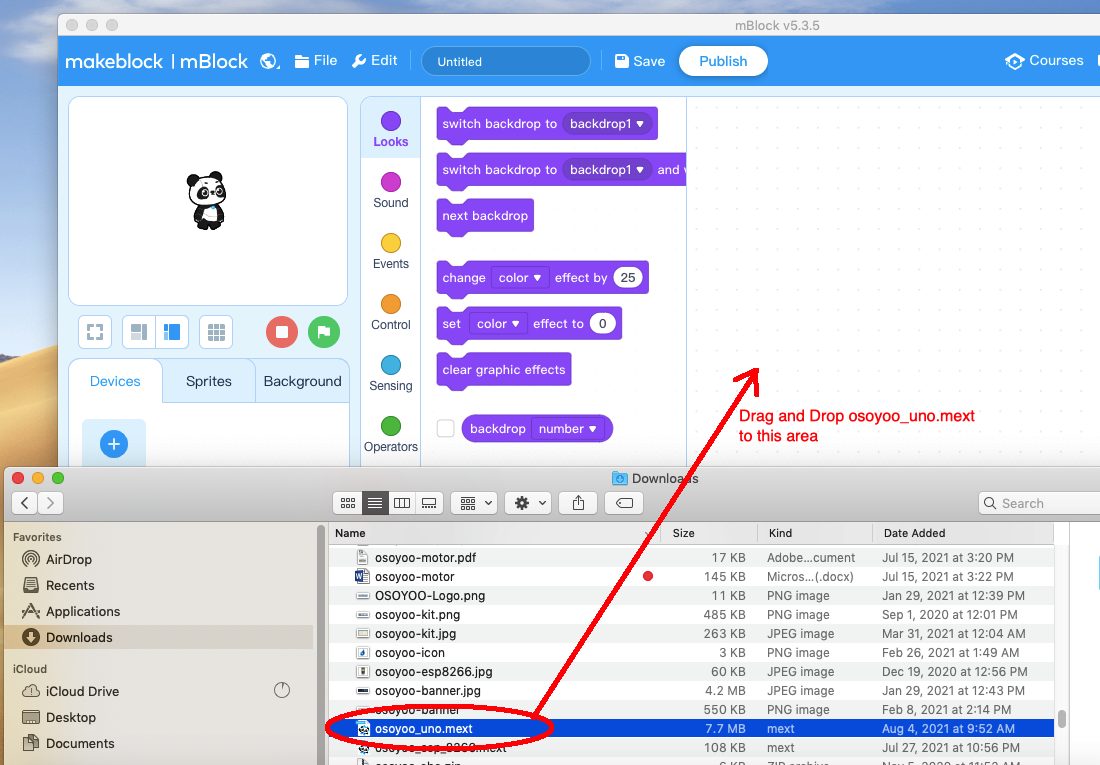
Step 2) OSOYOO_UNO.mext デバイスファイルを https://osoyoo.com/driver/mblock/osoyoo_uno.mextからダウンロードする。
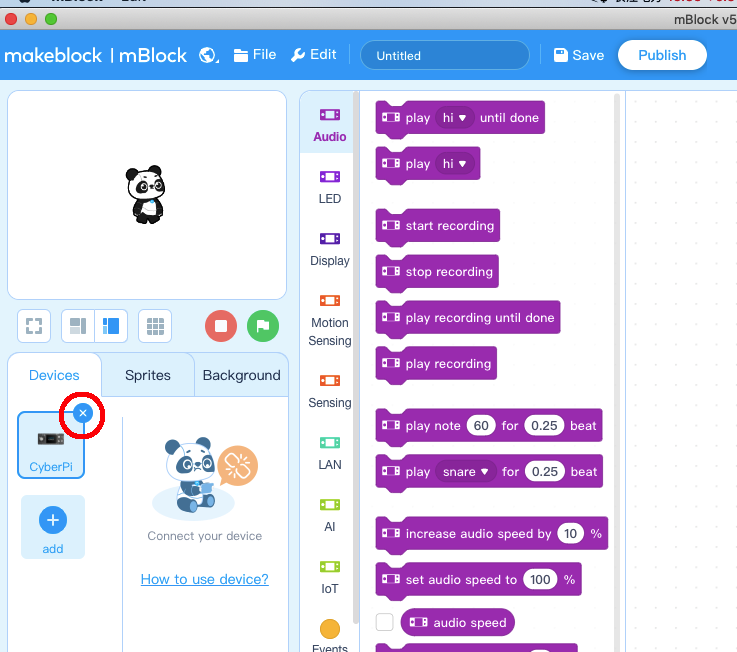
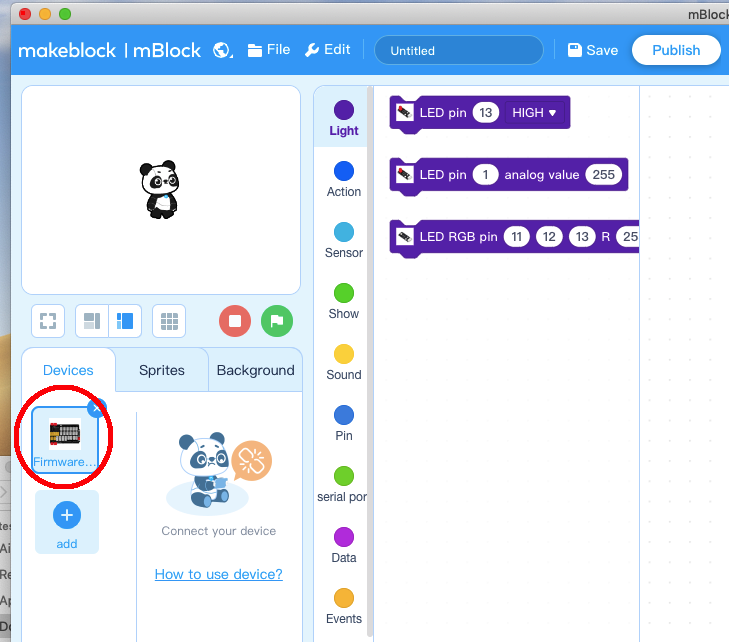
Step 3) 可愛いパンダのアイコンをダブルクリックして、mBlock PCソフトを起動しますと、下図のようなmBlock UIが表示されます。赤丸の中の十字をクリックして、デフォルトのデバイスCyberPiを削除してください。

Step 4) ステップ2でダウンロードしたosoyoo_uno_mextファイルをmBlockソフトにドラッグ&ドロップします:

これで、mBlockに新しいデバイスファームウェアが表示されます(下図参照):

これで、mBlockソフトウェアとOSOYOO_UNOデバイスファームウェアは、PCに正常にインストールされました!
それでは、ブロックを使って、振動する台座ファンを実現する方法を紹介します。
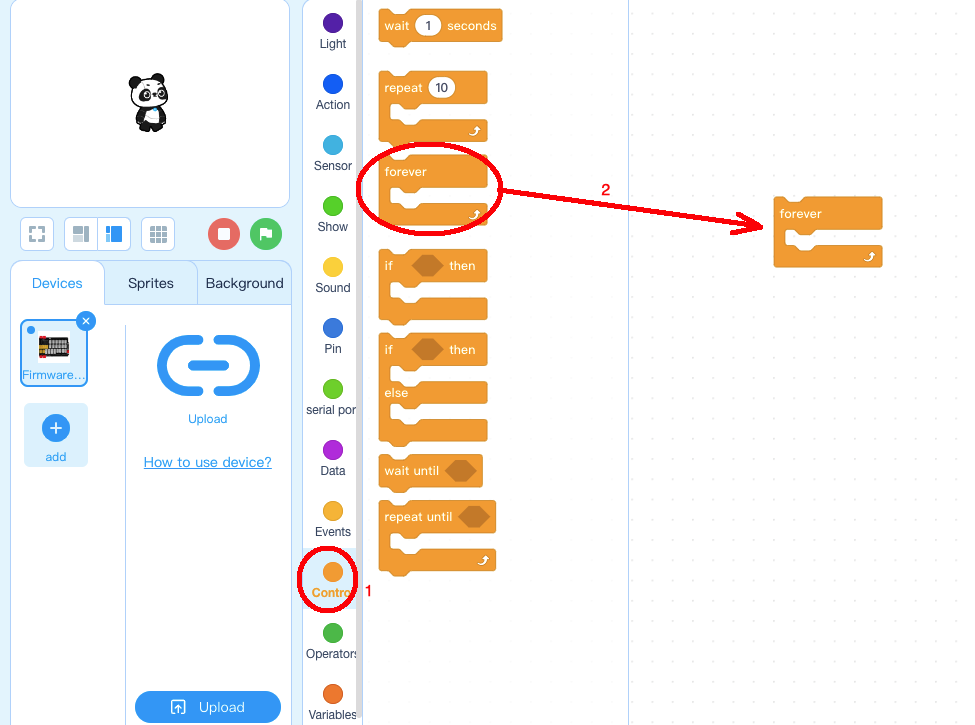
Step 1: Controlをクリックし、Foreverブロックをプログラミングエリアにドラッグ&ドロップします:

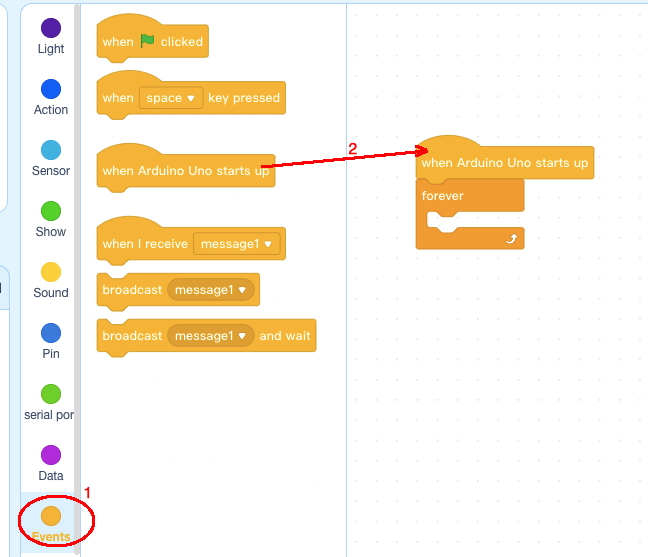
Step 2: Eventsをクリックし、when Arduino Uno starts upブロックを一番上に追加します:

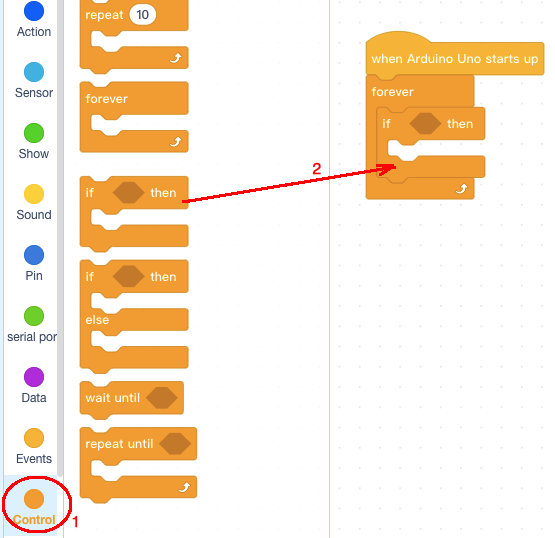
Step 3: Controlをクリックし、if thenブロックをforeverブロックの中に追加します:

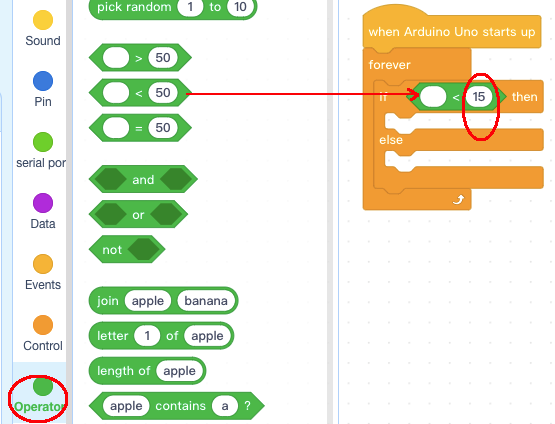
Step 4: 「Operator」カテゴリをクリックし、「< 50」ブロックを「if else」ブロックの条件エリアに追加します(値を50から15に変更します):

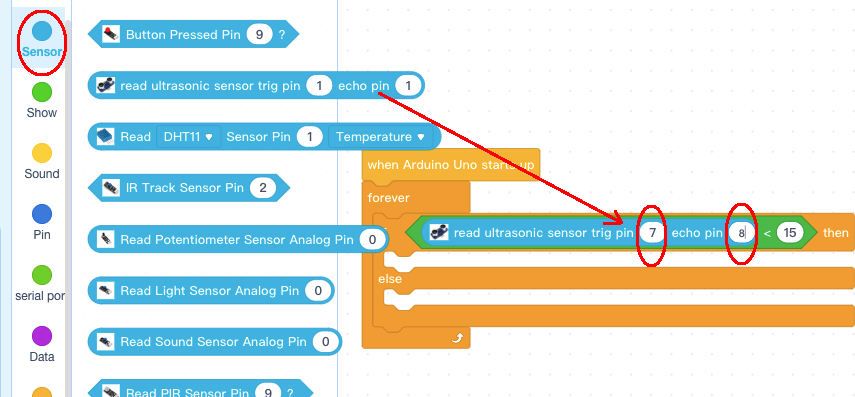
Step 5: Sensor カテゴリをクリックし、read ultrasonic sensor ブロックを <15 ブロックに追加し、trig ピンを 7 に、echo ピンを 8 に変更します(以下同様):

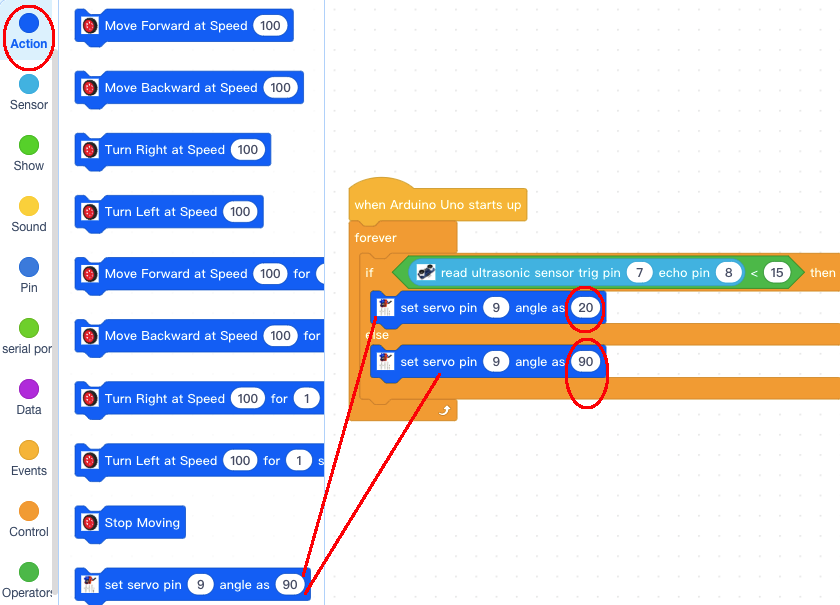
Step 6: Actionカテゴリをクリックし、2個のサーボピンをセットしたブロックをif elseブロックに追加し、値として角度を20と90に変更し、以下を実行します:

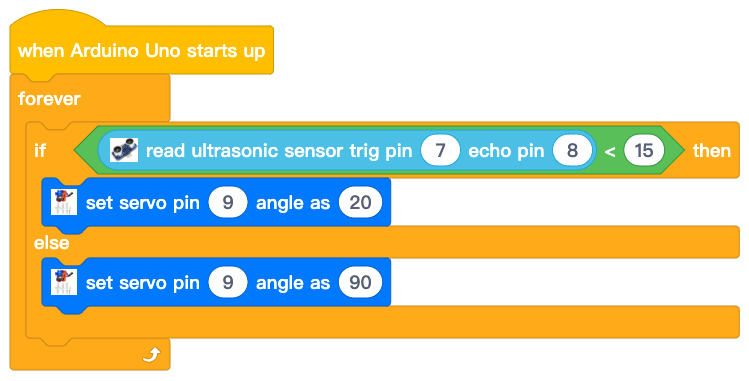
これで、ブロックプログラミングは完了です。 最終的なブロックは以下のようになります:

プログラムをOSOYOOベーシックボードにアップロードします。
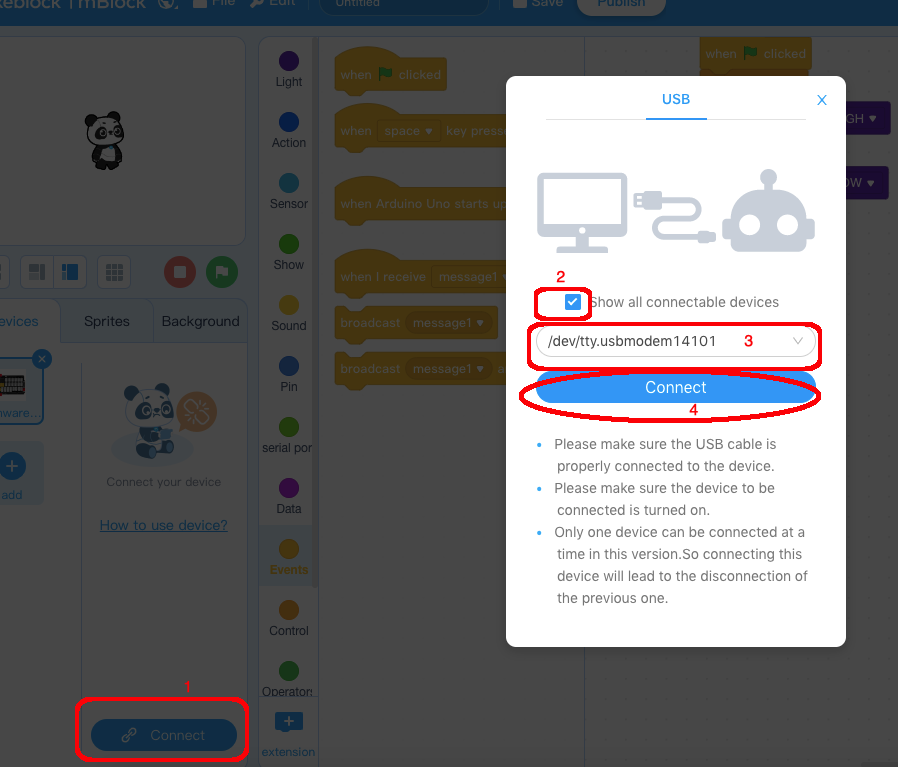
1)mBlockソフトウェアの下部にあるConnectボタンをクリックすると、USBウィンドウが表示されます、
2) 「接続可能なデバイスをすべて表示する」チェックボックスを選択すると、デバイスのドロップダウンメニューが表示されます、
3) デバイスドロップダウンメニューからポートを選択します。
4) Connectボタンをクリックし、PCとOSOYOO basic boardを接続します。

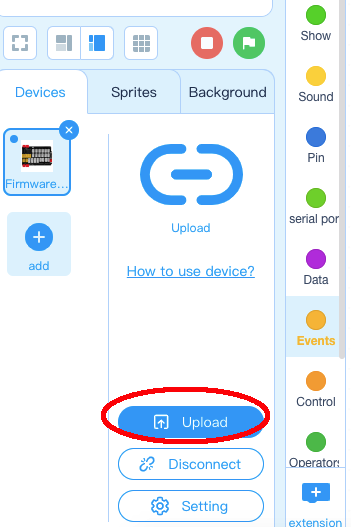
5) PCとOSOYOOボードが接続された後、ソフトウェアの下部にあるアップロードボタンをクリックしてください、その後、コードはOSOYOOボードにアップロードされるでしょう:

車がゲートの前部に到着し、超音波センサーによって検出されるとき、ゲートは開きます。車がゲートを通過するとき、ゲートは自動的に閉じます。
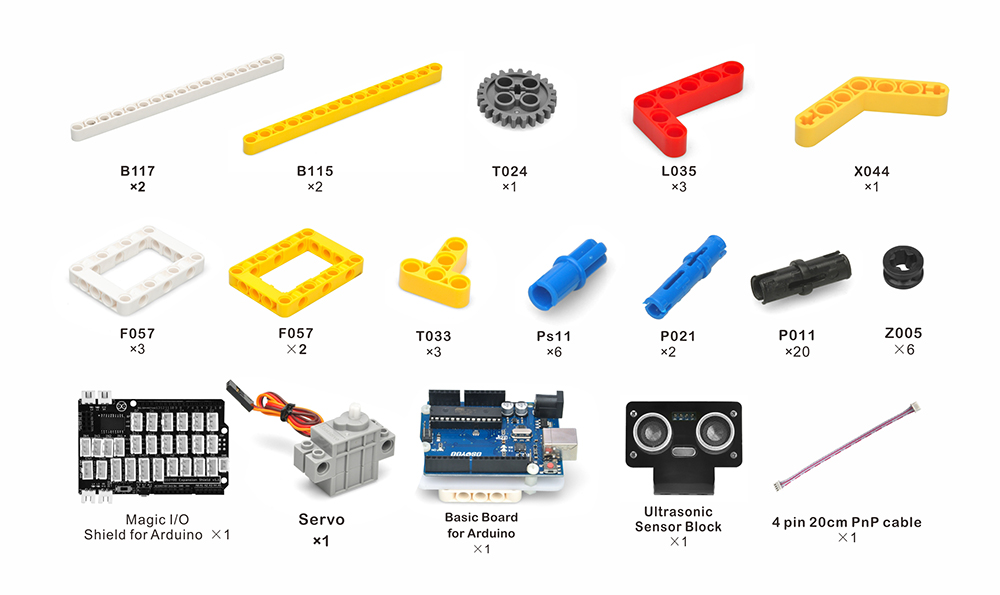
| 番号 | 画像 | 部品 | 数量 | 販売リンク |
| 1 | ![]() |
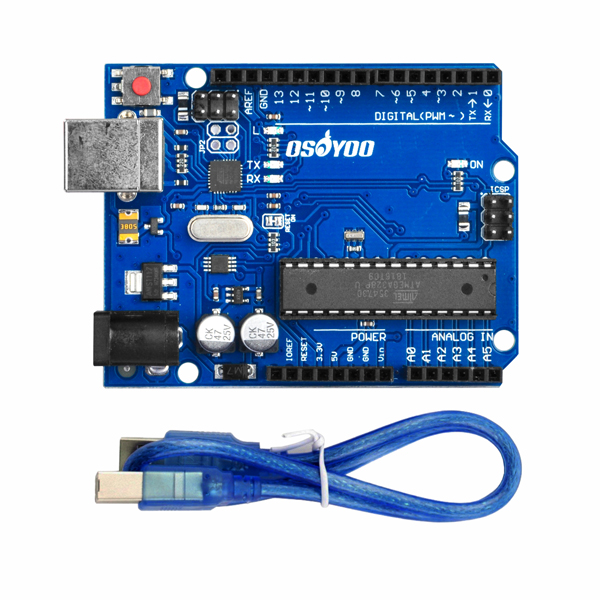
OSOYOO Basic R3 Board for Arduino | 1 | 購入はこちら |
| 2 | ![]() |
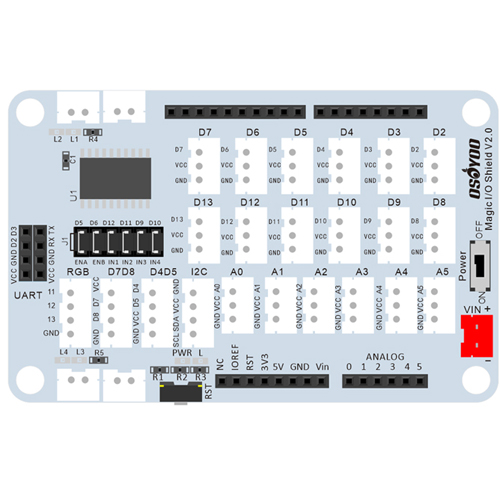
OSOYOO Magic I/O Shield for Arduino | 1 | 購入はこちら |
| 3 | ![]() |
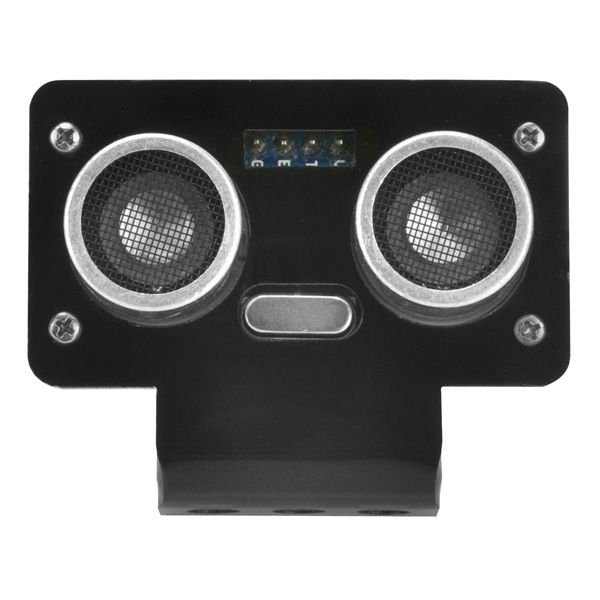
OSOYOO 超音波検出モジュール | 1 | 購入はこちら |
| 4 | ![]() |
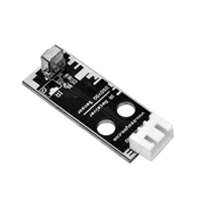
OSOYOO IRレシーバーモジュール | 1 | 購入はこちら |
| 5 | ![]() |
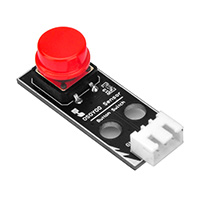
OSOYOO レッドボタンモジュール | 1 | 購入はこちら |
| 6 | ![]() |
IRリモートコントローラー | 1 | 購入はこちら |
| 7 | ![]() |
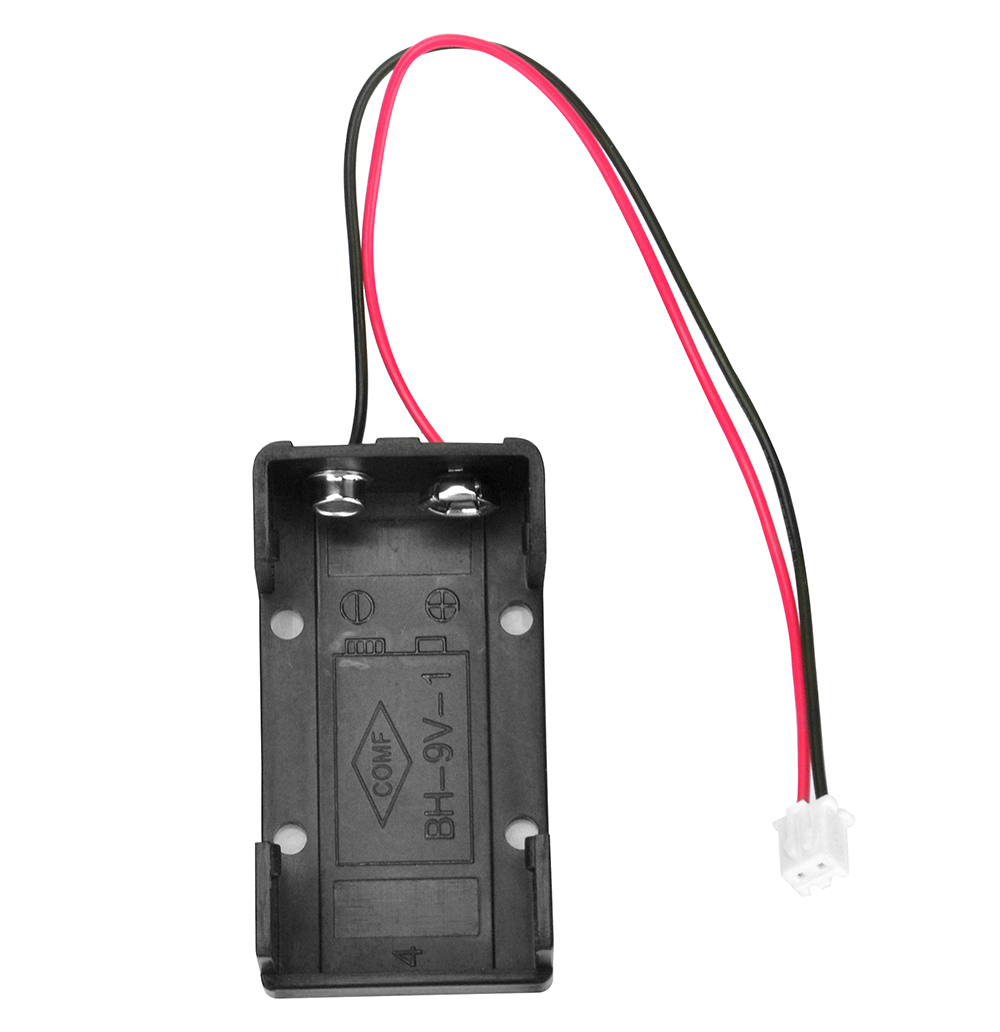
9V電池ボックス | 1 | 購入はこちら |
| 8 | ![]() |
9V電池 | 1 | 購入はこちら |
| 9 | ![]() |
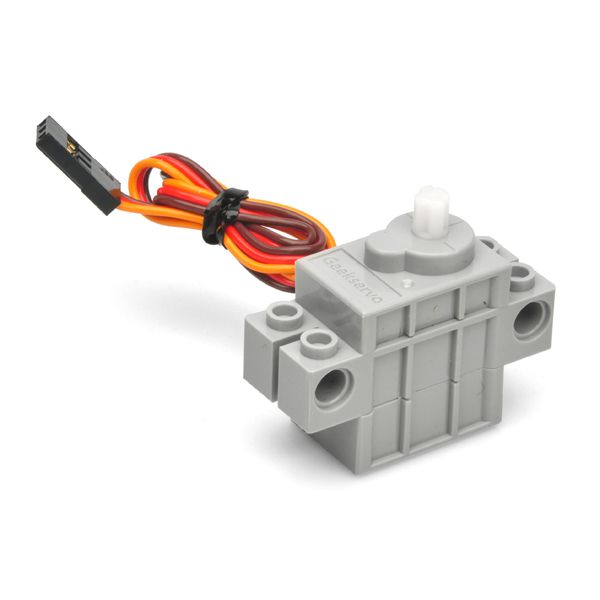
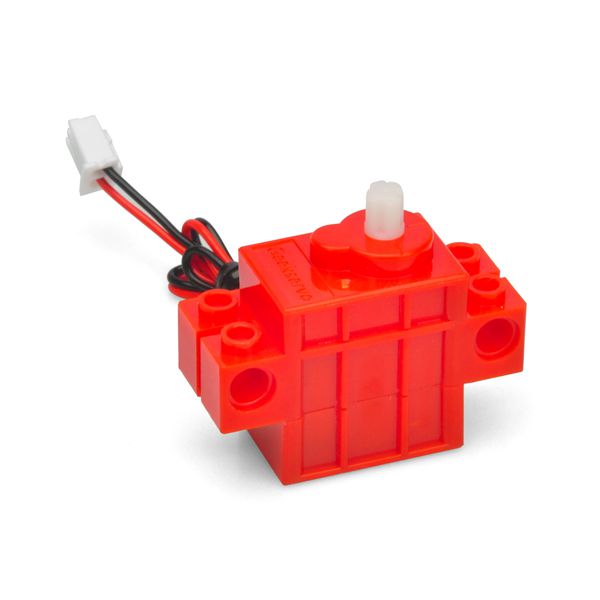
サーボ | 1 | 購入はこちら |
| 10 | ![]() |
モーター | 1 | 購入はこちら |
| 11 | ![]() |
OSOYOOベーシックボード用アクリル板 | 1 | 購入はこちら |
| 12 | ![]() |
9V電池ケース用アクリル板 | 1 | 購入はこちら |
| 13 | ![]() |
OSOYOO 超音波センサーブロック | 1 | 購入はこちら |
| 14 | ![]() |
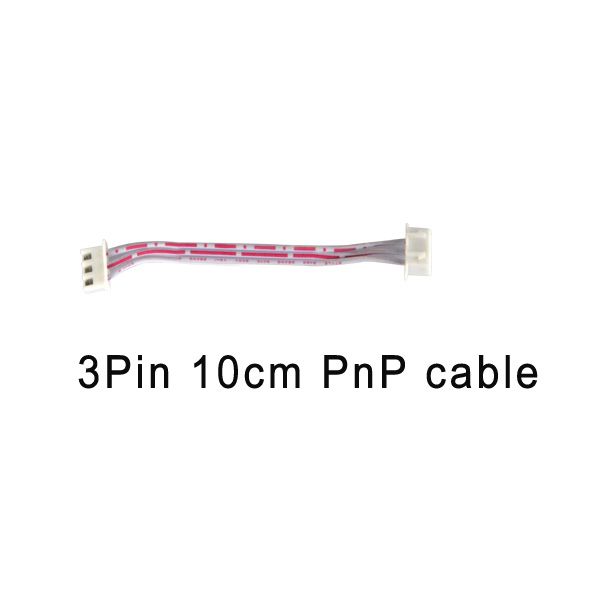
3ピン10cmPnPケーブル | 1 | 購入はこちら |
| 15 | ![]() |
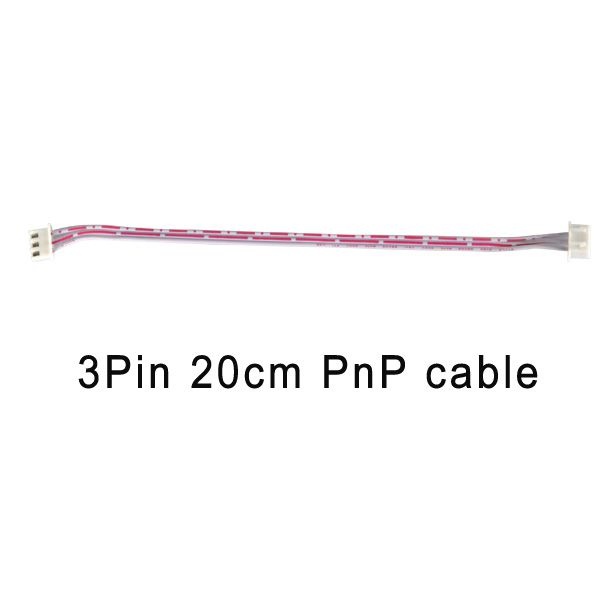
3ピン20cmPnPケーブル | 1 | 購入はこちら |
| 16 | ![]() |
4ピン 20cm PnPケーブル | 1 | 購入はこちら |
| 17 | ![]() |
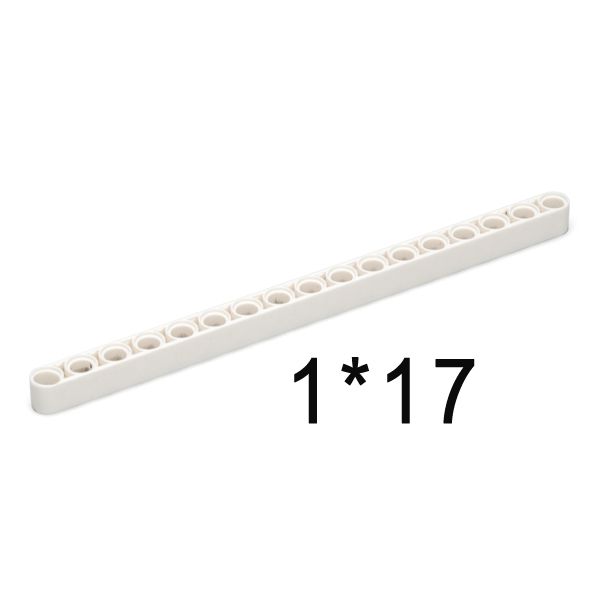
B117 | 4 | 購入はこちら |
| 18 | ![]() |
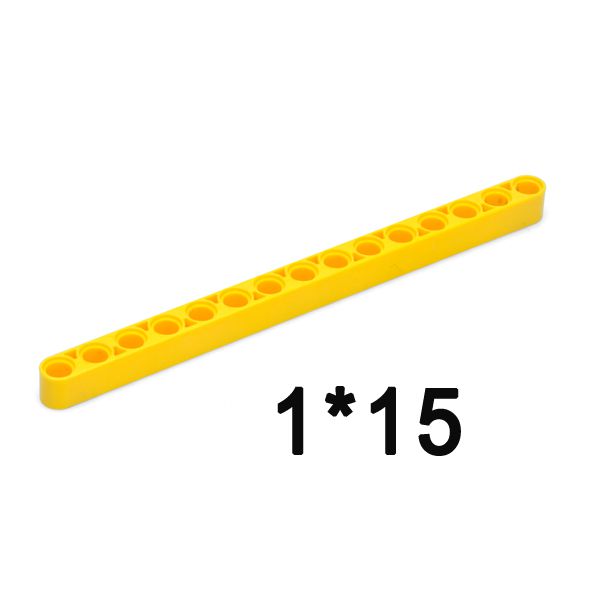
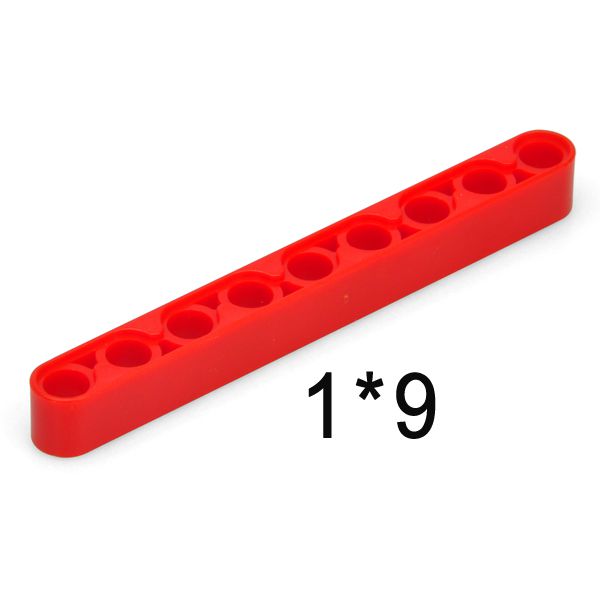
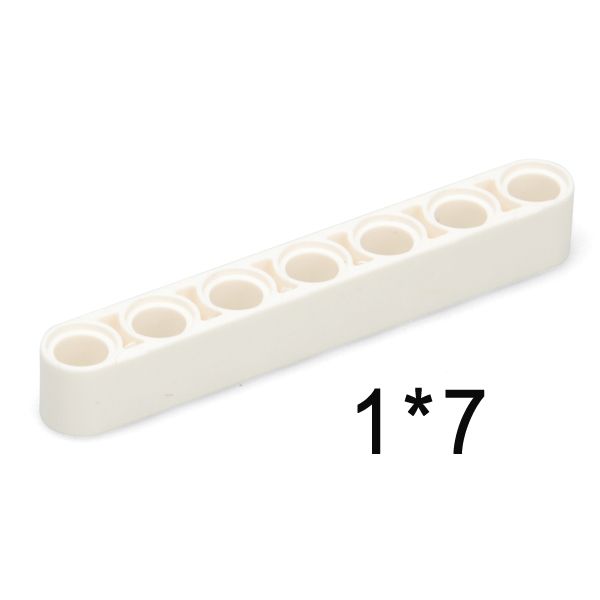
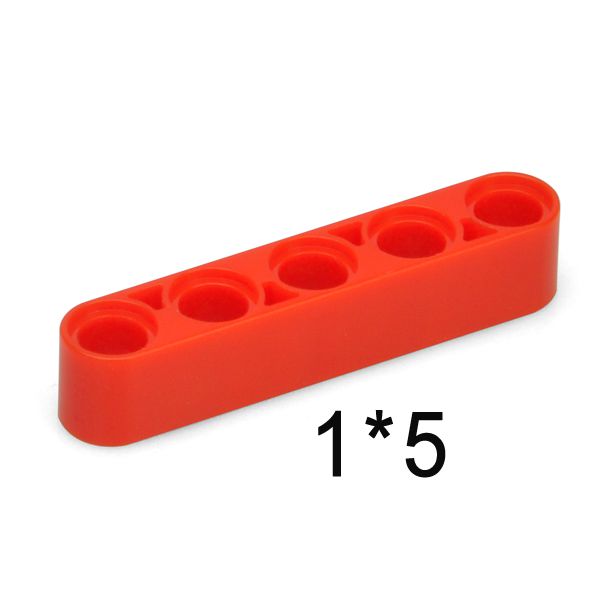
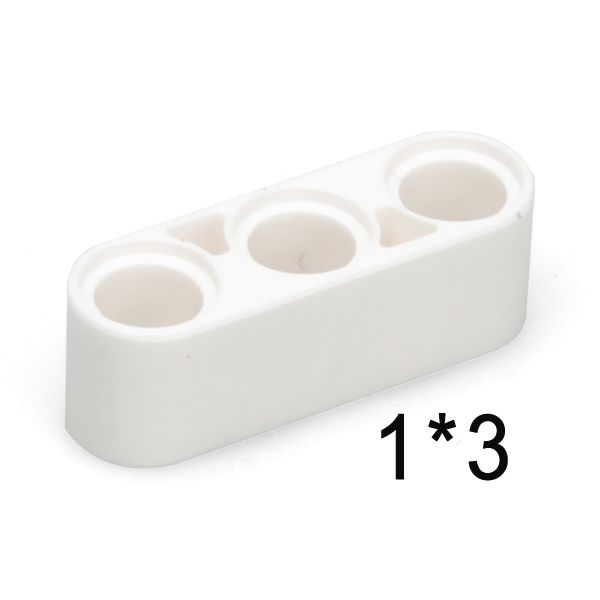
B115 | 15 | 購入はこちら |
| 19 | ![]() |
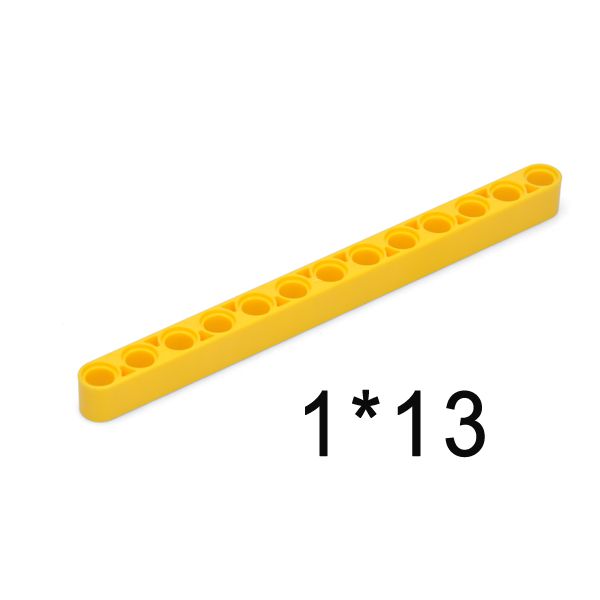
B113 | 10 | 購入はこちら |
| 20 | ![]() |
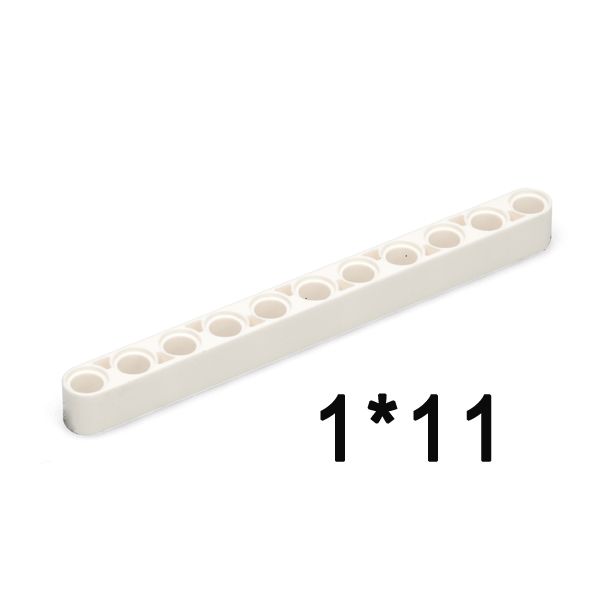
B111 | 10 | 購入はこちら |
| 21 | ![]() |
B109 | 10 | 購入はこちら |
| 22 | ![]() |
B107 | 4 | 購入はこちら |
| 23 | ![]() |
B105 | 12 | 購入はこちら |
| 24 | ![]() |
B103 | 12 | 購入はこちら |
| 25 | ![]() |
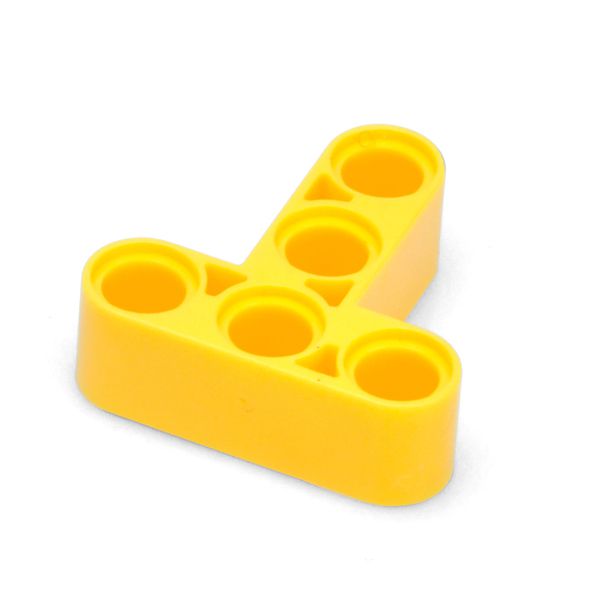
T040 | 6 | 購入はこちら |
| 26 | ![]() |
T024 | 4 | 購入はこちら |
| 27 | ![]() |
T016 | 4 | 購入はこちら |
| 28 | ![]() |
L024 | 14 | 購入はこちら |
| 29 | ![]() |
LT33 | 8 | 購入はこちら |
| 30 | ![]() |
L035 | 12 | 購入はこちら |
| 31 | ![]() |
X044 | 20 | 購入はこちら |
| 32 | ![]() |
F057 | 26 | 購入はこちら |
| 33 | ![]() |
T033 | 8 | 購入はこちら |
| 34 | ![]() |
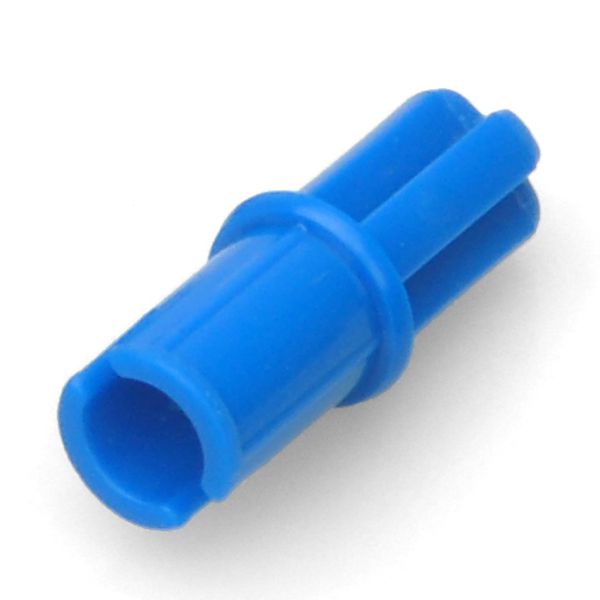
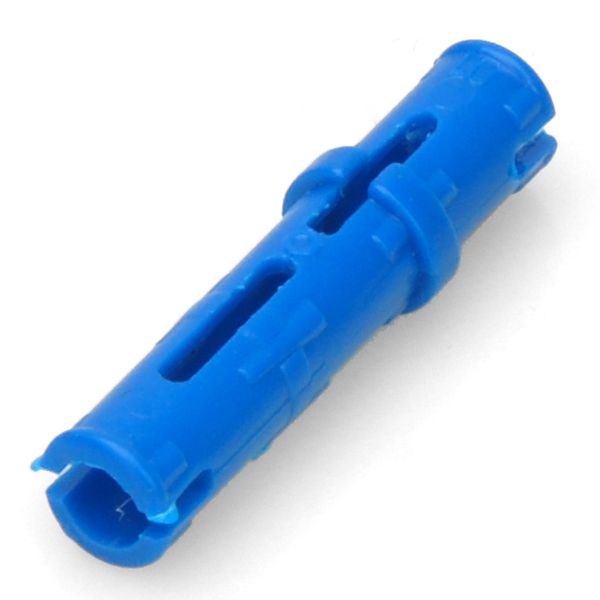
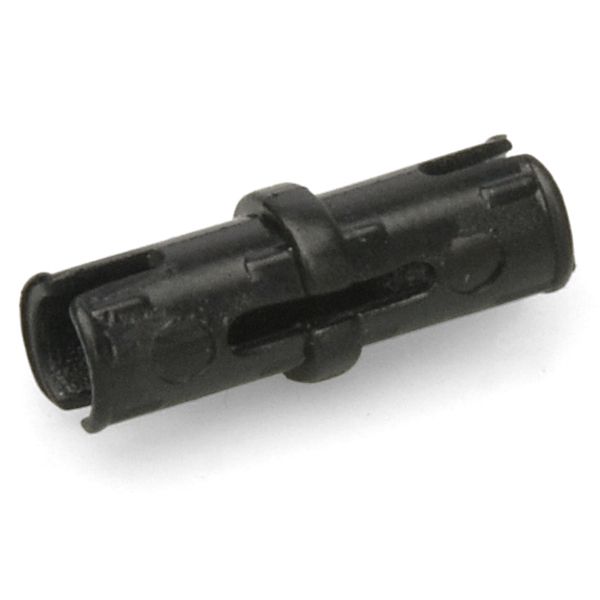
PS11 | 40 | 購入はこちら |
| 35 | ![]() |
P021 | 60 | 購入はこちら |
| 36 | ![]() |
P011 | 160 | 購入はこちら |
| 37 | ![]() |
Z005 | 30 | 購入はこちら |
| 38 | ![]() |
Z010 | 16 | 購入はこちら |
| 39 | ![]() |
Z101 | 12 | 購入はこちら |
| 40 | ![]() |
Z1S1 | 8 | 購入はこちら |
| 41 | ![]() |
A024 | 8 | 購入はこちら |
| 42 | ![]() |
A013 | 2 | 購入はこちら |
| 43 | ![]() |
A050 | 12 | 購入はこちら |
| 44 | ![]() |
A05S | 6 | 購入はこちら |
| 45 | ![]() |
A080 | 4 | 購入はこちら |
DownLoad Url osoyoo.com
With the Basic code in the instructions the Gate servo was vibrating constantly when in down position, maybe just my servo has an fault, not sure.
To Fix for me:
The ‘else’ block keeps the gate down, I think the fast speed of the loop ‘else’ command was causing the issue so I slowed the speed of the loop by adding a Control/Wait block and set as 0.1 seconds, this was placed under the Pin/set servo pin block which sets gate in the down position (95deg), to very slightly slow down the Forever loop and this stopped the gate vibrating for me.
I also added another wait block after the gate was raised to 30deg just so a vehicle can pass and the gate comes down 1 second later.
This was out first project from this kit and my kids are soo looking forward to the other projects in this kit, fantastioc kit. Thank you!

Hi there, I am having the same issue with the servo.
I will try your solution and let you know the outcome.
I followed your instructions but changed 0.1 to 1 which seemed to be better for my servo. Everything worked as should.