1)目的:
このプロジェクトでは、Mega2560ボードを使って、ILI9341 3.2インチタッチスクリーンを作動します。
2)必要なパーツ
1 x Mega2560ボード
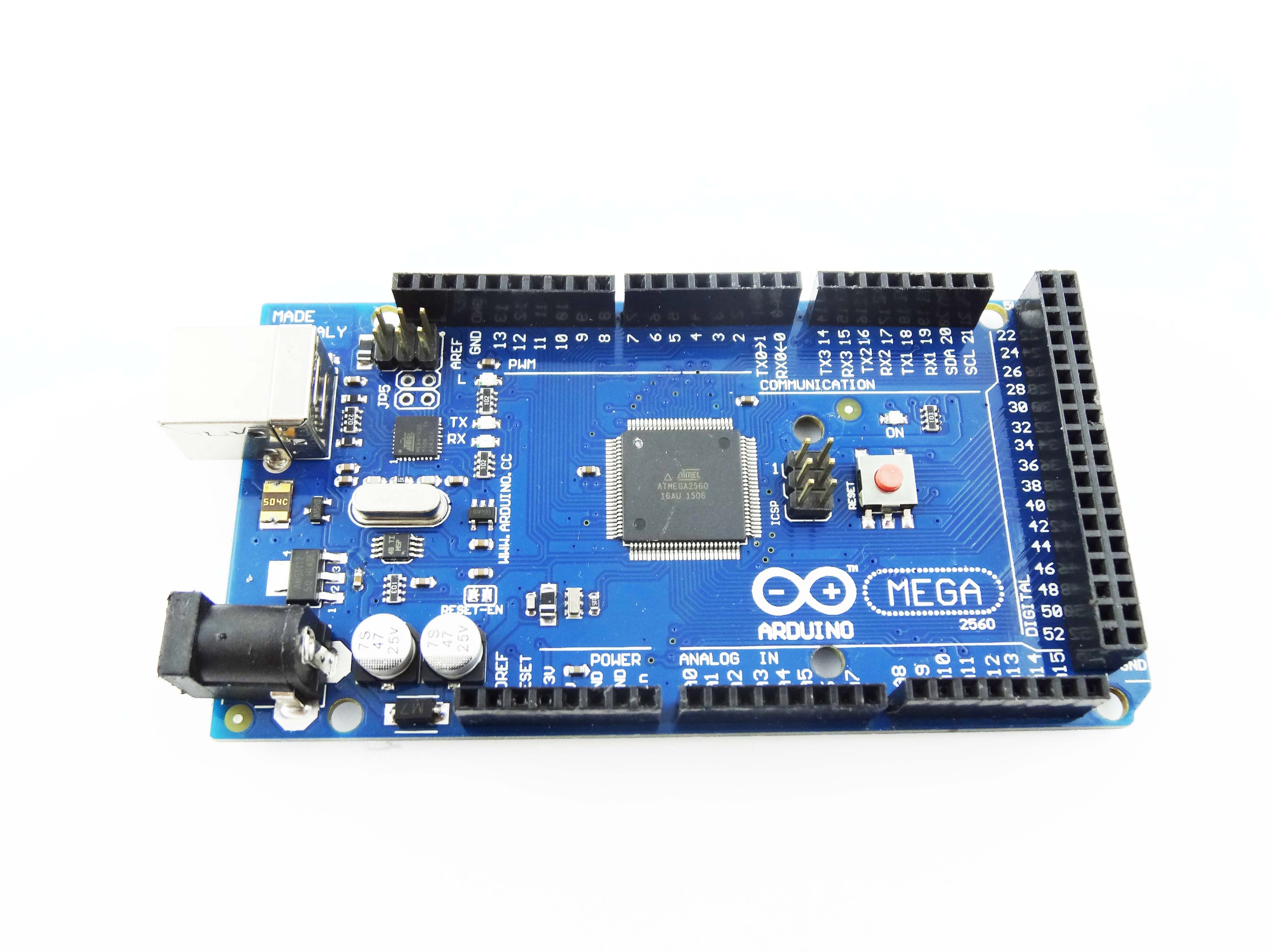
1 x 3.2インチ スクリーンアダプターボード
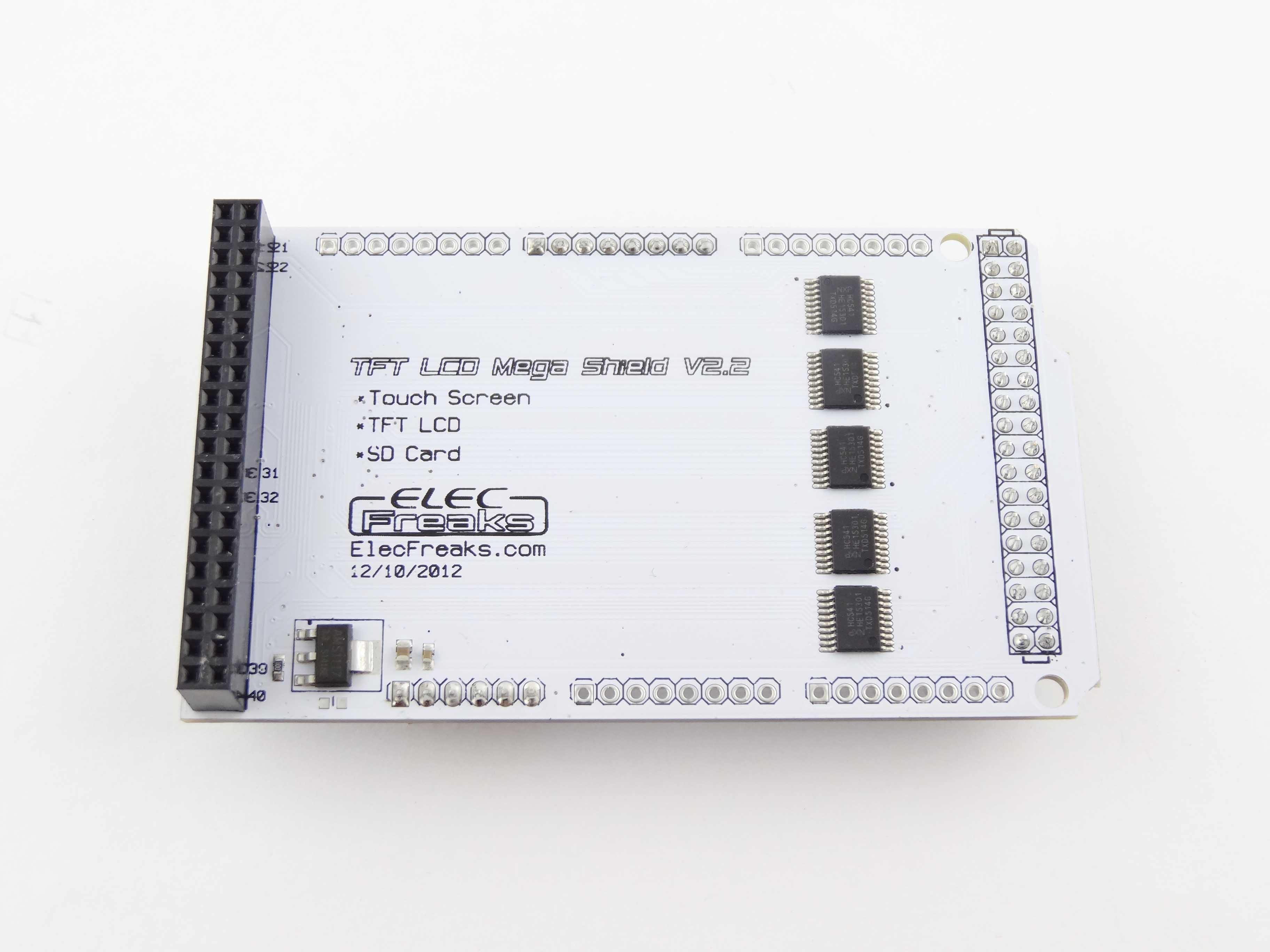
1 x 3.2インチ ili9341 スクリーン
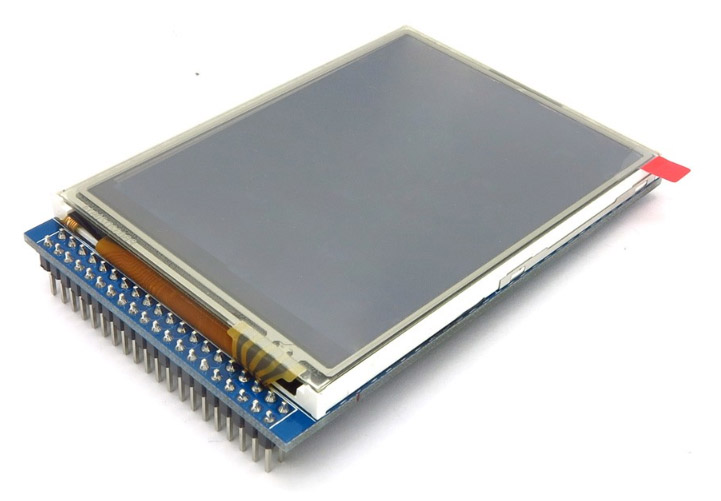
スクリーンとアダプターボードを装着して、最後にアダプターボードとMega2560ボードを装着してくださいませ。
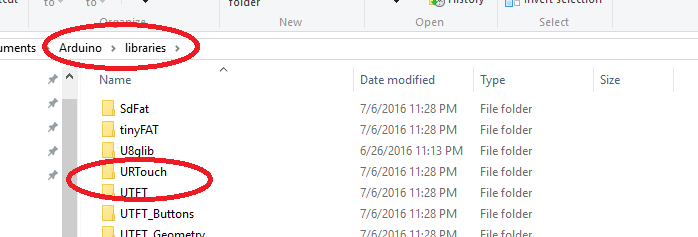
3)下記がリンクで 「UTFT」と「URTouch」のlibrary をダウンロードして、Arduino IDEのlibrary フォルダにコーピーしてくださいませ。
URTouch ダウンロードリンク~
UTFT ダウンロードリンク~
ダウンロードしたrarファイルを解凍して、解凍したフォルダをArduino IDEのlibrary フォルダにコーピーしてくださいませ。(画像をクリックして拡大イメージを表示)
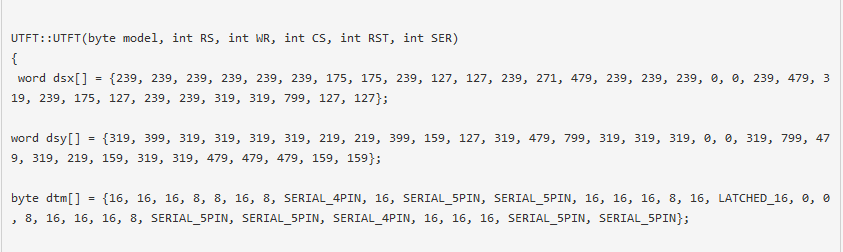
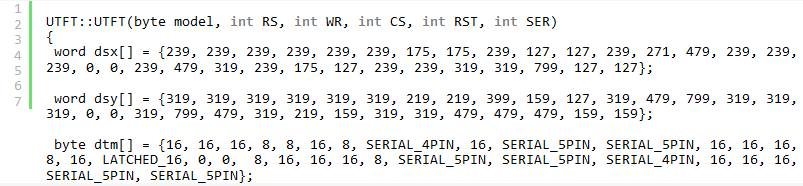
Arduinoフォルダに従来でもUTFTフォルダがあるの場合、UTFTフォルダで「UTFT.CPP」ファイルのdsy[]arrayを編集の必要があります。
dsy[] array編集前 (画像をクリックして拡大イメージを表示)
dsy[] array編集後 (画像をクリックして拡大イメージを表示)
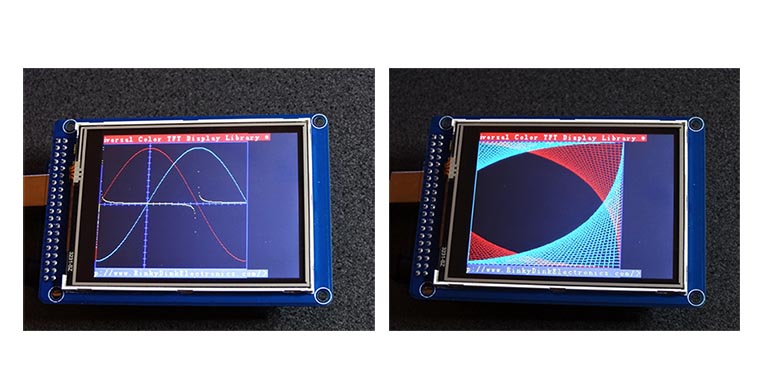
dsy[] arrayを編集しないの場合、下記のように、表示します。(画像をクリックして拡大イメージを表示)
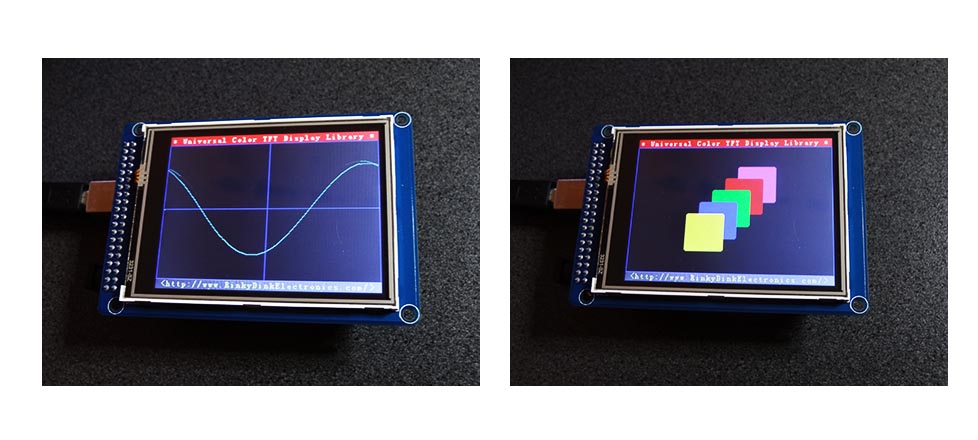
dsy[] arrayを正しく編集たら、下記のように、表示します。(画像をクリックして拡大イメージを表示)
4)下記のリンクでIli9341 Arduino サンプルコードをダウンロードできます。
Ili9341 Arduino サンプルコード~
ダウンロードしたのrarファイルを解凍したら、フォルダで下記の5つのファイルが見えます。
UTFT_Demo_320x240_Serial_3.2.INO
URTouch_ButtonTest_3.2.INO
URTouch_Calibration_3.2.INO
URTouch_QuickDraw_3.2.INO
URTouch_QuickPaint_3.2.INO
上記のINOファイルをArduino IDEにロードしたら、サンプルグラフを現し、 スクリーンを調整し、タッチテストし、ラインを描くをできます。
注意点
1.Arduino IDEでinoファイルをロードの前に、必ずArduino IDE ->Tools->boardsでボード「Arduino MEGA 2560」を選択してくださいませ。
2.UTFT libraryでのili9431デバイスコードは ITDB32WCになります。MyGLCD functionの first argument ITDB32WC (i.e. myGLCD(ITDB32WC,38,39,40,41))と設定してくださいませ。 スクリーンが交換したら、UTFT libraryフォルダの「UTFT.h」ファイルも編集してくださいませ。




Hello good morning.
Can you please tell if the lcd screen on the Picture is a 34 r 40 pin or even put a Picture of the back.
Best regards,
Pls see the photo of the back: https://osoyoo.com/driver/LACC200643-6.jpg
Hi, i could not work touch operations. I have same equipments. I’m using your examples. (paint not working on my arduino)
All the files are missing, upload them all to github please and reply when you have a link to the files, i have the libraries but dont have the project example file.
Thanks for your advice. We would improve our website and update our link ASAP.
I’ve just purchased a couple of these screens and shields with the Osoyoo brand, they’re 9341 screens, but the libraries and example file links are all still dead.
Can this be a priority to make these files available somewhere again please?
Hi, you could visit the following link for your download : http://www.kookye.com/?p=4828
All files are available on this link.
Hello!
Please give datasheets on boards – LCD with shield, i need sizes of boards and holes on pcb.
Thank you!