Buy the V2.1 Robot Car Plus Kit (including 18650 batteries and USB charger) from the following link:
| Buy from OSOYOO |
Buy from US |
Buy from UK |
Buy from DE |
Buy from IT |
Buy from FR |
Buy from ES |
Buy from JP |
 |
 |
 |
 |
 |
 |
 |
 |
Buy the V2.1 Robot Car without Battery and Charger:
| Buy from OSOYOO |
Buy from US |
Buy from UK |
Buy from DE |
Buy from IT |
Buy from FR |
Buy from ES |
Buy from JP |
|
|
|
|
|
|
|
|
🤖 Ready to build this robot car?
OSOYOO V2.1 Robot Car Kit — Official Tutorial Kit
WiFi · Bluetooth · Line Tracking · Obstacle Avoidance · 8 Lessons · iOS/Android APP — everything this tutorial covers, in one box
Description:
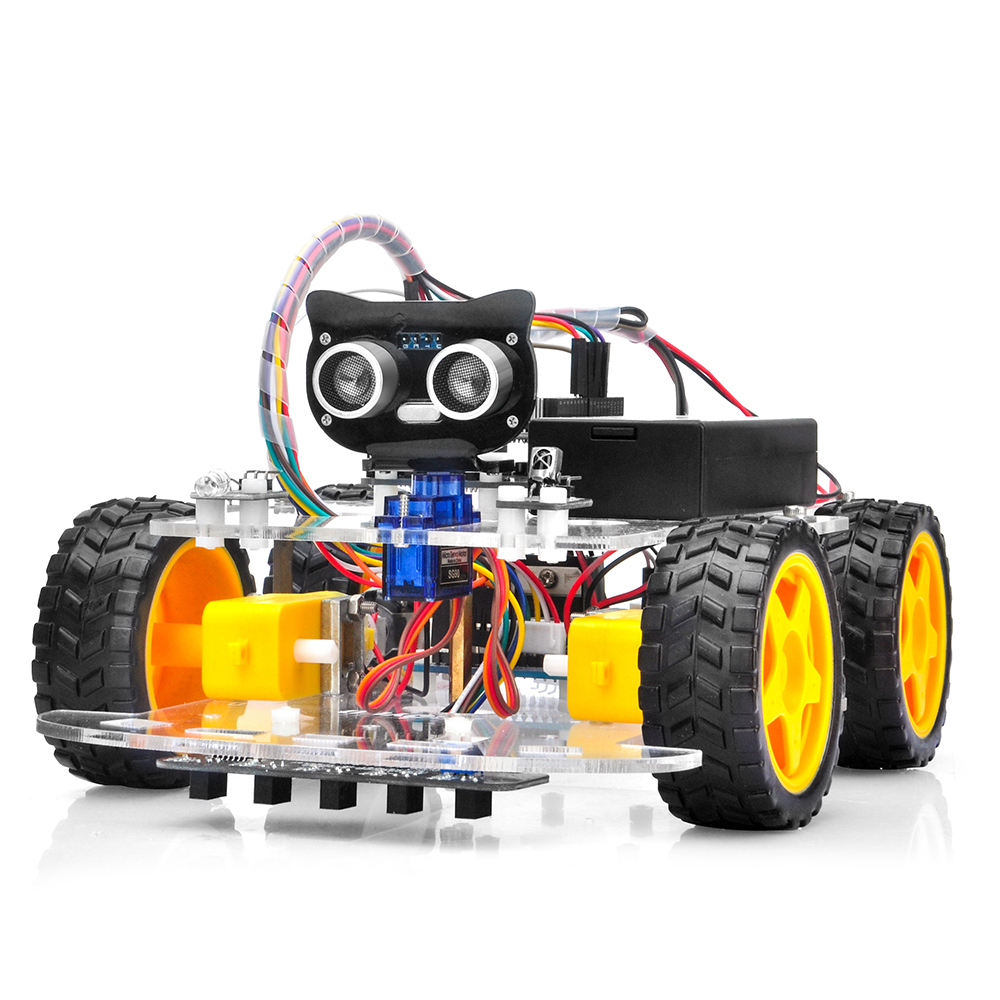
OSOYOO robotic car learning kit is designed for beginners to learn Arduino programming and get hands-on experience on robot design and assembly.
We have developed a step-by-step tutorial which evolves from a simple car without any control to a multi-function robotic car controlled by a mobile app.
Every lesson has detailed sample code with comments, circuit graph, assembly instruction and video. Even if you have no programming experience, you can follow the step-by-step instructions and gradually become an expert.
Our robotic car is 100% open source. If you are an intermediate player and have time to read our code comments, you can easily customize this robotic car to make your own project for science fair, college homework or even commercial applications.
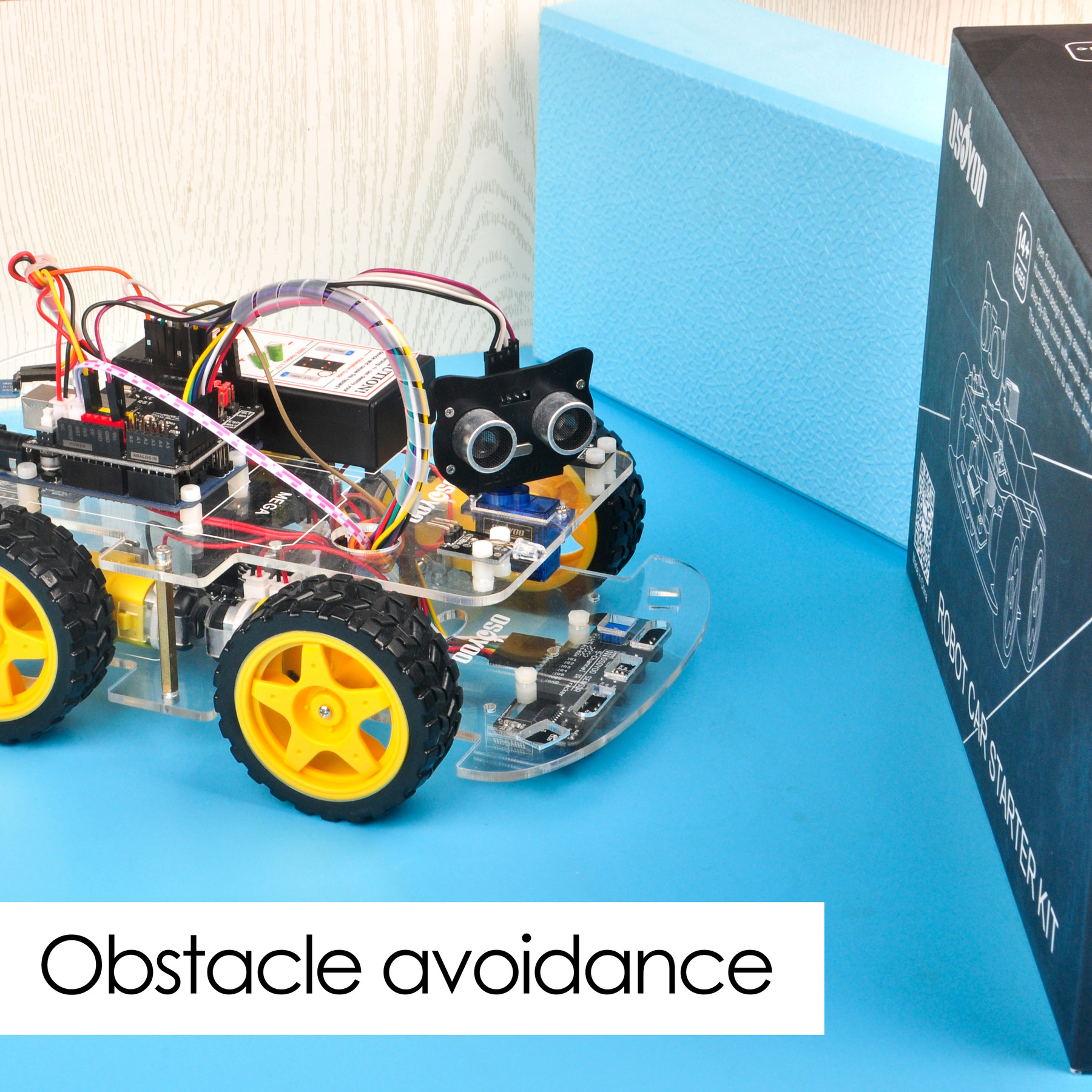
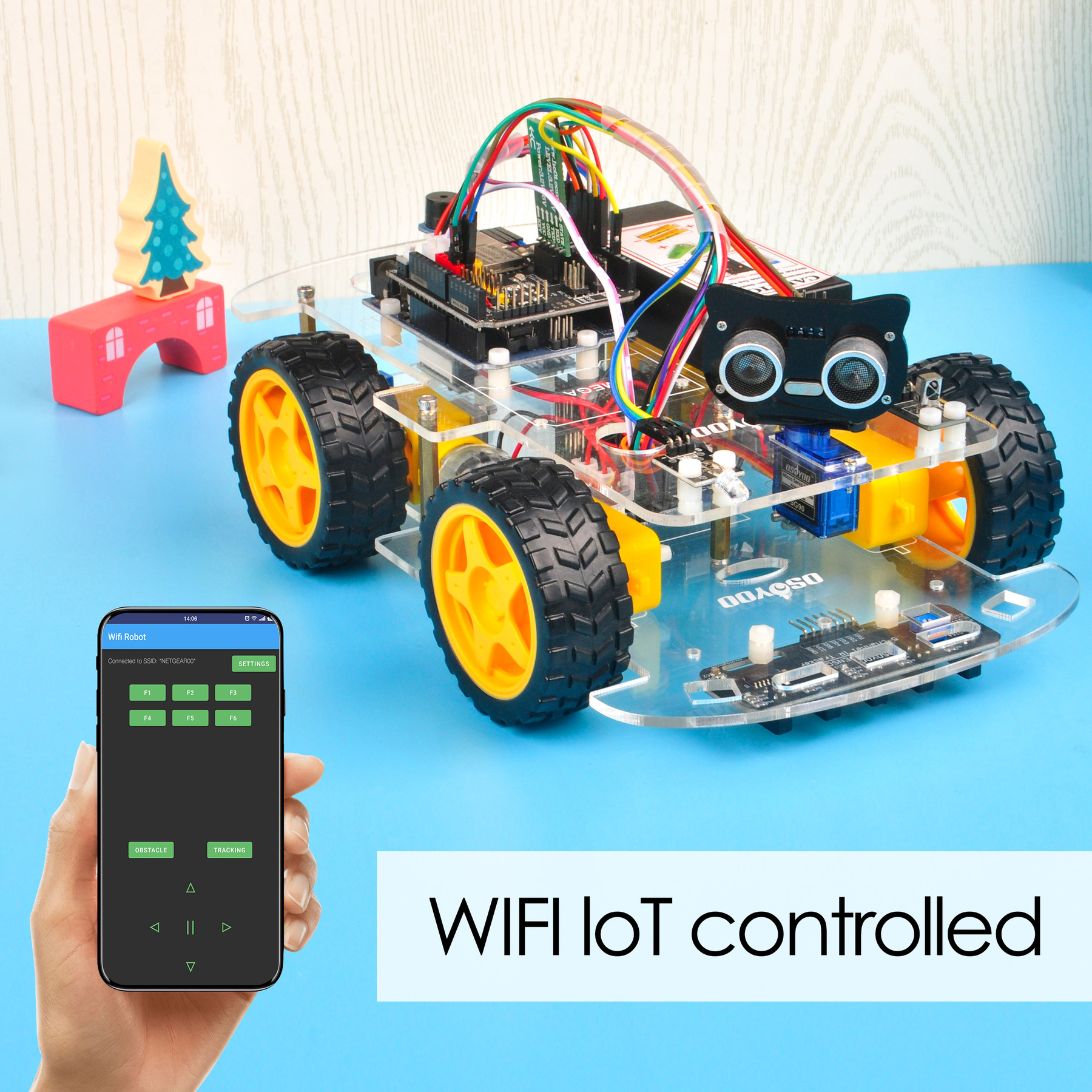
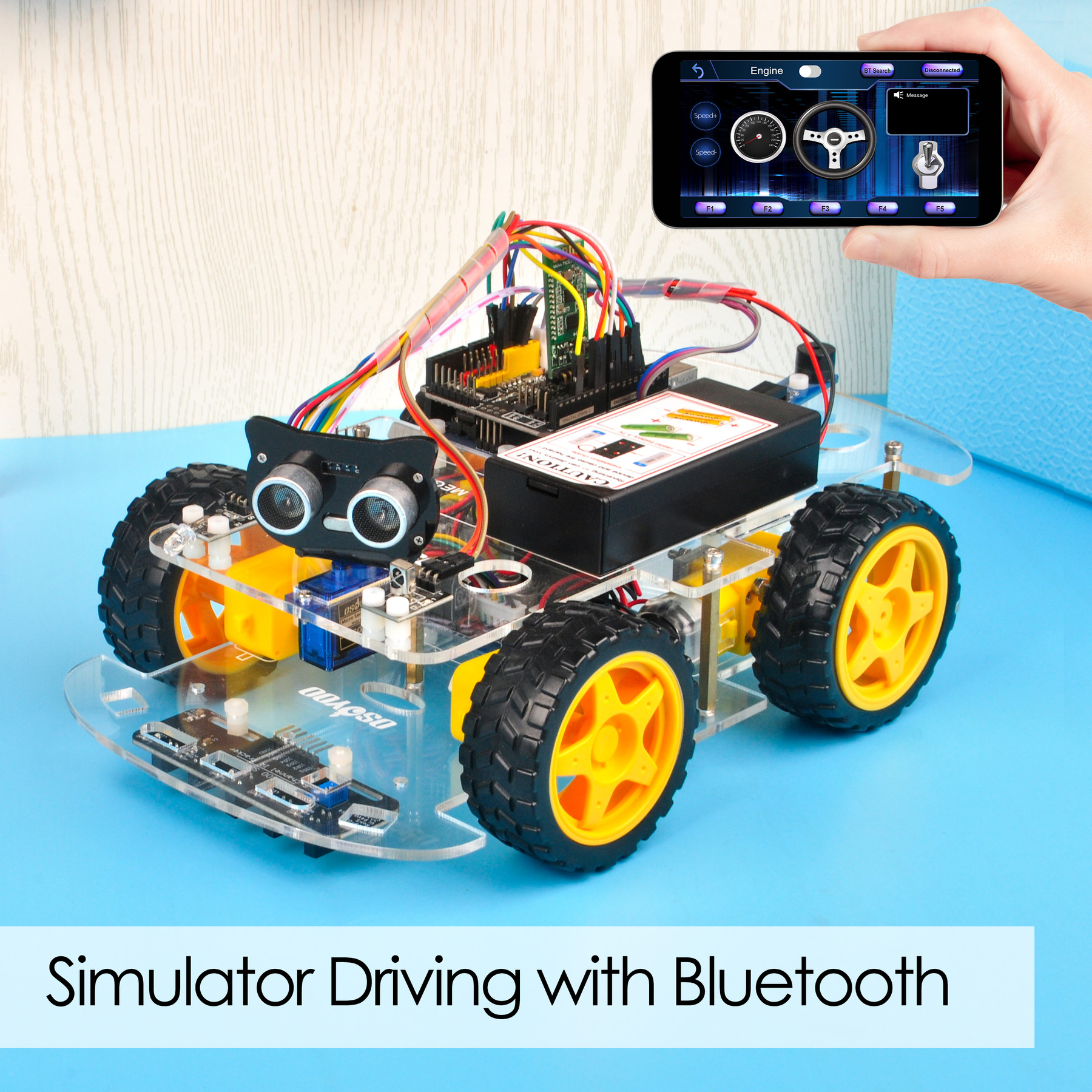
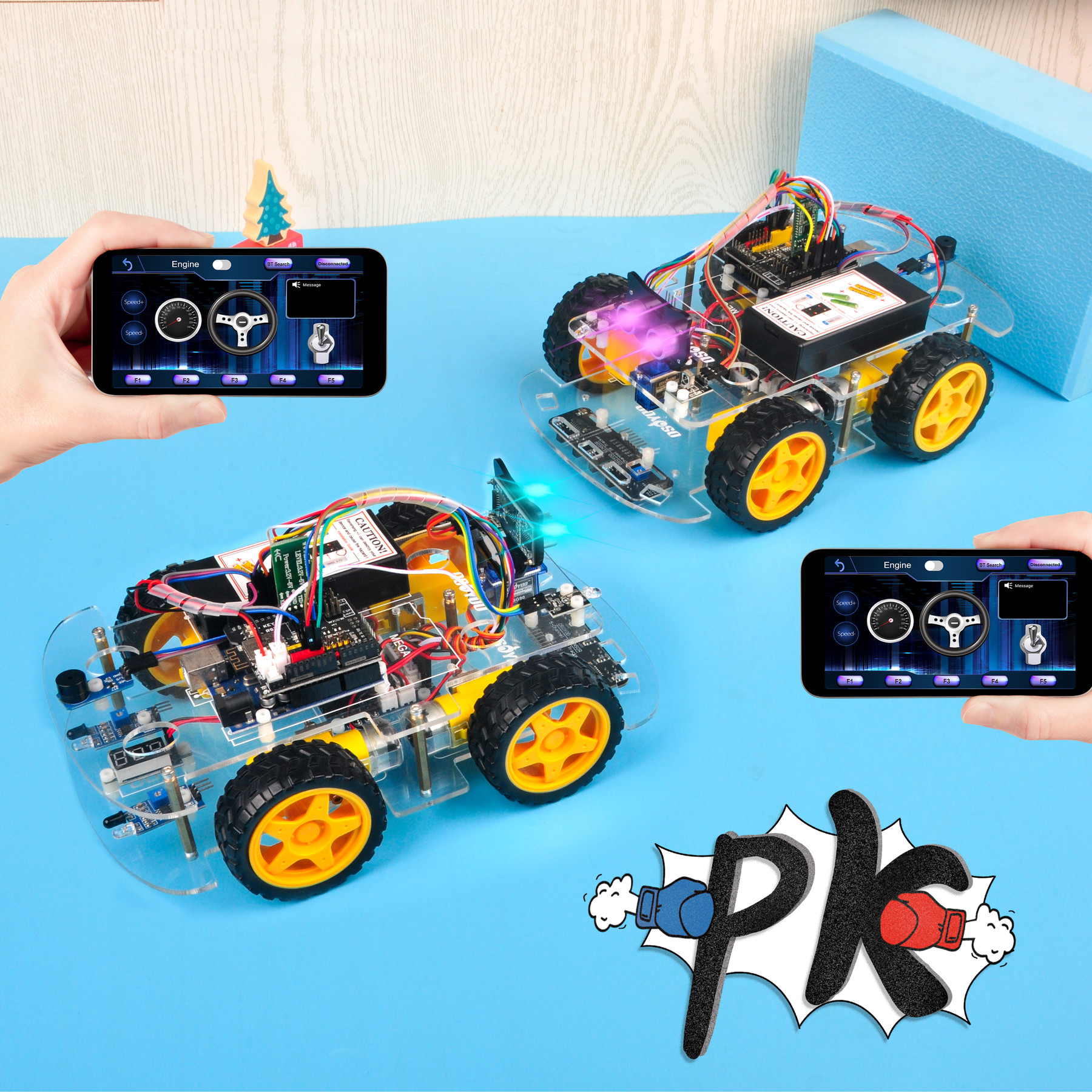
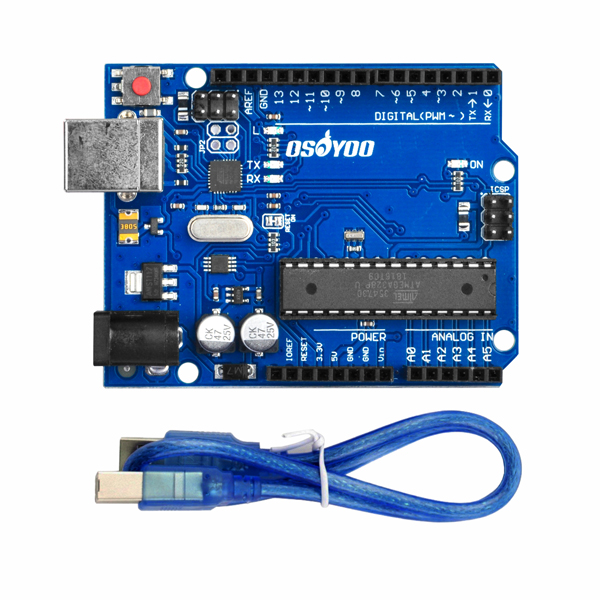
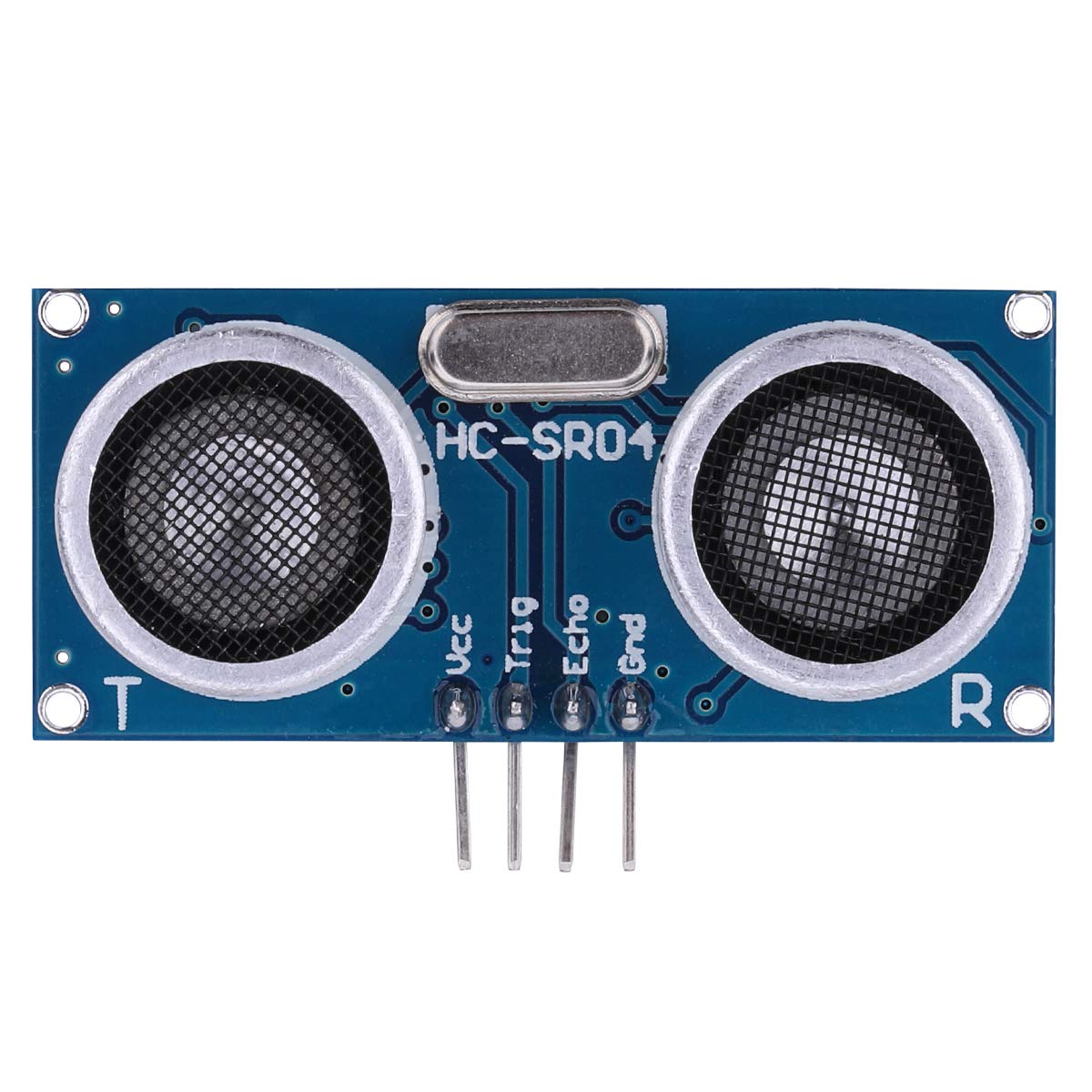
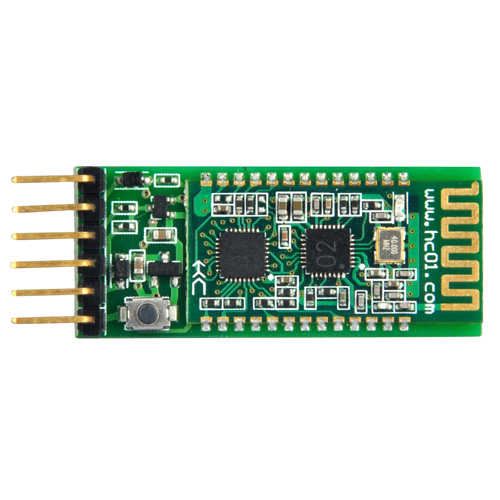
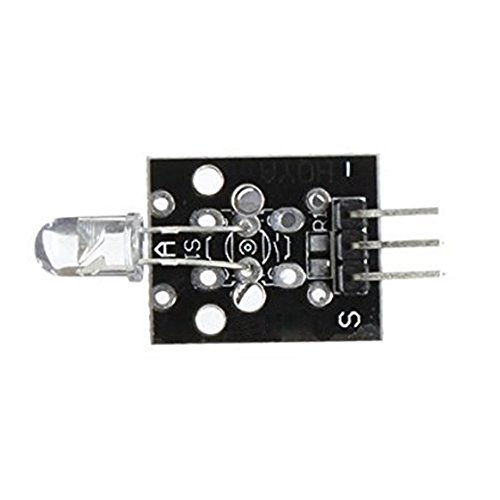
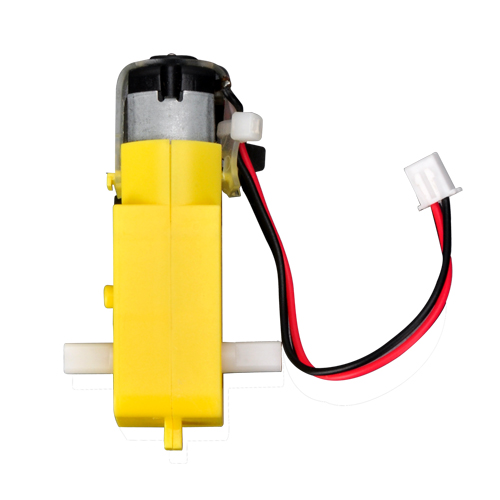
This kit contains module parts including OSOYOO MODEL X motor driver module(*), Ultrasonic Sensor module, Tracking module, Infrared Remote Control, Bluetooth module and ESP8266 Wi-Fi shield, etc. With these modules, the robot car can work in multiple modes such as auto-go, infrared control, obstacle avoidance and line tracking. You can use our Android APP to change working mode through Wi-Fi or Bluetooth.
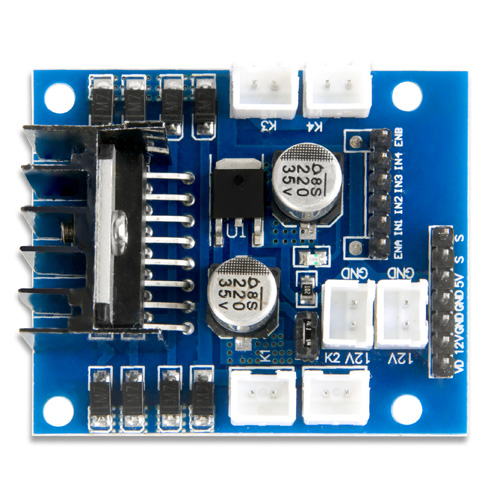
*OSOYOO MODEL X motor driver module is an improved L298N module which has newly designed wiring sockets and can greatly simplify the assembly procedure and wire connection stability.
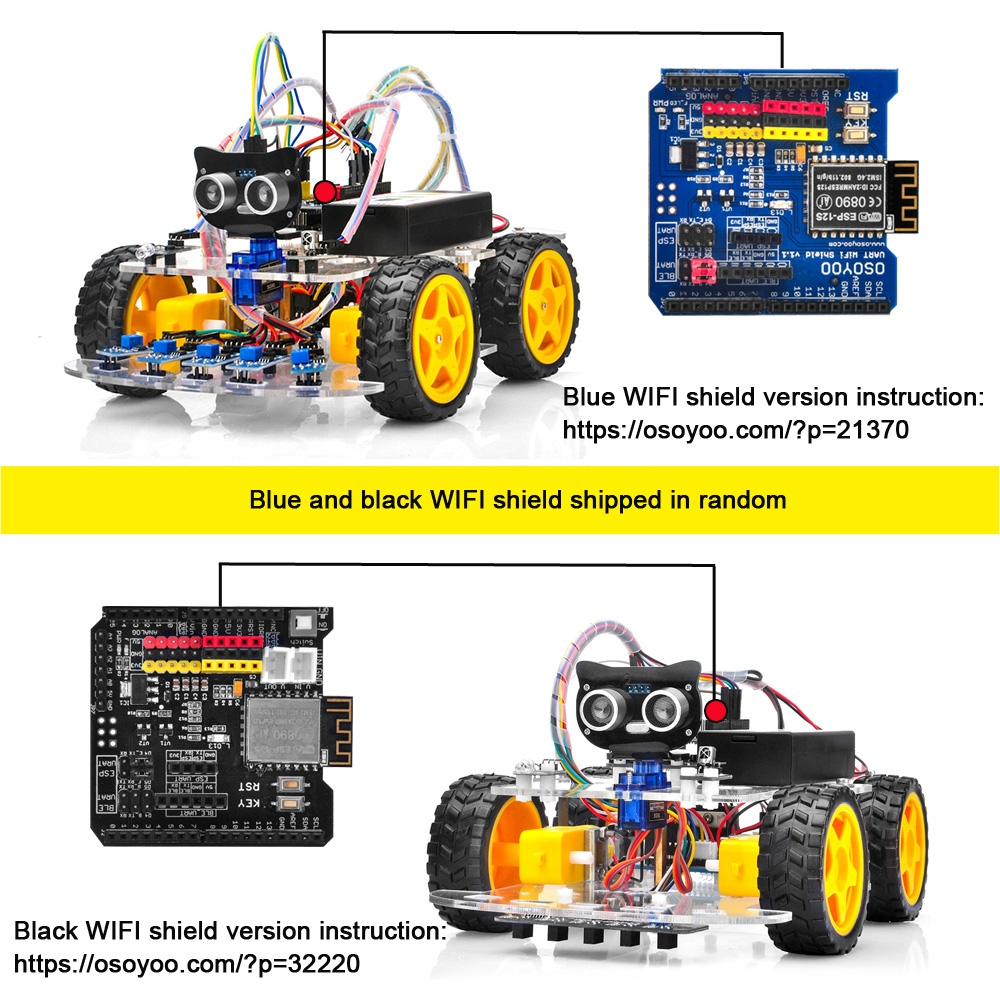
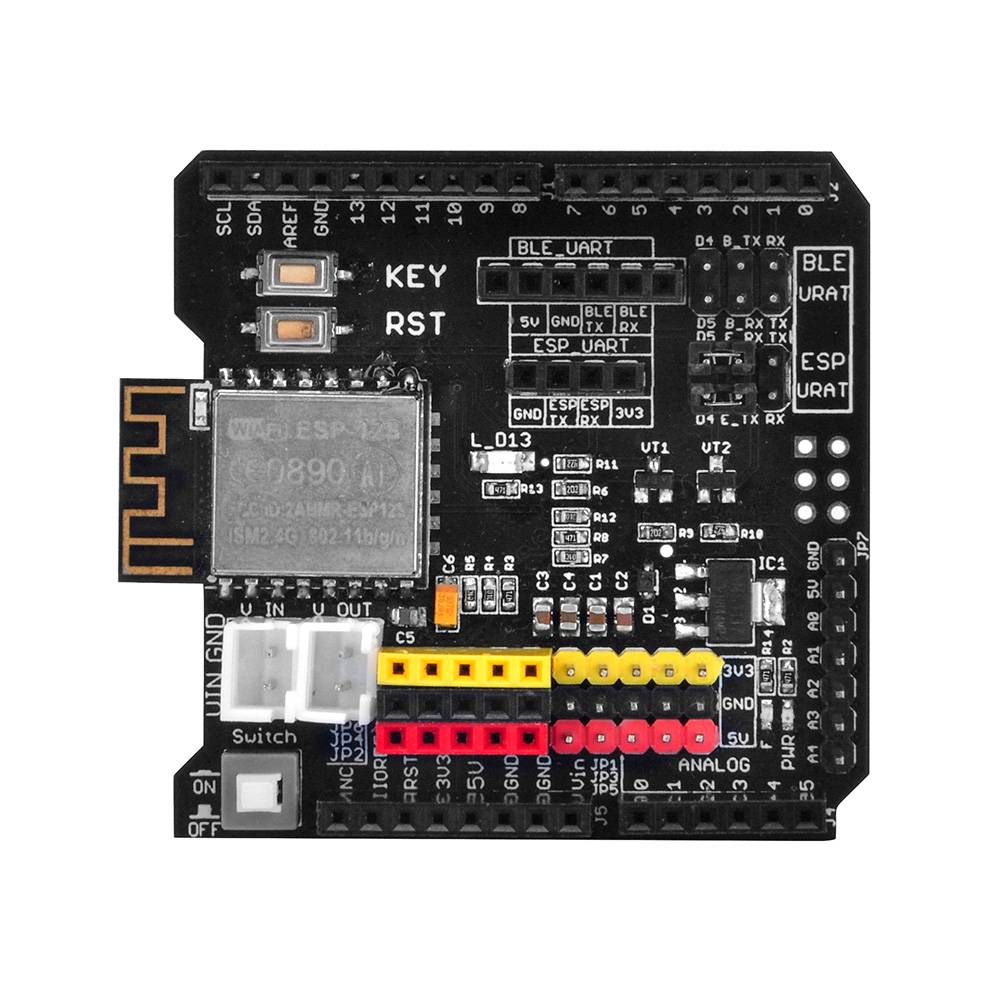
We stock two versions of the Wi-Fi shield. Blue and black Wi-Fi shield are shipped in random.
If you get blue Wi-Fi shield, please follow these instructions: https://osoyoo.com/?p=21370.
If you get black Wi-Fi shield, please follow these instructions: https://osoyoo.com/?p=32220.
Packing list:
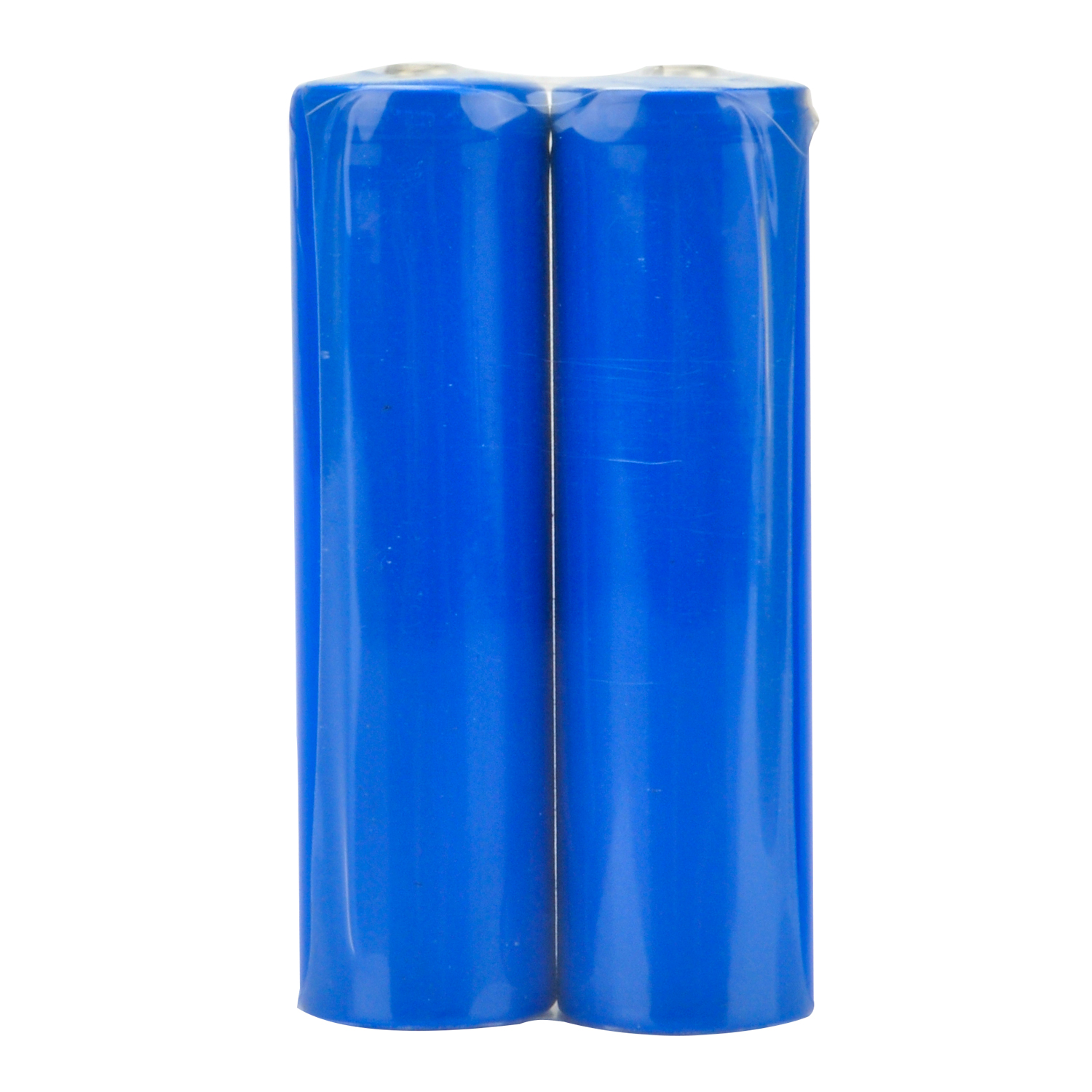
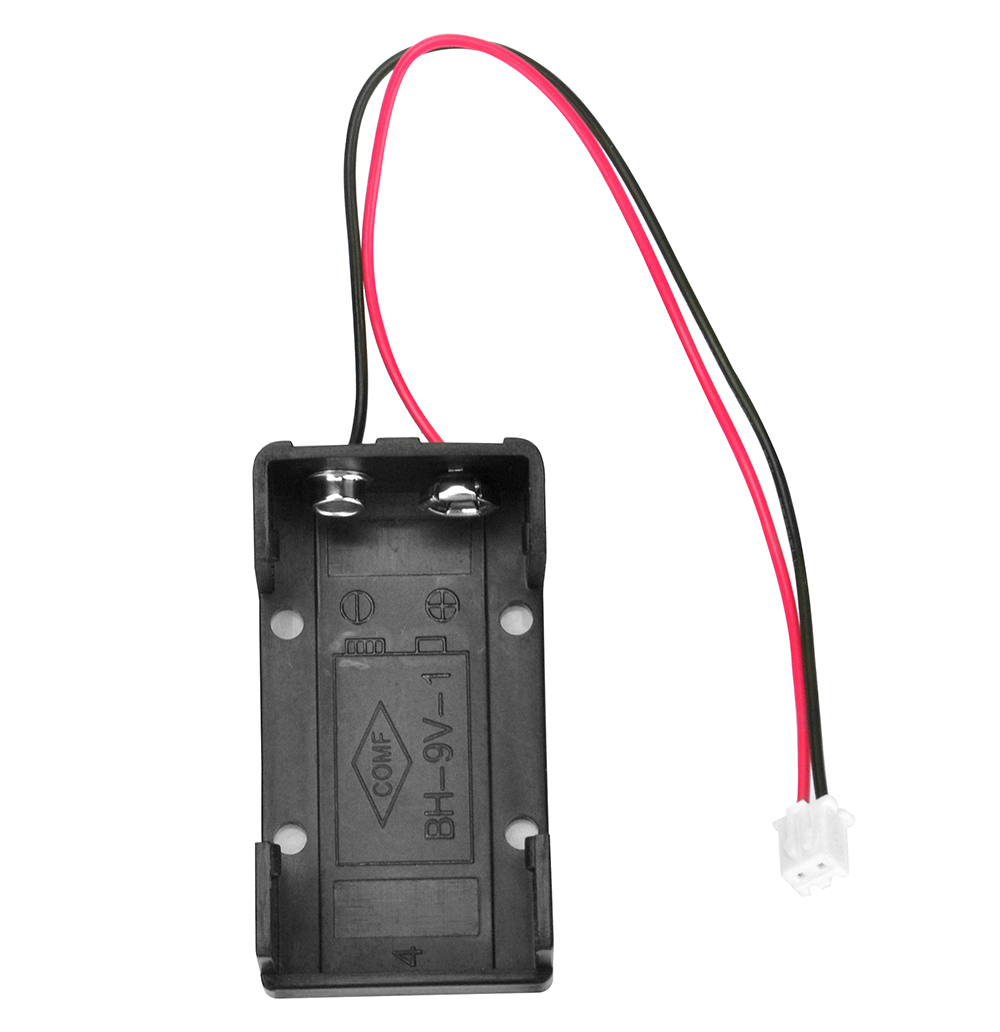
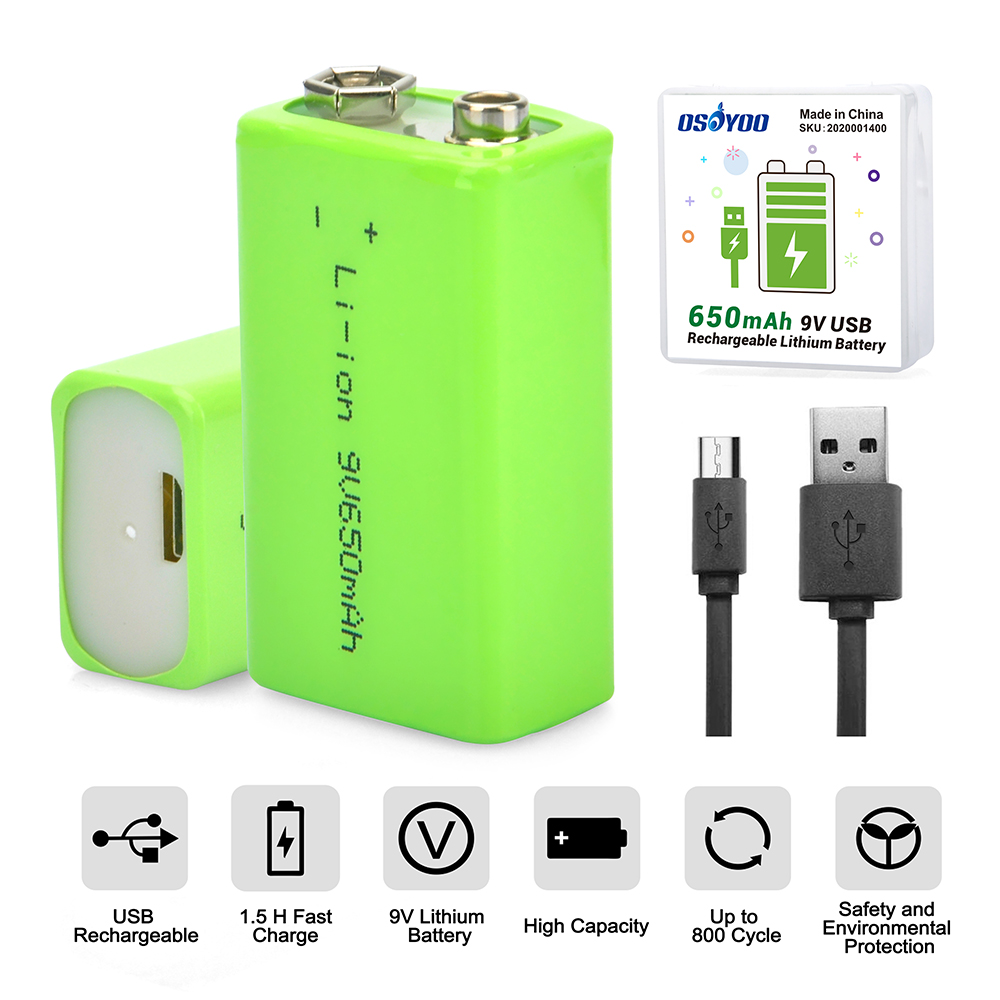
We offer two kinds of robot car set for you to buy. The one is with 2 battery box (18650 battery box and 9V battery box) and the other one is with 1 pair 18650 batteries and battery charger.
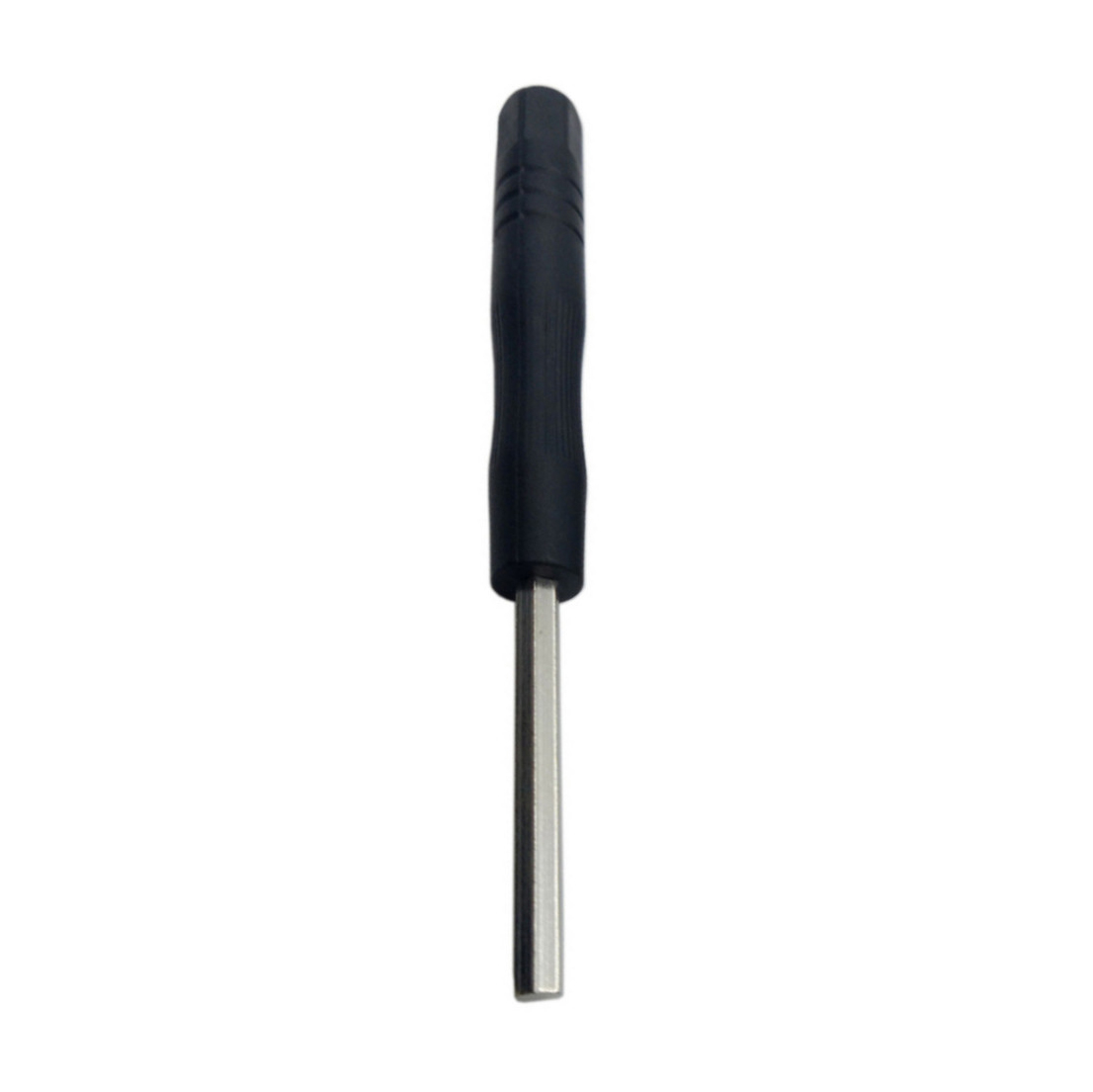
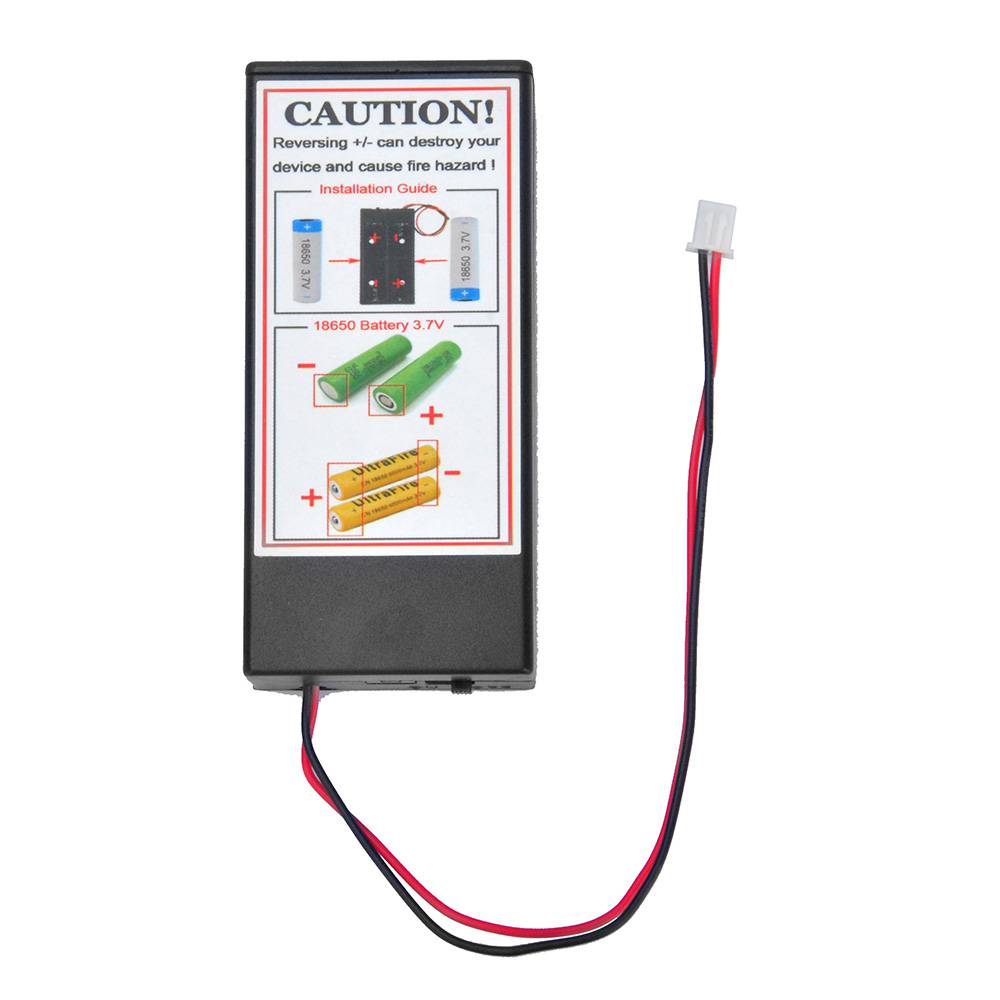
The following packing list is for the set with 2 battery boxes
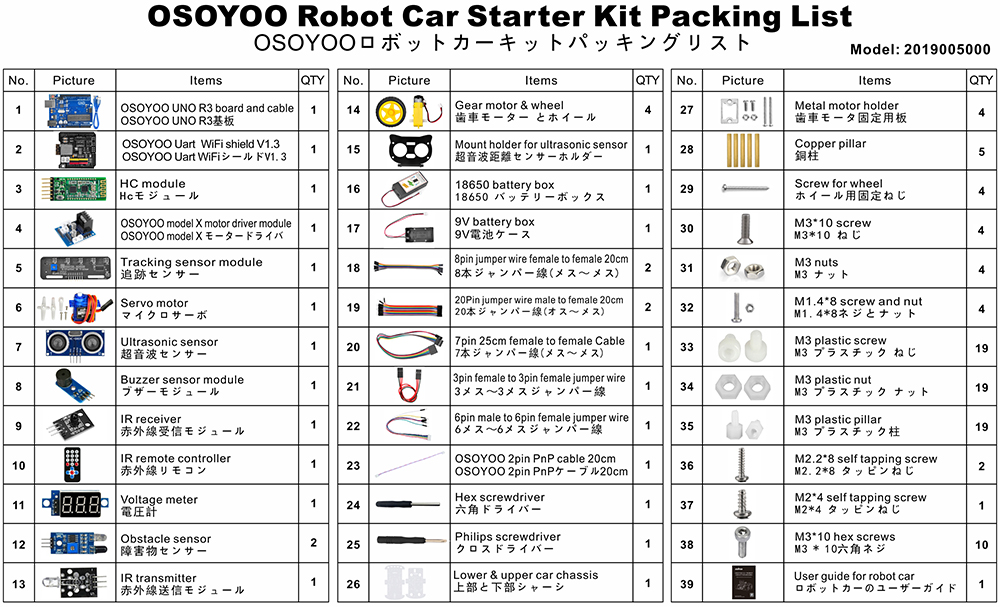
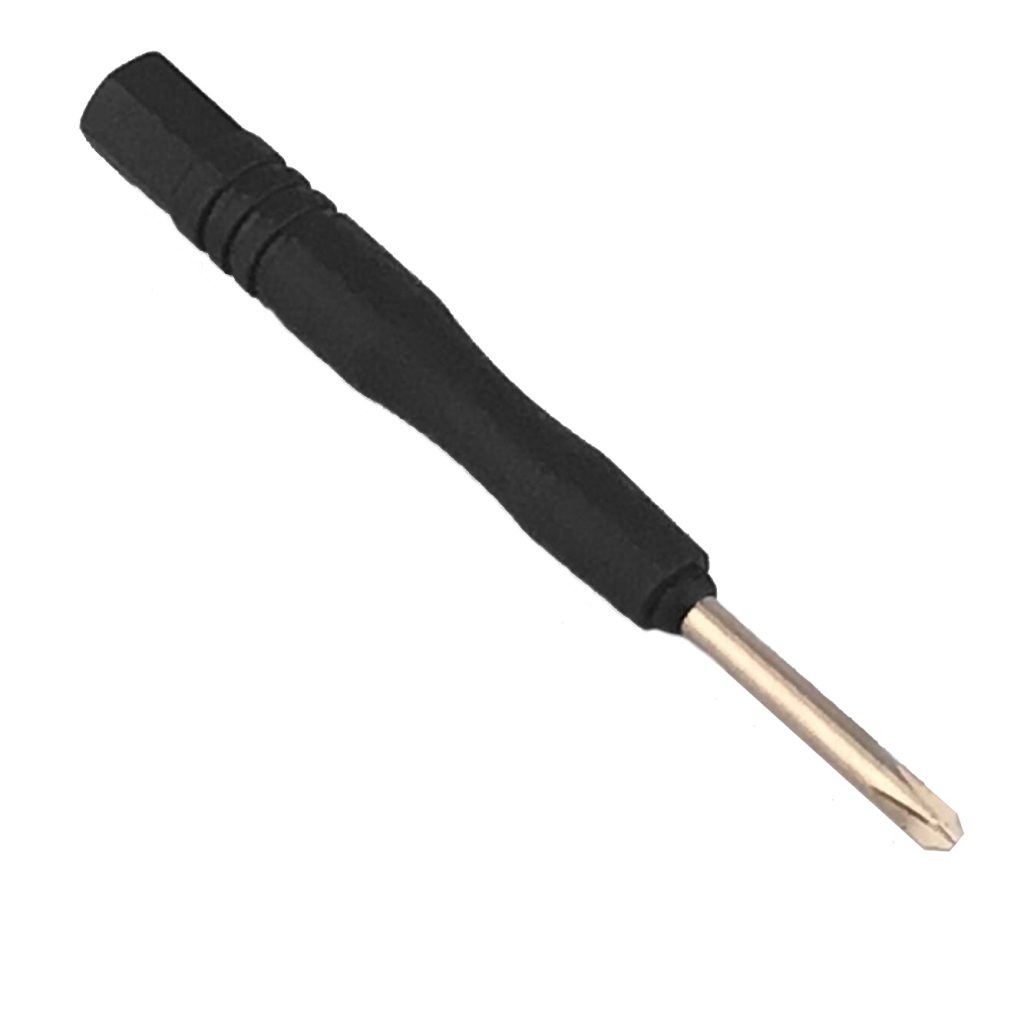
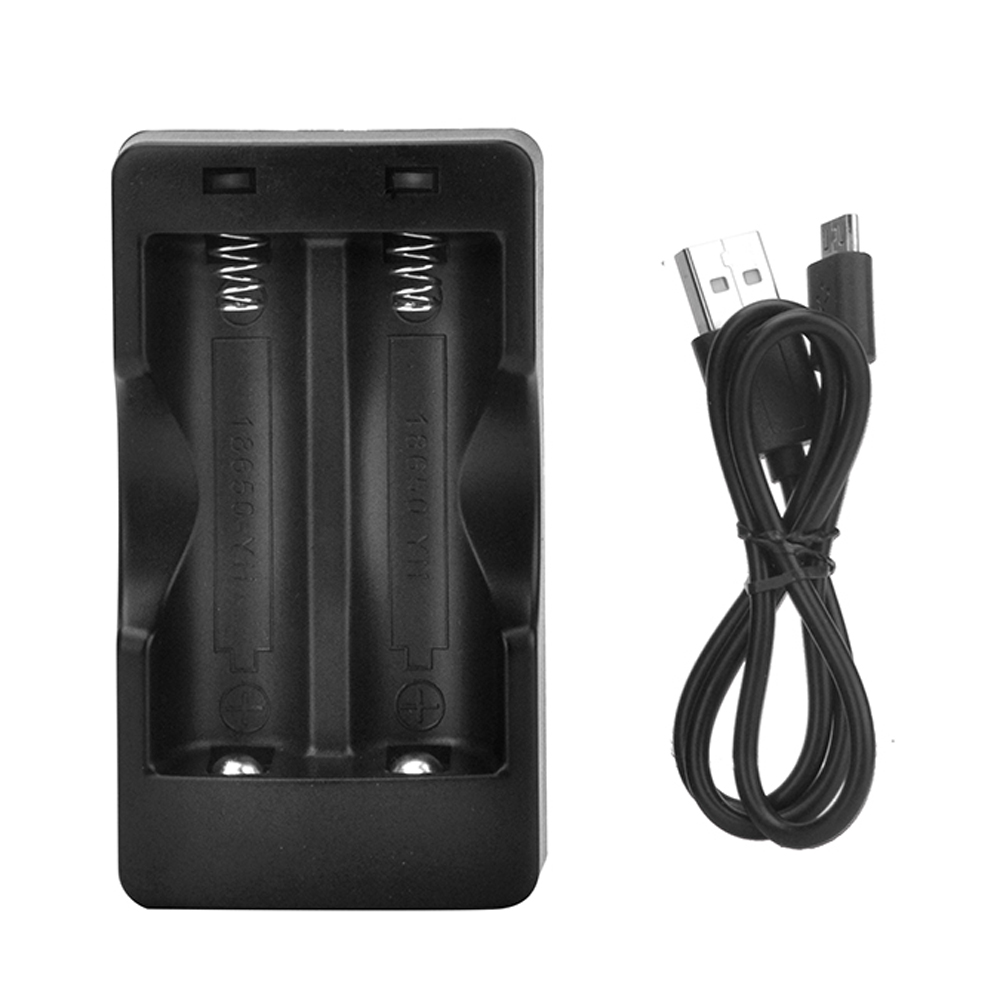
The following packing list is for the set with battery and charger
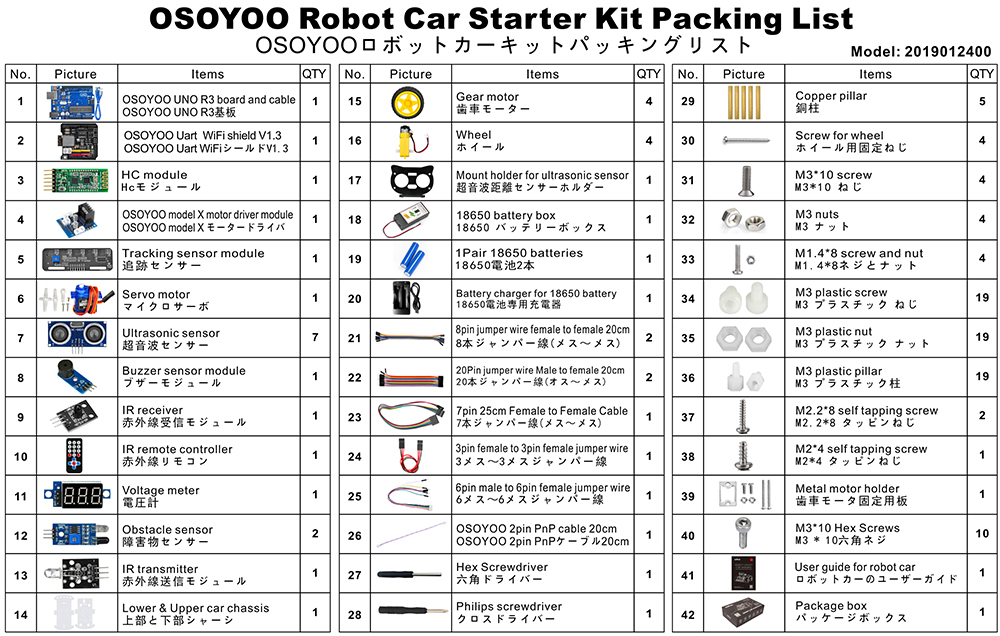
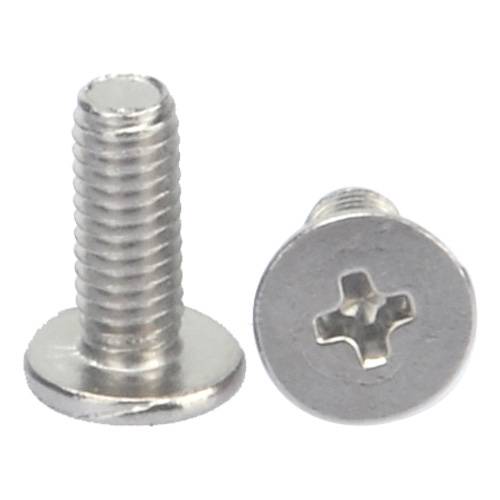
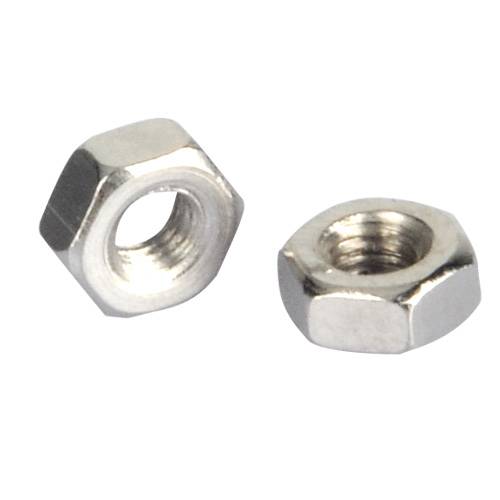
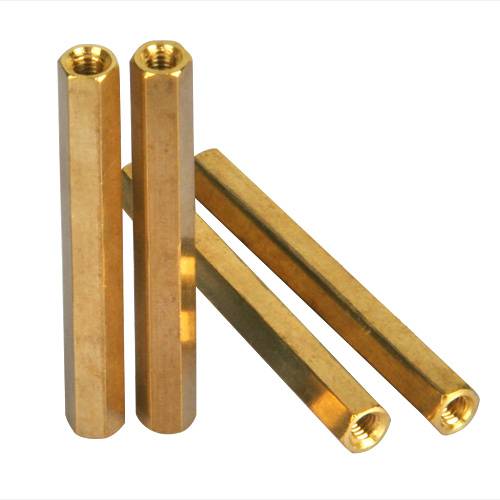
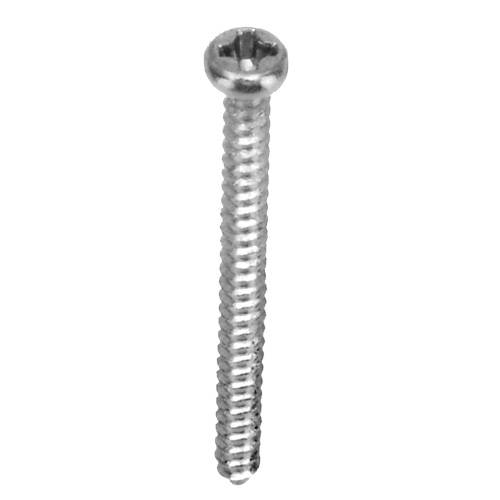
For more details about each part and device, please click here
✅ This tutorial was written for the OSOYOO V2.1 Robot Car Kit
All 8 lessons, sample code, and circuit diagrams on this page are designed specifically for this kit.
Buy direct from OSOYOO Store and save 10% — plus get free shipping on orders over $70.

OSOYOO V2.1 Robot Car Kit
🔋 With battery & charger:
$61.02
$67.80
— code ROBOTCAR10
📦 Without battery: use same code for 10% off
Basic Tutorials
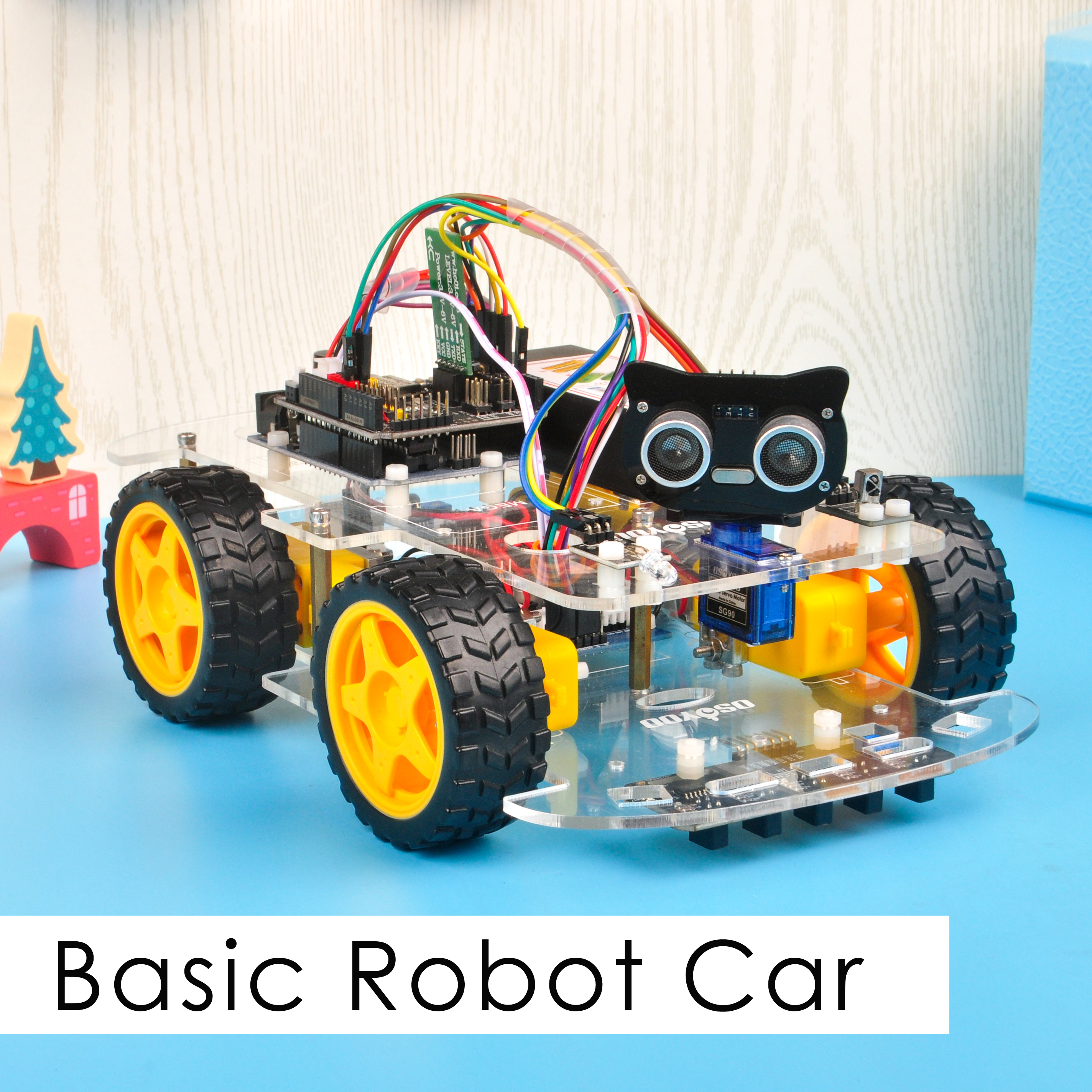
We’ve put together some basic tutorials for beginners who aren’t familiar with Arduino. This section explains what Arduino is and shows you how to get started with simple Arduino projects. Arduino is the world’s largest open-source hardware platform, offering endless possibilities with simple microcontroller-based products. Learning to program on the Arduino platform is a journey that never stops growing.
With this hardware and software support, you’ll be well on your way to becoming an expert programmer in no time. Get the kit and start your project today!
Tutorial and sample projects
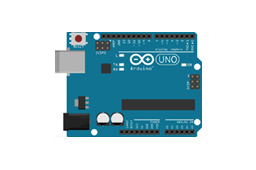
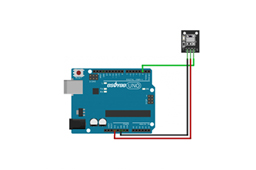
Parts and Devices









Could you help me to change some lines in the code, more speed when its following the line, to folow a withe line, and dected some object and stop when this happends. please help
Please open the codes which you want to revise, and find the lines:
#define FAST_SPEED 150
#define MID_SPEED 140
#define SLOW_SPEED 130
you can change the value from 0 ~ 255.
done, thanks,it works.
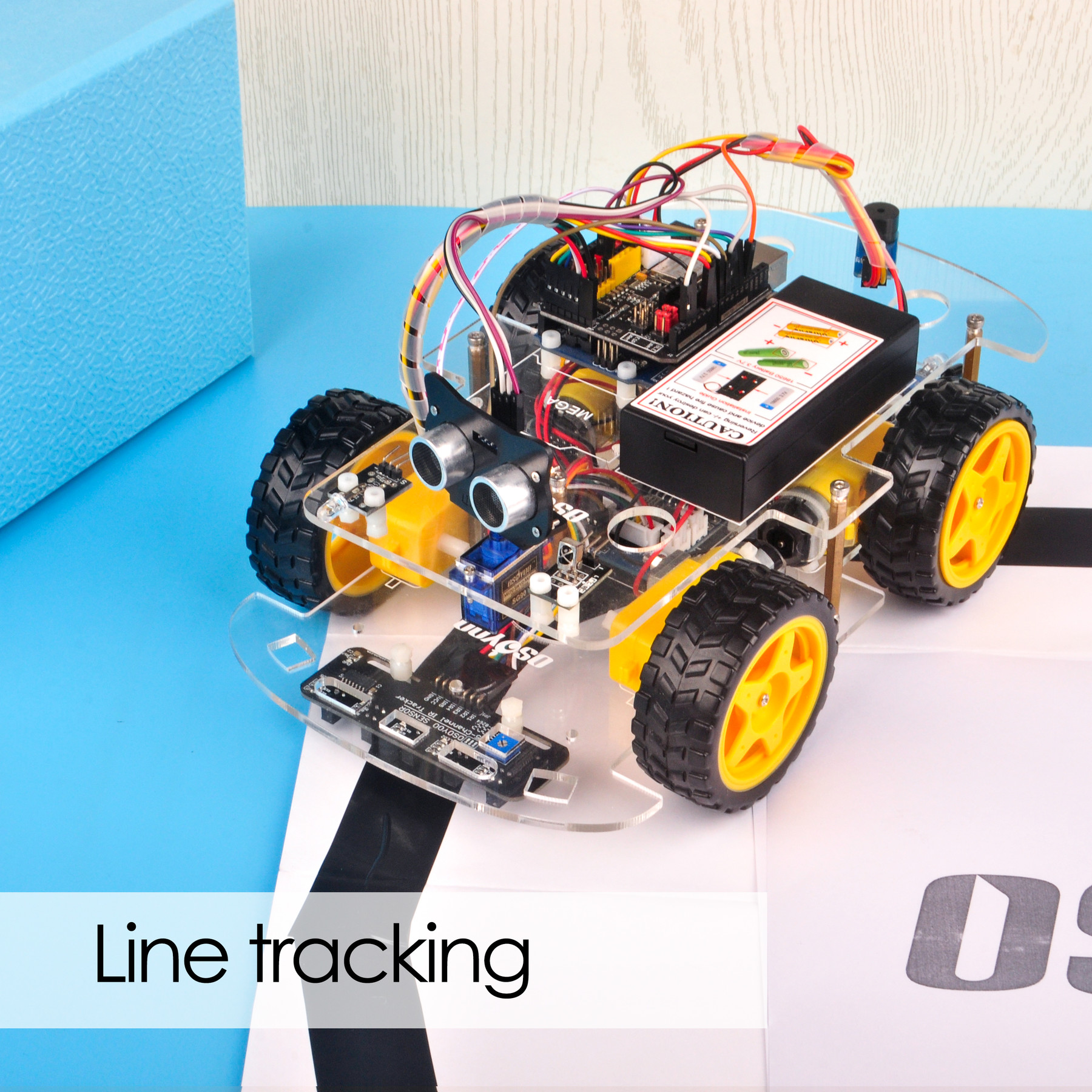
Could you help me to change the code to follow a white line?
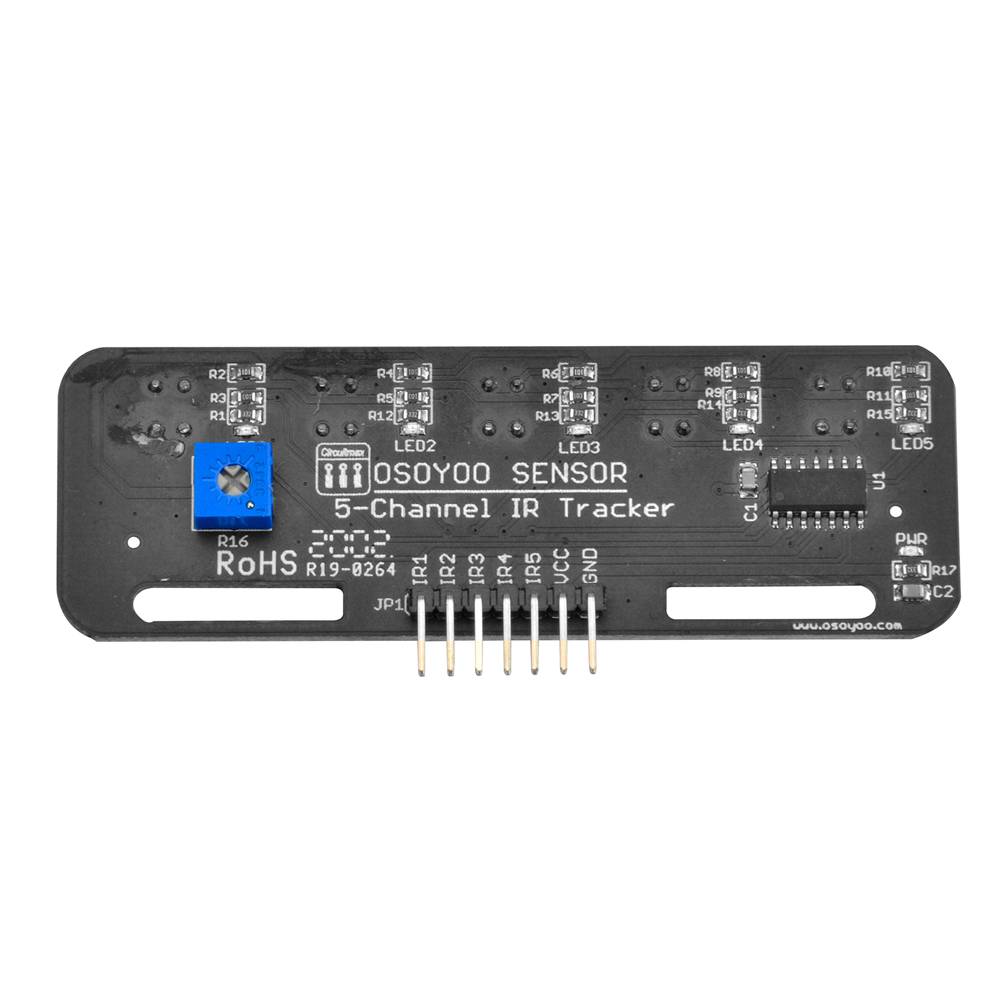
For line tracking mode, the value “1” means the tracking sensor is on black line, the value “0” means the tracking sensor is on white line.
Please find the following lines of the lesson 4 code and exchange black line value to white line value:
void auto_tracking(){
String sensorval= read_sensor_values();
Serial.println(sensorval);
if ( sensorval==”10000″ )
{
//The black line is in the left of the car, need left turn
go_Left(); //Turn left
set_Motorspeed(FAST_SPEED,FAST_SPEED);
}
if (sensorval==”10100″ || sensorval==”01000″ || sensorval==”01100″ || sensorval==”11100″ || sensorval==”10010″ || sensorval==”11010″)
{
go_Advance(); //Turn slight left
set_Motorspeed(0,FAST_SPEED);
}
if ( sensorval==”00001″ ){ //The black line is on the right of the car, need right turn
go_Right(); //Turn right
set_Motorspeed(FAST_SPEED,FAST_SPEED);
}
if (sensorval==”00011″ || sensorval==”00010″ || sensorval==”00101″ || sensorval==”00110″ || sensorval==”00111″ || sensorval==”01101″ || sensorval==”01111″ || sensorval==”01011″ || sensorval==”01001″)
{
go_Advance(); //Turn slight right
set_Motorspeed( FAST_SPEED,0);
}
if (sensorval==”11111″){
stop_Stop(); //The car front touch stop line, need stop
set_Motorspeed(0,0);
}
For example, the value of “sensorval==”01100″” mean the left 2 and left 3 tracking sensors are on black line and the other tracking sensors are on white line. if the left 2 and left 3 tracking sensors are on white line and the other tracking sensors are on black line, the code value is “sensorval==”10011″”
hope these will help you.
Ok, so i have to change all the values, like that? (code bellow) i change al the “1” for “0”
void auto_tracking(){
String sensorval= read_sensor_values();
Serial.println(sensorval);
if ( sensorval==”01111″ )
{
//The black line is in the left of the car, need left turn
go_Left(); //Turn left
set_Motorspeed(FAST_SPEED,FAST_SPEED);
}
if (sensorval==”01011″ || sensorval==”10111″ || sensorval==”10011″ || sensorval==”00011″ || sensorval==”01101″ || sensorval==”00101″)
{
go_Advance(); //Turn slight left
set_Motorspeed(0,FAST_SPEED);
}
if ( sensorval==”11110″ ){ //The black line is on the right of the car, need right turn
go_Right(); //Turn right
set_Motorspeed(FAST_SPEED,FAST_SPEED);
}
if (sensorval==”11100″ || sensorval==”11101″ || sensorval==”11010″ || sensorval==”11001″ || sensorval==”11000″ || sensorval==”10010″ || sensorval==”10000″ || sensorval==”10100″ || sensorval==”10110″)
{
go_Advance(); //Turn slight right
set_Motorspeed( FAST_SPEED,0);
}
if (sensorval==”00000″){
stop_Stop(); //The car front touch stop line, need stop
set_Motorspeed(0,0);
}
Yes, please have a try.
Hola me puedes ayudar por favor no soy capaz de encontrar el software para el osoyoo 2.1 que debería ser la versión 1.8.8 soy nuevo en esto y me estoy volviendo loco seri de gran ayuda para mi
buenos dias e adquirido un osoyoo 2.1 y no soy capaz de descargarme el software necesito ayuda ya que soy nuevo en este mundo
no soy capad de encontrar la version 1.8.8 no se si an sacado alguna actualizacion
Do you mean you want to download the Arduino IDE V1.8.8?
Please visit the link: https://www.arduino.cc/en/software/OldSoftwareReleases
Si muchas gracias por que no avía manera de encontrar la esa versión ya te comentaré el resultado
ciao come faccio ad eliminare i tempi di fermo rover quando non ha ostacoli vicino?
Grazie
Please can you help me with a code that will make mine go round circles? I have tried several means, but not working, please
I am not so clear? Make the robot turn in place? Due to changes in current or uneven ground, the robot’s trajectory may change
I am working on a project that would make this car go round a circles of a particular radius
Please I am having issue trying to write a code that uses both obstacle avoidance sensor the IR sensor all in the same code or program. Please can you help me out please.
Please I am having issue trying to write a code that uses both obstacle avoidance sensor the IR sensor all in the same code or program. Please can you help me out please.
In Lesson 7 there are several unused custom buttons. I would like to use the custom button F2 to make the buzzer sound. What letter in the Uart_Date stream corresponds to F2 (also what letter corresponds to F4)?
Nevermind F2 is G and F4 is I (too tired to think of monitoring the UART_Date variable on the Serial Monitor when I posted)
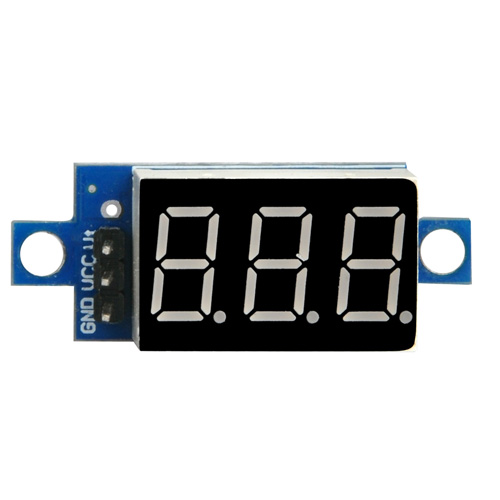
Hello. Voltage seems to be alright at 7.30 but whenever I turn on the car it’s just constantly turning left.
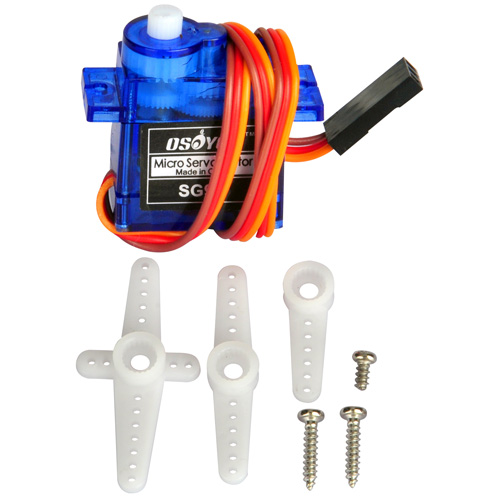
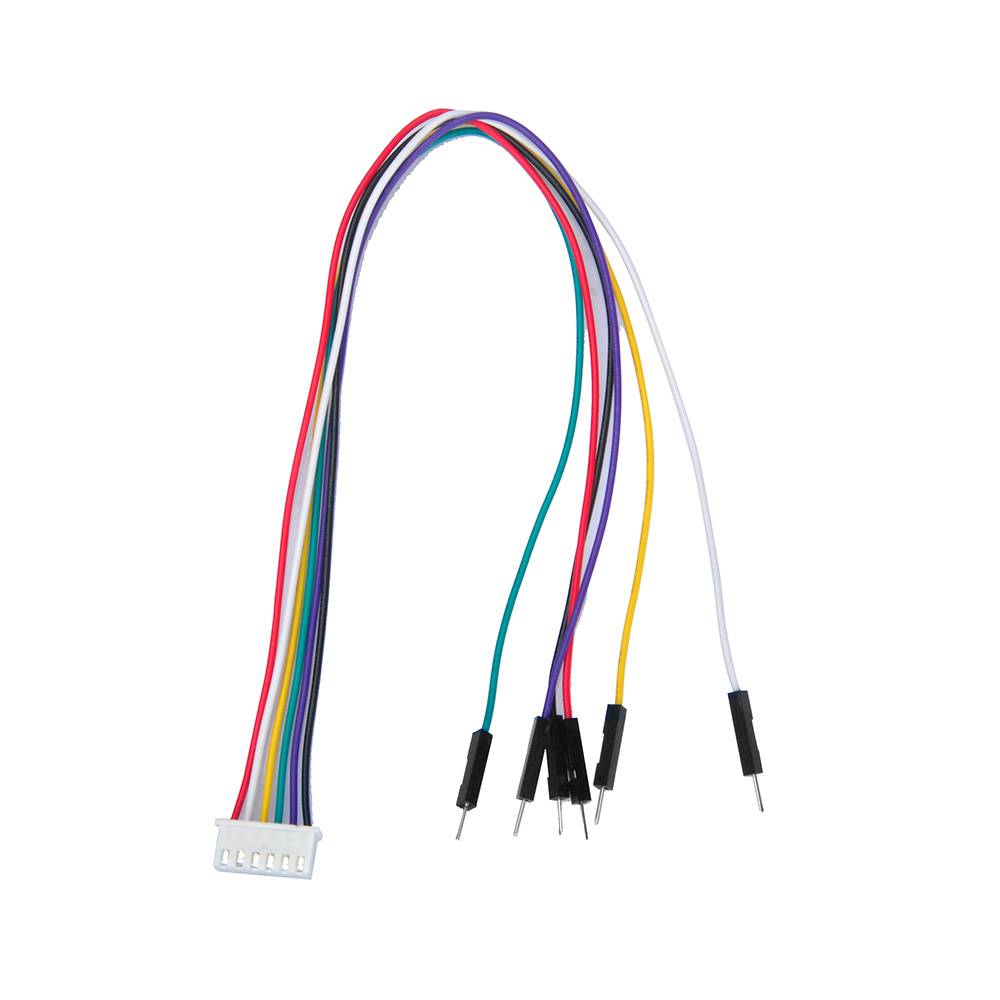
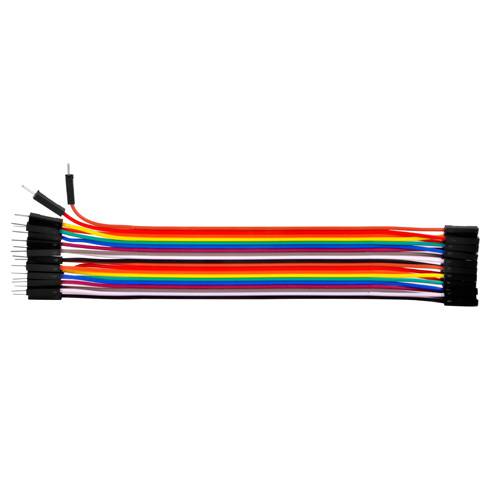
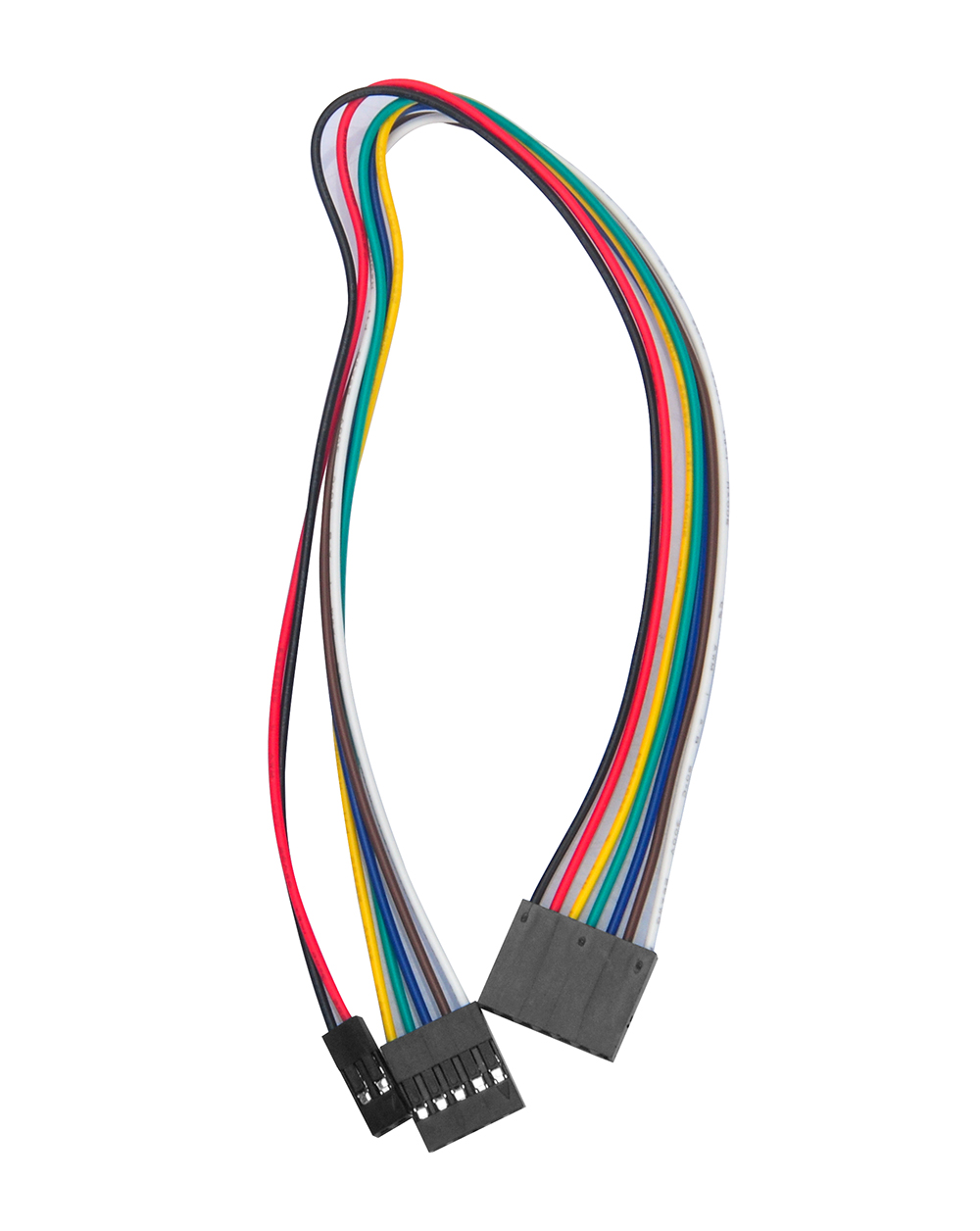
How may one establish a connection between a servo motor and an Arduino microcontroller? The servo motor is equipped with a female connector. However, the provided kit solely comprises male-to-female and female-to-female connectors. What course of action is recommended to address this situation?
hey, so I am trying to modify the code from lesson one. I am trying to make the robot go around in a circle of a 3m diameter after going forward for 2 seconds. Could you please help me with a code that makes the robot go around in a circle of a particular diameter?
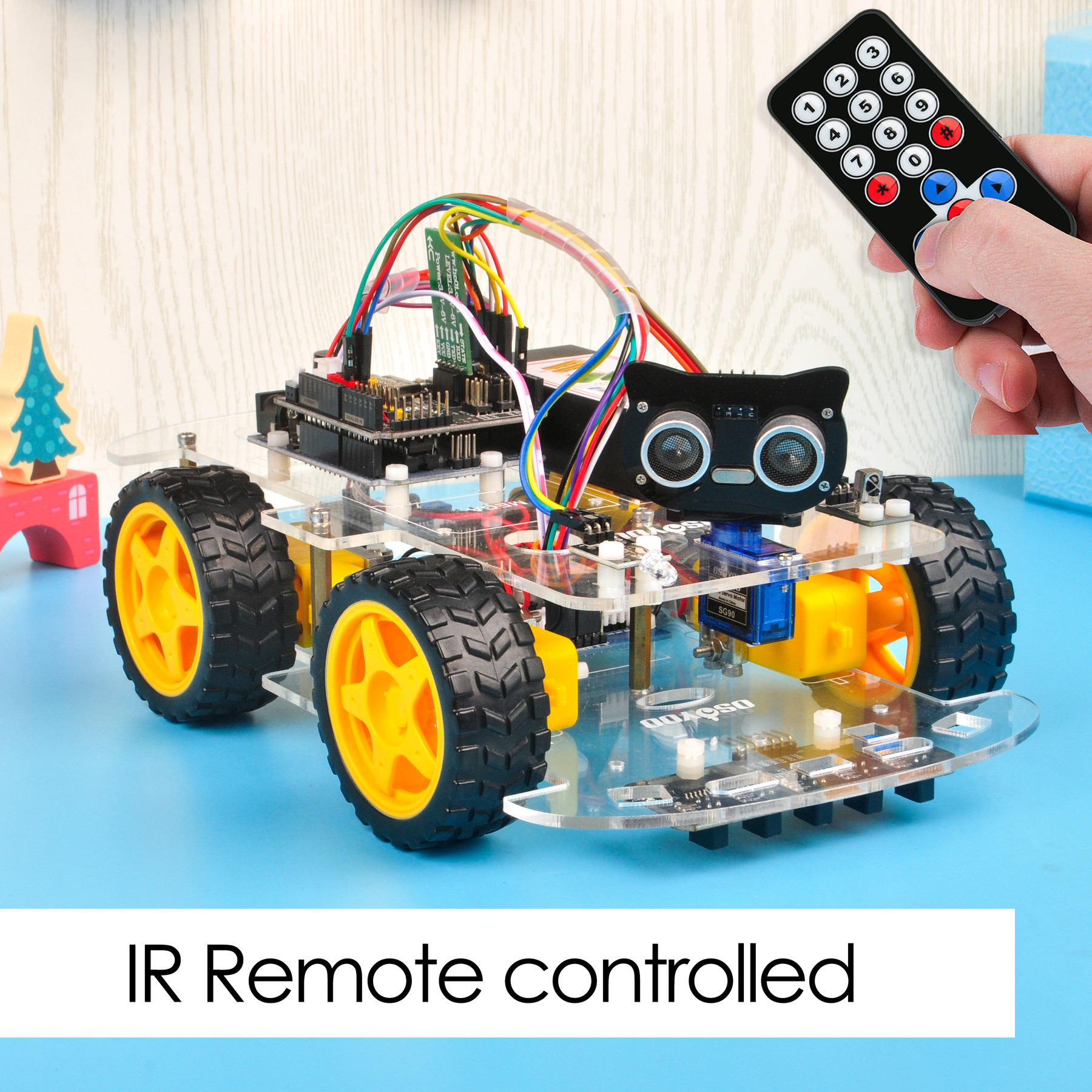
I was building the remote control car and when I was going to use the remote, the car would not move at all. I checked to see if the battery was in the remote and to see if it was in the right way, and it was. I was wondering what was wrong. Thank you
Ich habe das Auto fertiggestellt. Es zeigt die gemessene Entfernung zum Hindernis im seriellen Monitor richtig an, fährt aber nur rückwärts oder dreht sich im Kreis, obwohl vorne ausreichend Abstand zur Verfügung steht. Es fährt nicht nach vorwärts auf das Hindernis zu, so wie es erwartet würde. Wo liegt der Fehler?
Woher wissen Sie „Es zeigt die gemessene Entfernung zum Hindernis im seriellen Monitor richtig an“?
how do you know “It correctly displays the measured distance to the obstacle in the serial monitor”?
I installed the Driving app from the Apple Store on my iPad (iOS 16.6.1), but the motion sensor isn’t working and I can’t control the left and right. What should I do?
Are you talking about the lesson 7 immitation driving bluetooth APP?
please make sure that you have correctly connected the B_TX to D4 and B_RX to D5 using jumper caps, see following picture.
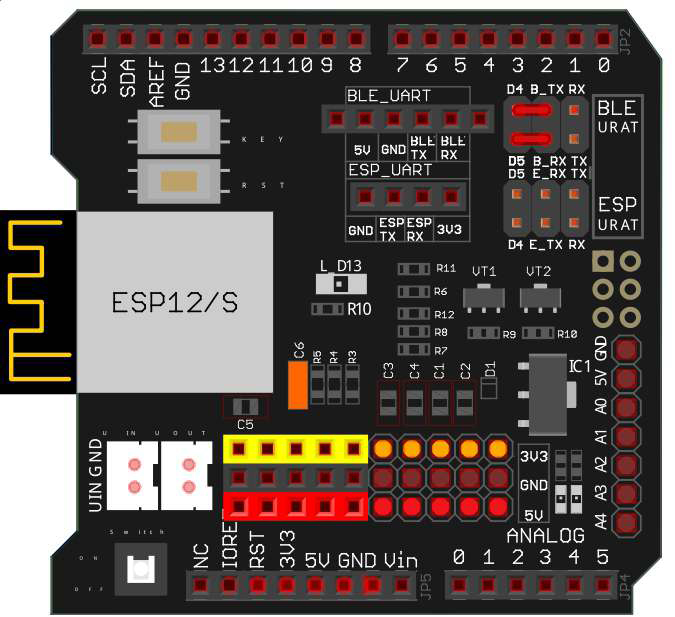
Some people put the jumper caps in the lower location(E_TX to D4 and E_RX to D5), that is WRONG and your Arduino can not get signal from Bluetooth chip.
Thank you for your comment.
Other iOS apps work without changing the hardware settings, so I don’t think it’s a problem with the robot’s hardware.
Did you enable the bluetooth sensor and motion sensor in you iPad? Can you connect the HC-02 bluetooth device?