






| Buy from US |
Buy from UK |
Buy from DE |
Buy from IT |
Buy from FR |
Buy from ES |
ここでご購入を! |
 |
 |
 |
 |
 |
 |
 |
Introduction
In this project, we’ll create a wearable glowing pin using conductive thread to connect a LilyPad LED to a coin cell battery holder.
Materials and Tools
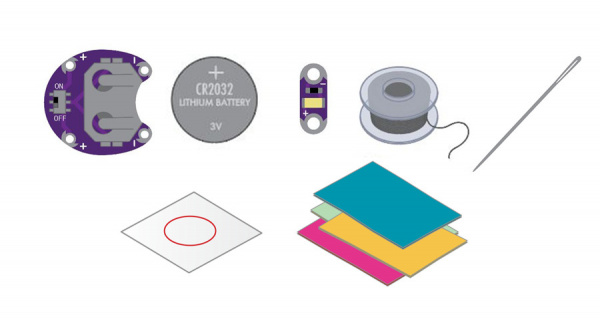
- 1x LilyPad Coin Cell Battery Holder
- 1x Coin Cell Battery
- 1x LilyPad LED
- 1x Conductive Thread and Needle
- Felt (you will need at least 3 square inches)
Planning Your Project
For this project, we’ll be using the Glowing Pin template (download below). If needed, download and print the template. We’ve also provided color and black-and-white designs to use with printable fabric for the top layer of the pin. Right-click the images below and choose “Save Link As” to download the template to your computer.
Click here to download:
Glowing Pin template
GlowingPin_PrintableFabricColor
GlowingPin_PrintableFabricBW
Understanding Your Circuit
This project is an example of a basic circuit — an electrical loop that travels from a power source along a path (called a trace) to a component that uses the electricity to function, and then back to the power source. For our project, we’ll use an LED (Light-Emitting Diode). When the loop is completed by stitching the pieces together with conductive thread traces, electricity flows from the positive (+) side of the battery through the LED (lighting it up) and back to the negative (–) side of the battery. This flow of electricity is called current. As you build more LilyPad projects, you’ll learn different ways to design conductive thread circuits and experiment with other components that control or use the flow of electricity.
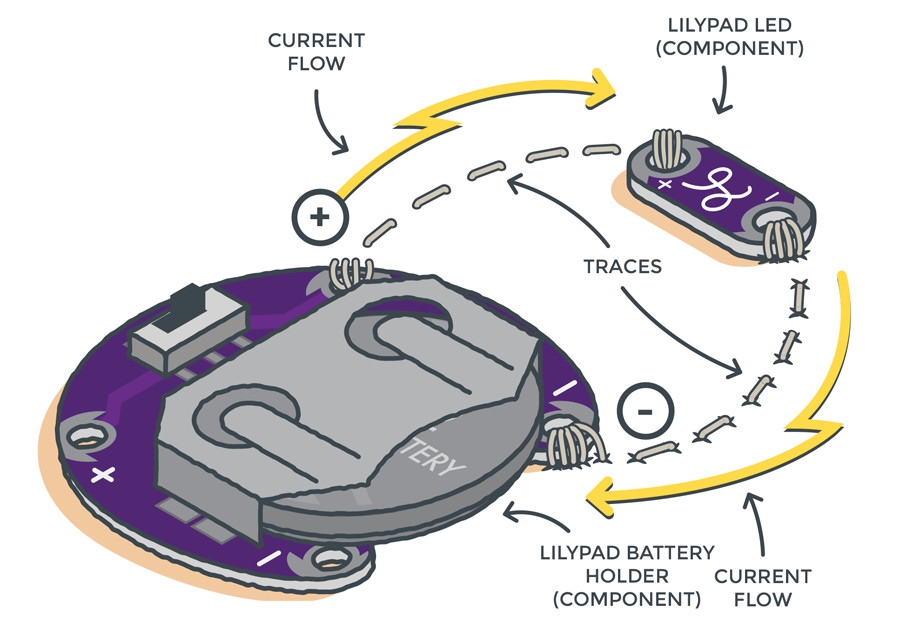
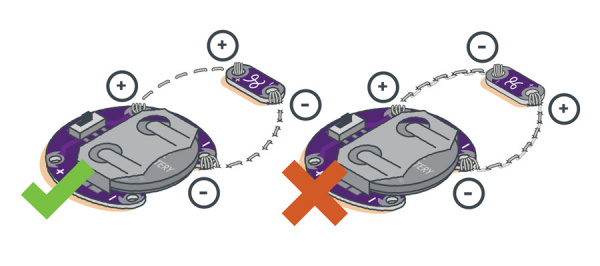
Take a look at the LED and battery holder. Notice that the silver sew tabs are labeled either positive or negative. Many electronic components have polarity, meaning electric current can only flow through them in one direction.
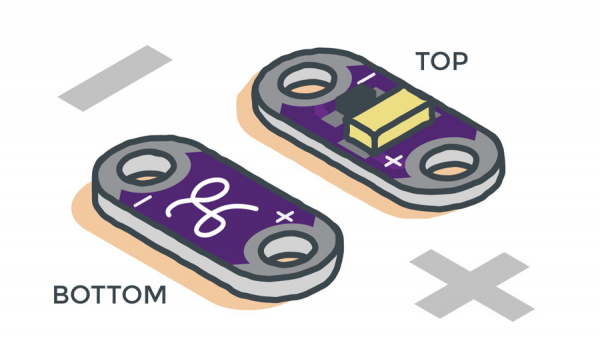
If connected incorrectly, the LED will not light up. The batteries in this kit are also polarized — they have a positive and a negative side. Always check the labels on your LilyPad pieces to make sure they are correctly oriented before sewing them into a circuit.
Stitching It Together
STEP 1:
Cut a long piece of conductive thread, thread the needle, and tie a knot at the end. Now it’s time to connect the LED to the battery holder. One line of stitching will connect the positive (+) side of the battery holder to the positive end of the LED. A second line of stitching will connect the negative (–) sides and complete the circuit.
Finish your first line of stitching by tying a finishing knot on the sew tab and trimming any excess thread.
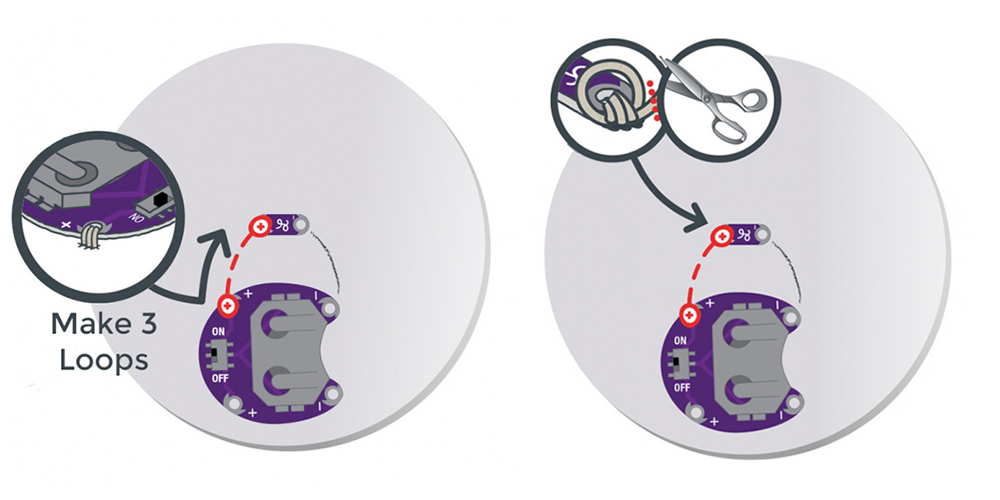
Don’t forget — you’ll need to tie a new knot at the end of your thread before starting the next section of stitching.
STEP 2:
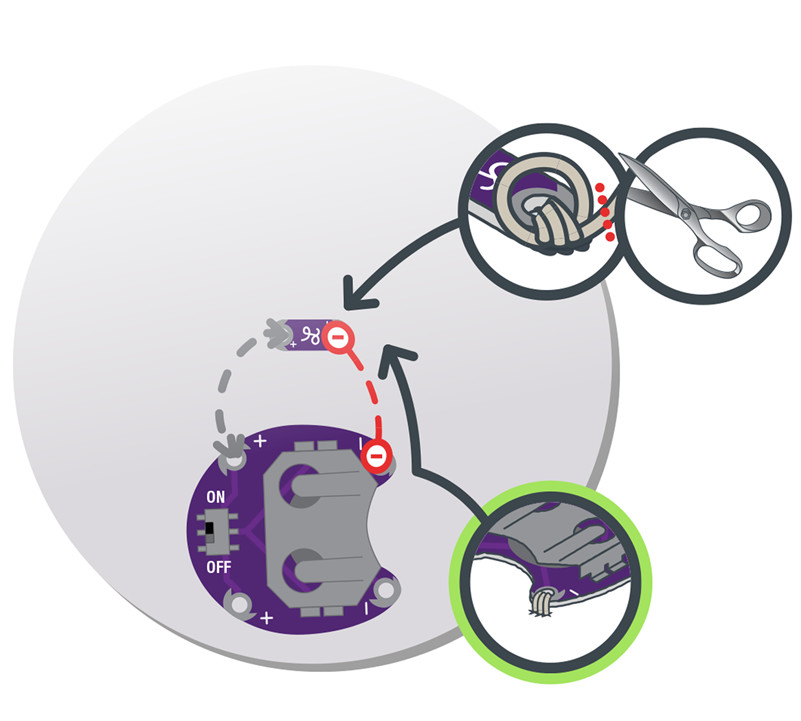
Repeat the process with a new piece of thread to connect the negative side of the battery holder to the negative end of the LED. Be careful not to let the stitches cross the path used for the positive connections, as that would cause a short circuit. Trim any thread tails before testing. The circuit is now complete!
Installing Your Battery and Testing
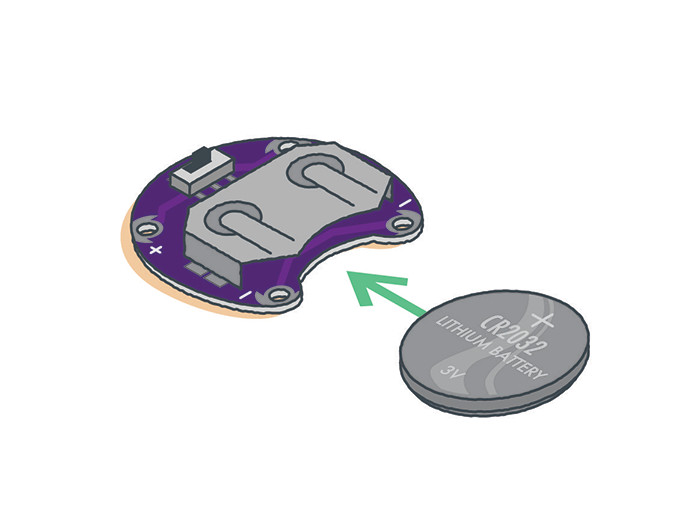
Insert the coin cell battery with the positive side facing up (+) into the opening on the battery holder, across from the ON/OFF switch. Turn on the switch to let current flow through the circuit. Turn off the switch when not in use to extend battery life.
Finishing Touches
Always remove the battery when working on your project to avoid damaging the components.
With the battery removed, use a hot glue gun or thread to attach your fabric design over the felt circle so the LED shines through. Draw a design on the fabric if you’d like. Turn the project over and attach an adhesive pin back to finish your wearable art!
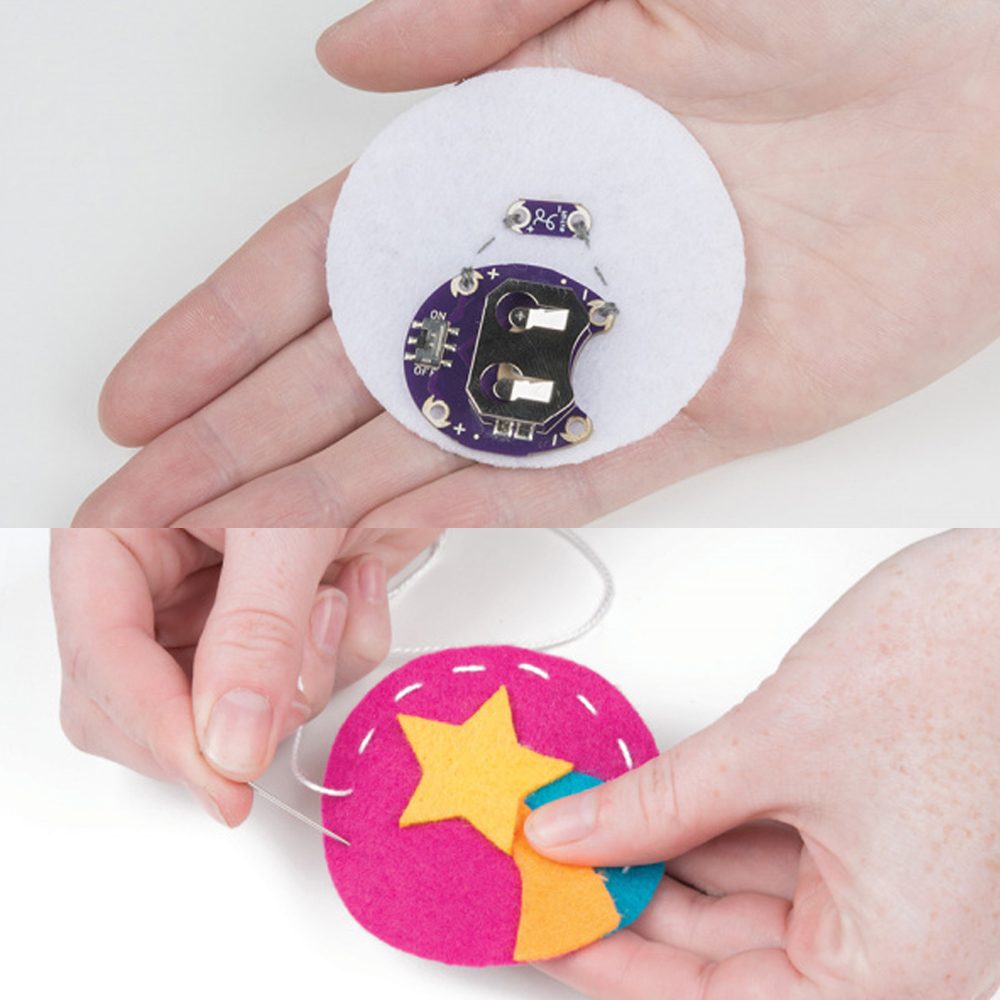
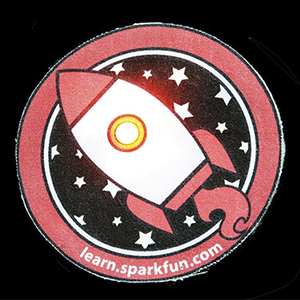
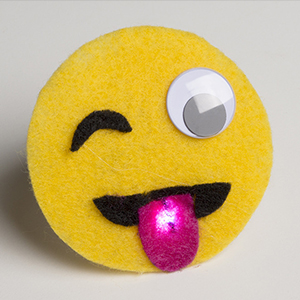
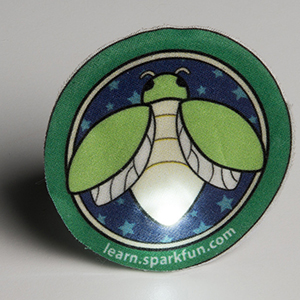
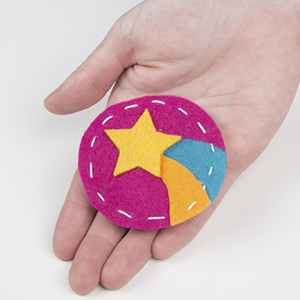
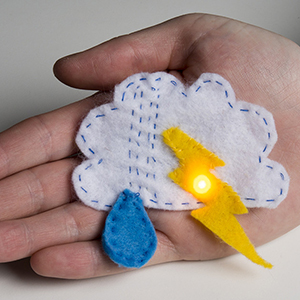
Here are a few examples of creative glowing pins:
~~~~~~~~~~~~~~~~~~~~~~~~~~~~~~~~~~~~~~~~~~~~~~~~~~~~~~~~~~~~~~~~~~~~~~~~~~~
LilyPad Sewable Electronics Projects:
~~~~~~~~~~~~~~~~~~~~~~~~~~~~~~~~~~~~~~~~~~~~~~~~~~~~~~~~~~~~~~~~~~~~~~~~~~~



