| Buy from OSOYOO |
Buy from US |
Buy from UK |
Buy from DE |
Buy from IT |
Buy from FR |
Buy from ES |
ここでご購入を! |
 |
 |
 |
 |
 |
 |
 |
 |

There are many entry-level robot car kits on the market, and most of them are controlled by Arduino boards. You can check our tutorial blog for the OSOYOO Robot Car Kit for Arduino at https://osoyoo.com/2020/05/12/v2-1-robot-car-kit-for-arduino-tutorial-introduction/.
The advantage of an Arduino robot car kit is that Arduino has no operating system, so programming is simple and easy. For basic robot applications that need only simple logic to handle sensor data and control actuators, an Arduino-controlled robot car is a good choice.
However, for more complex robot applications that require advanced features such as computer vision (CV), Internet of Things (IoT), or web server control, the Arduino board is too limited to get the job done.
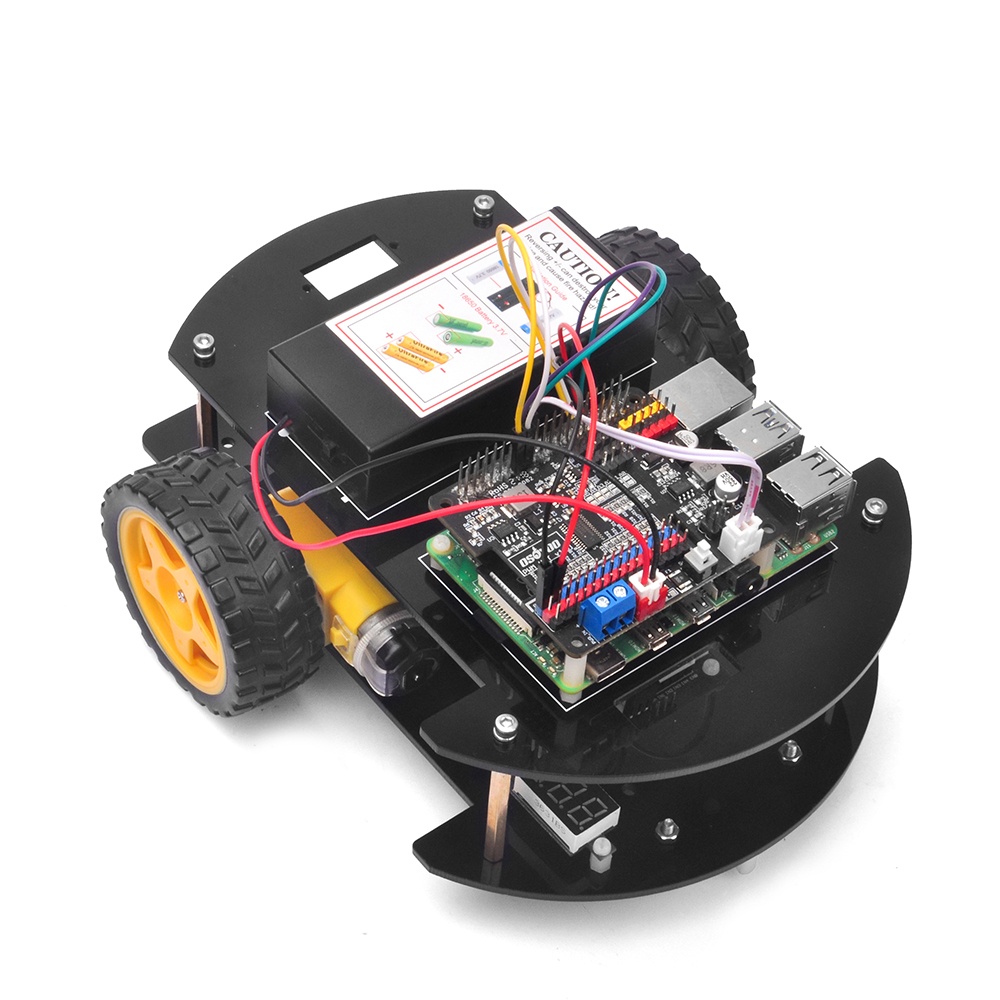
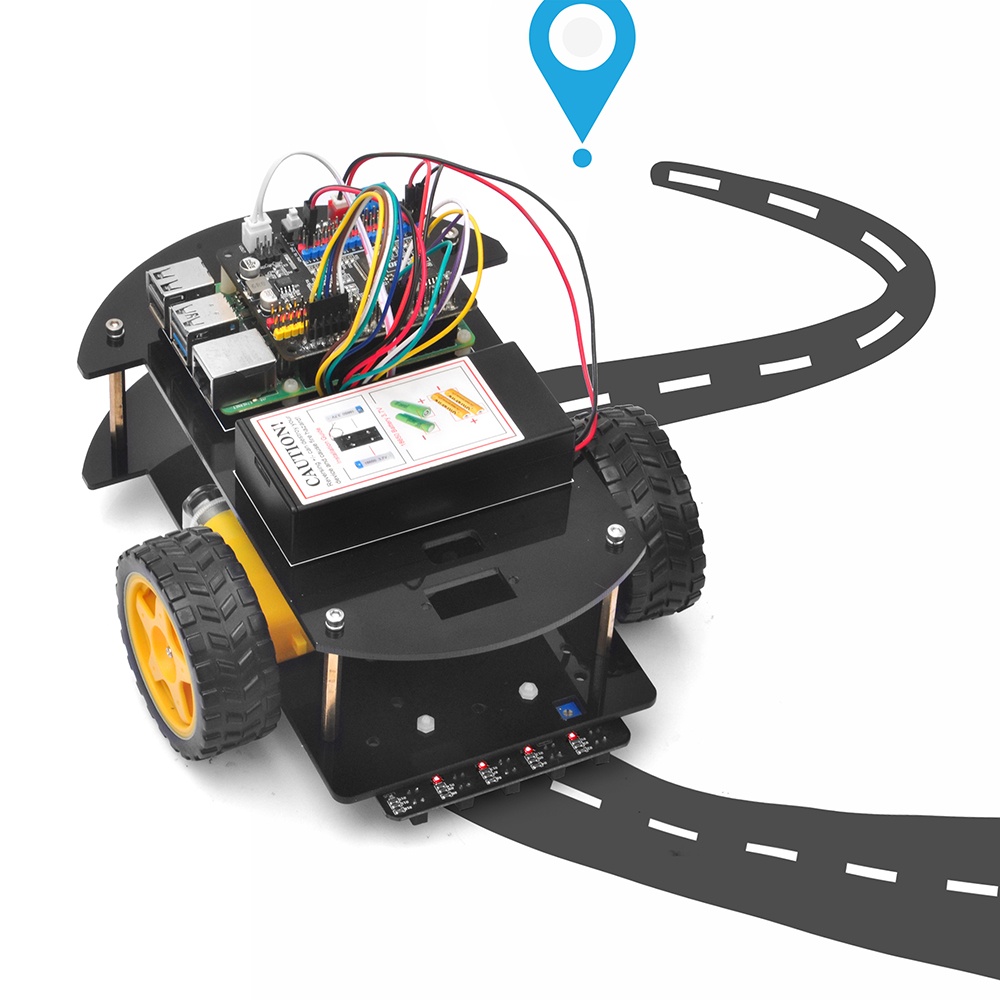
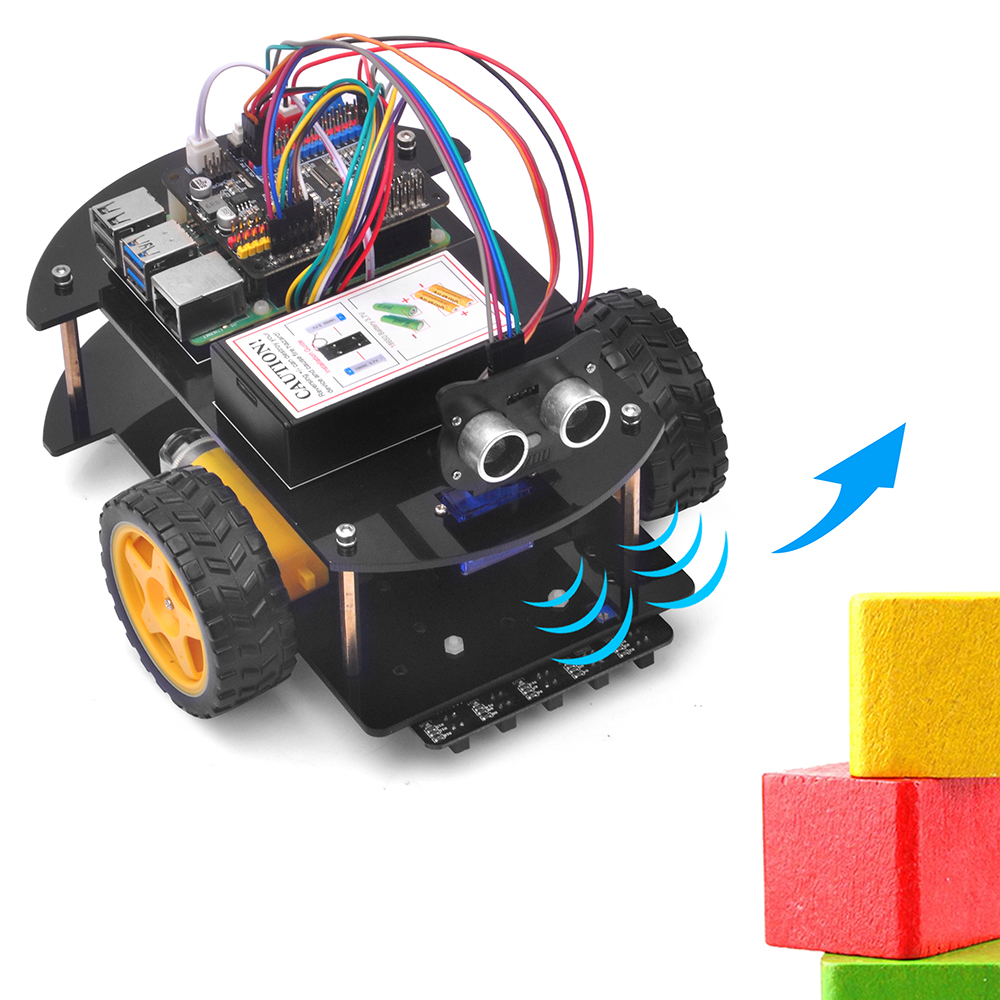
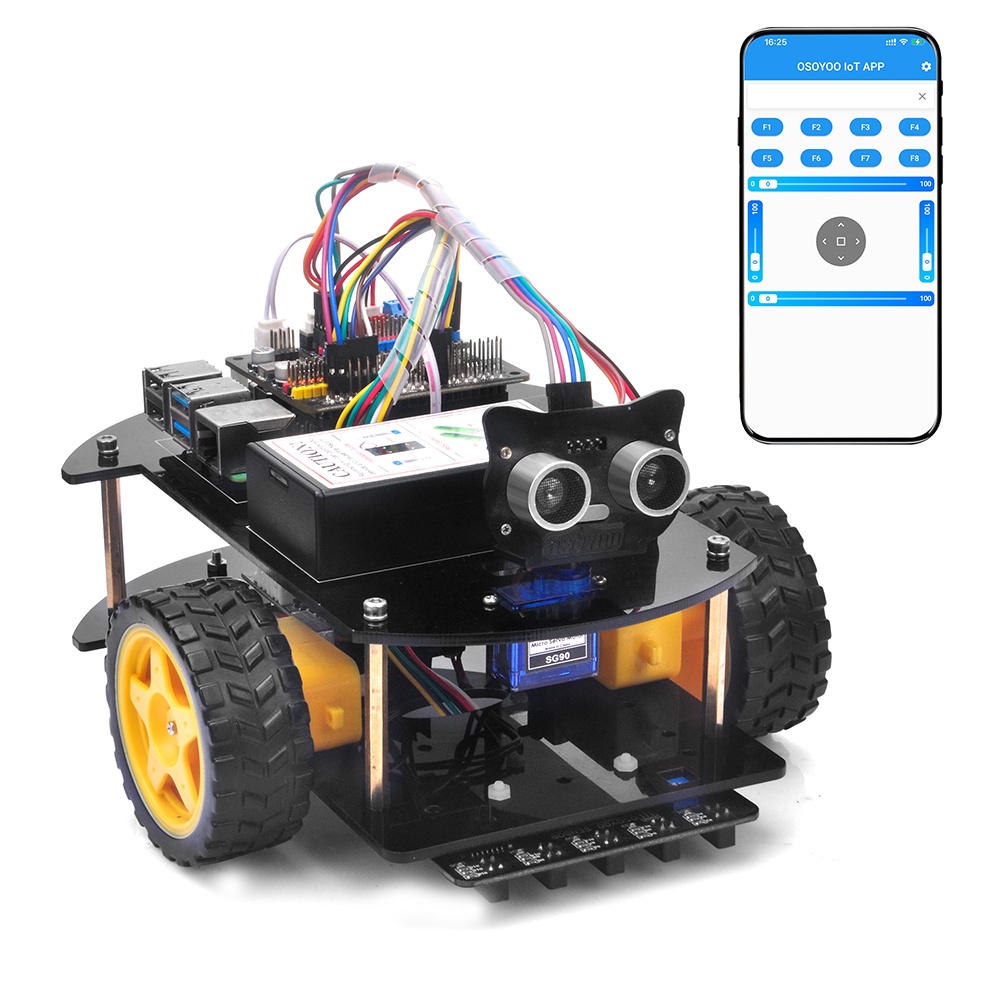
To help intermediate students complete more complex robotic projects, we developed an advanced Raspberry Pi Robot Car learning kit.
Why Raspberry Pi is so important to the Robot Car DIY learning kit?
Because Raspberry Pi is a real computer that runs Linux OS (Raspberry Pi OS) and is therefore much more powerful than an Arduino board, which is simply a microcontroller (MCU).
With Raspberry Pi OS and its large open-source software community, people can build much more complex robot projects — web applications, databases, AI, machine learning, IoT, computer vision, and more.
Unlike the Arduino board, the Raspberry Pi programming environment is much more flexible. It supports almost any programming language, as long as the language is supported by the Raspberry Pi OS open-source community. The most commonly used languages to access Raspberry Pi GPIO pins are C and Python. If you want to learn about Raspberry Pi GPIO programming, you can read our tutorials at the following link:
https://osoyoo.com/2017/10/09/raspberry-pi-starter-kit-v1-introduction/
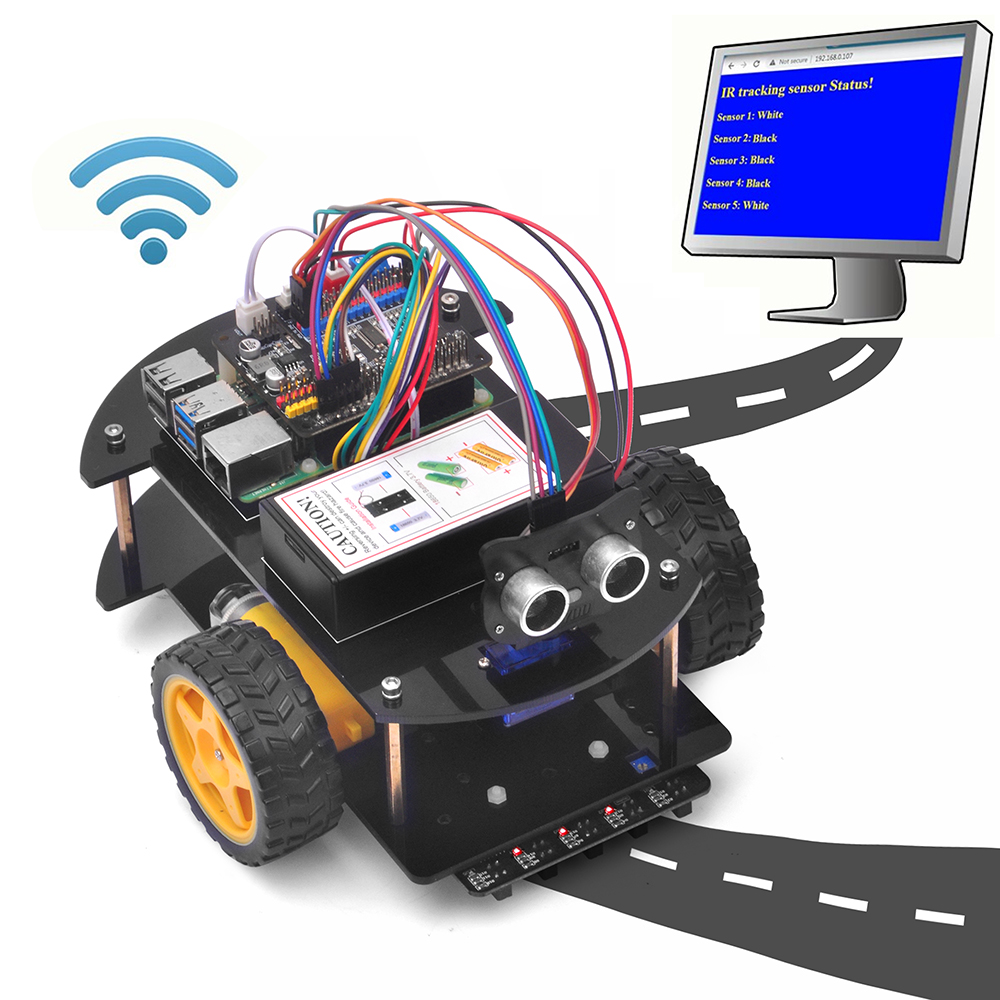
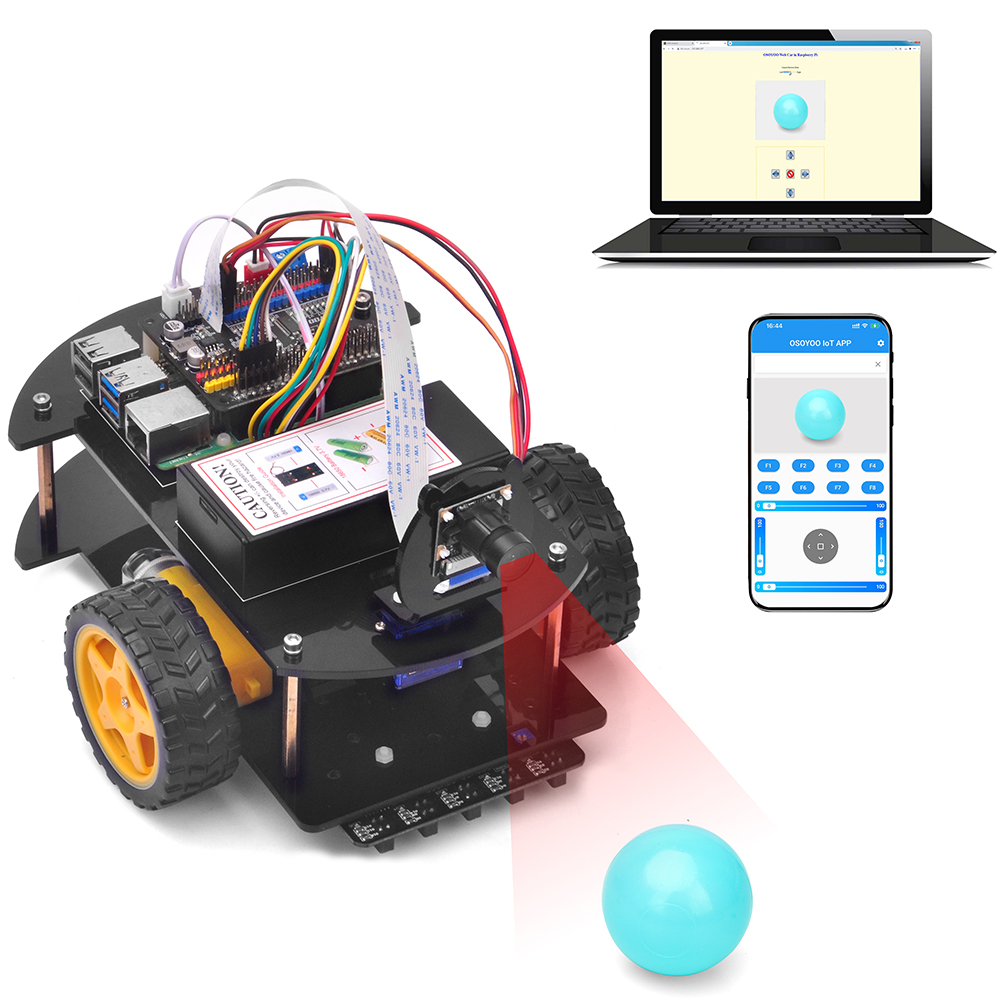
Since Raspberry Pi programming is different from Arduino, we suggest that users get some basic Linux knowledge before working on a Raspberry Pi robot project. If you want to learn Linux robotics by doing, you can buy this kit. We provide some basic lessons in the kit to show you how to set up a Raspberry Pi OS Linux environment, how to use a Linux shell to control car movement, and how to use a web browser to monitor and control car movement through the camera.
These basic projects in our tutorial include step-by-step instructions with sample code, circuit diagrams, and installation videos. All lessons have been tested, so if you follow our instructions carefully, they will work without any problem. We also write detailed comments in our Python sample code to help you understand the code and customize it for your own application. However, you must have some Linux and Python background knowledge — please do not modify the code without it.
We also provide an optional OpenCV sample project for users to practice robotic computer vision. However, since the OpenCV and machine learning open-source community evolves constantly, we cannot guarantee that the OpenCV project will always work. You should follow the OpenCV community’s updates to keep your project working.
If you have any interesting applications for our robot kit, please share your ideas in the comments section below.


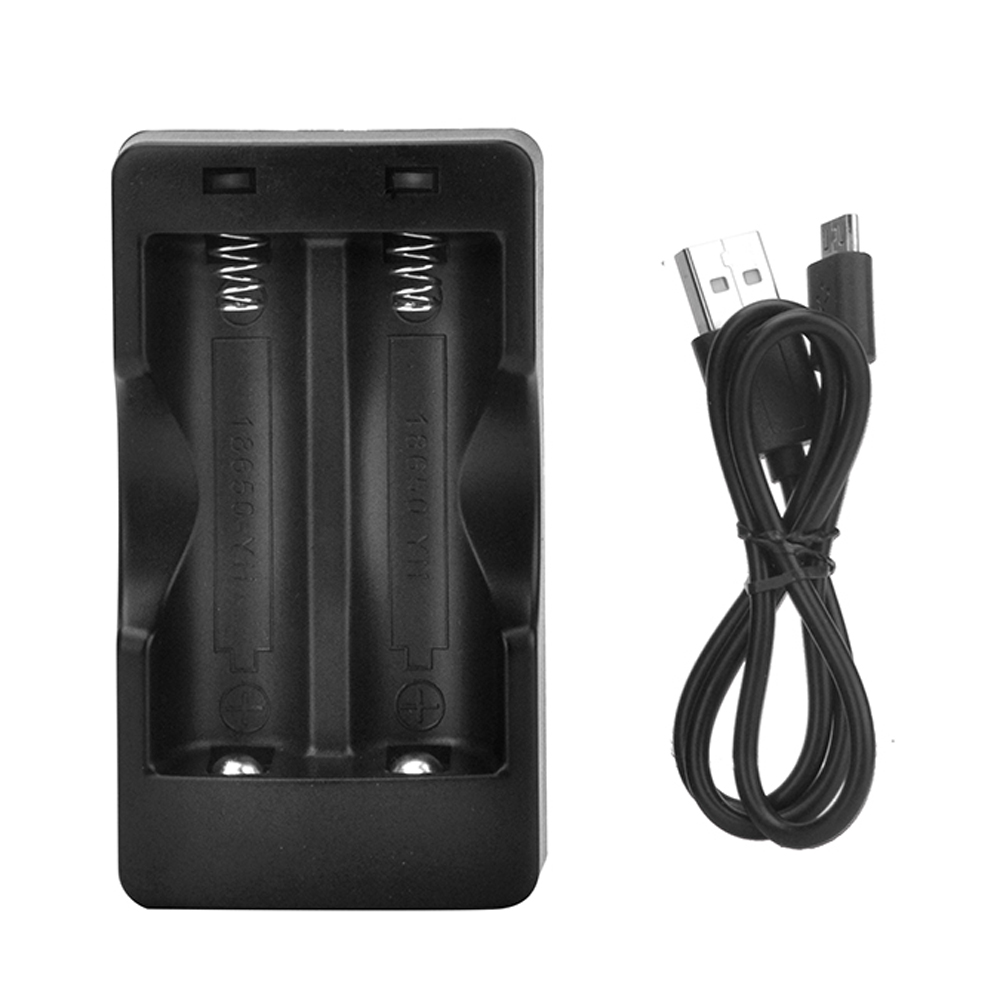
Raspberry Pi Robot Car V4.0 Accessories: